
BusinessLive demo
ERP
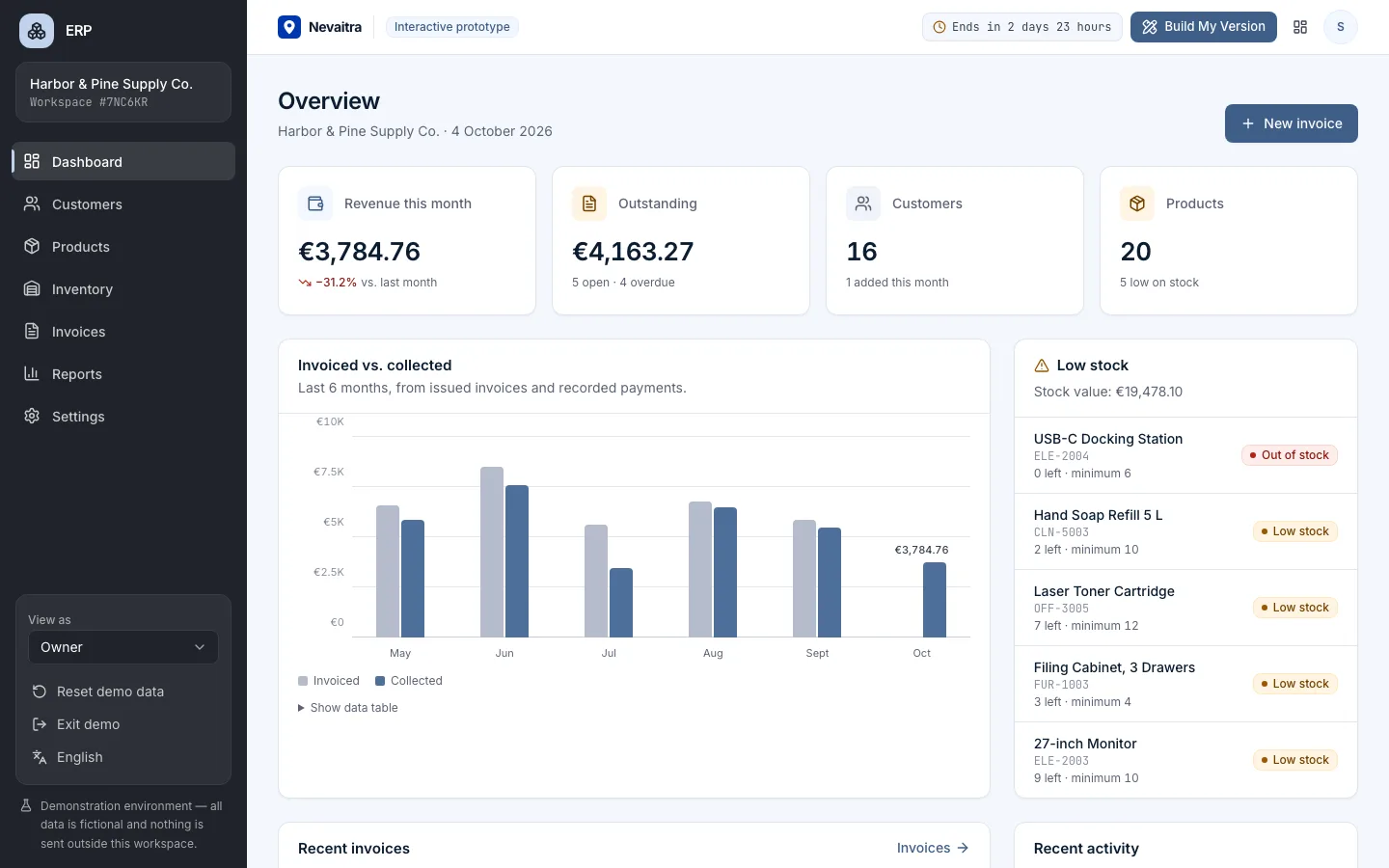
Customers, products, inventory, invoices and reports in one connected business management system.
- Dashboard
- Customers
- Products
- Inventory
Built with: Next.js · TypeScript · PostgreSQL · Prisma
Registers, grades and fees for every class — with the right access for each role.
Classes and subjects, student enrolment with guardians, a daily attendance register, a weighted gradebook and tuition fees with part-payments.
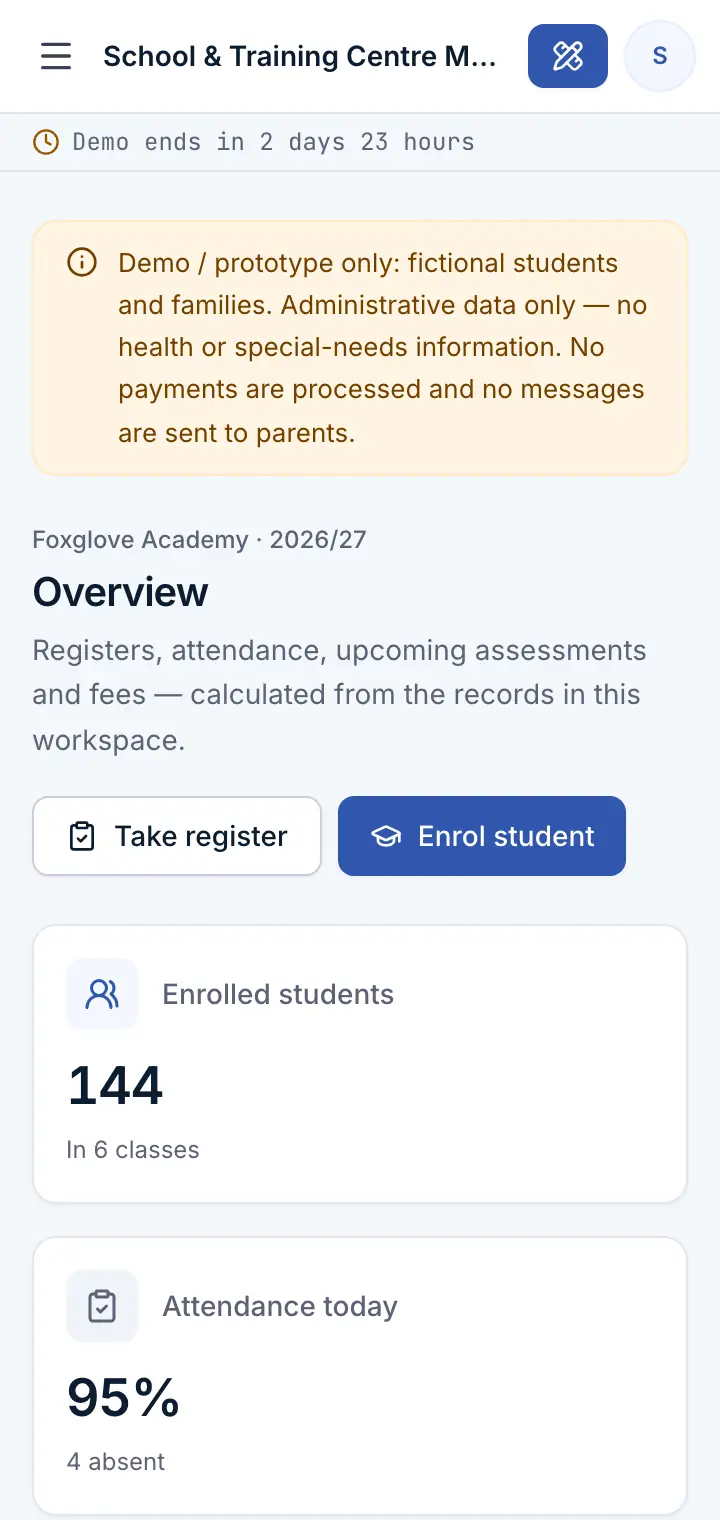
A school administration prototype for private schools, tutoring and training centres. Enrol students into classes with a guardian contact, take the daily register, record assessments in a weighted gradebook, bill term tuition to a whole class and record full or part-payments — with teacher, bursar and principal roles.
This is an interactive prototype for evaluation — not a hosted product you can subscribe to. A production version is built and adapted for your organization on request.
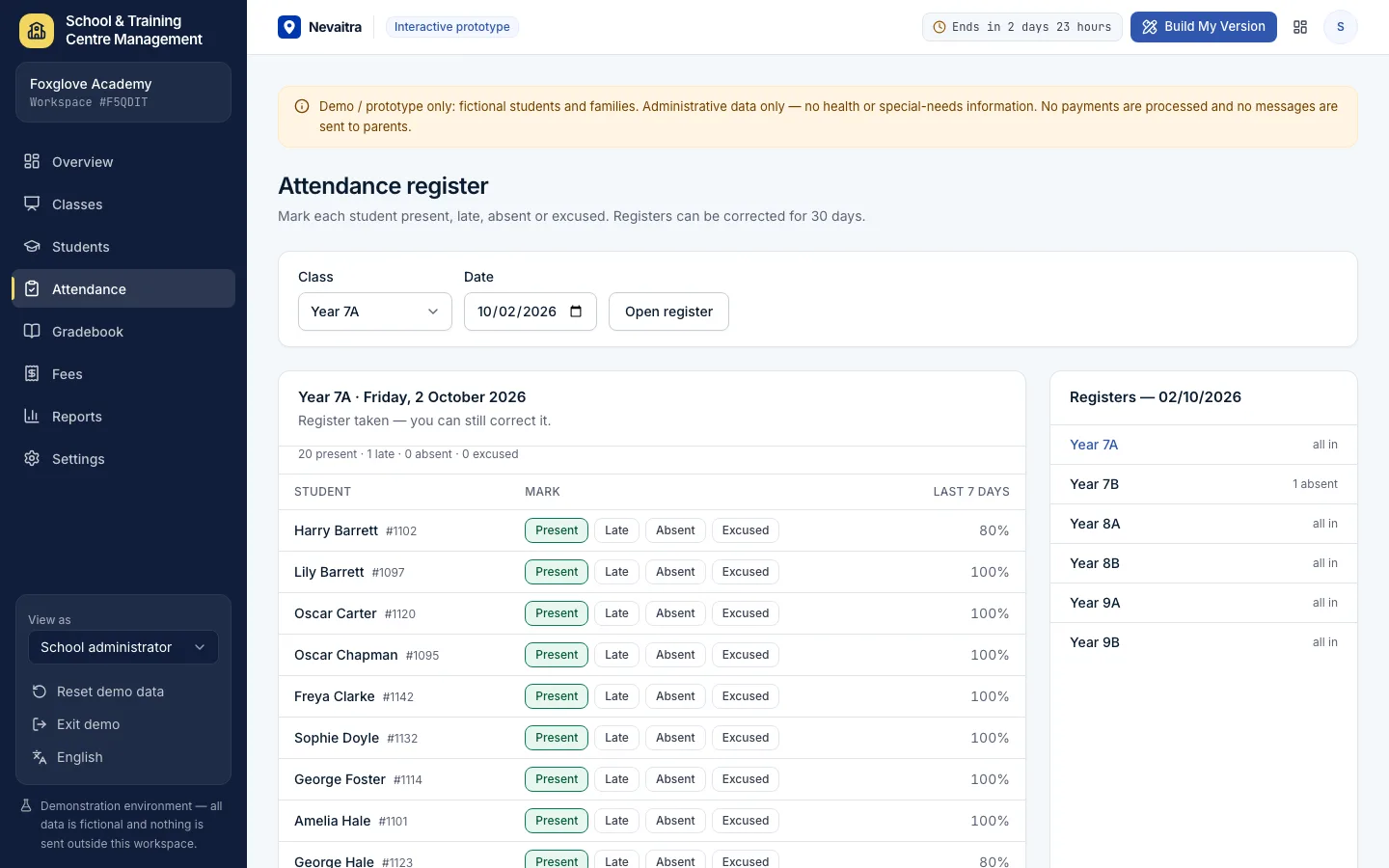
Mark each student present, late, absent or excused — everyone starts as present, so only the exceptions need a click. Registers can be corrected for 30 days.
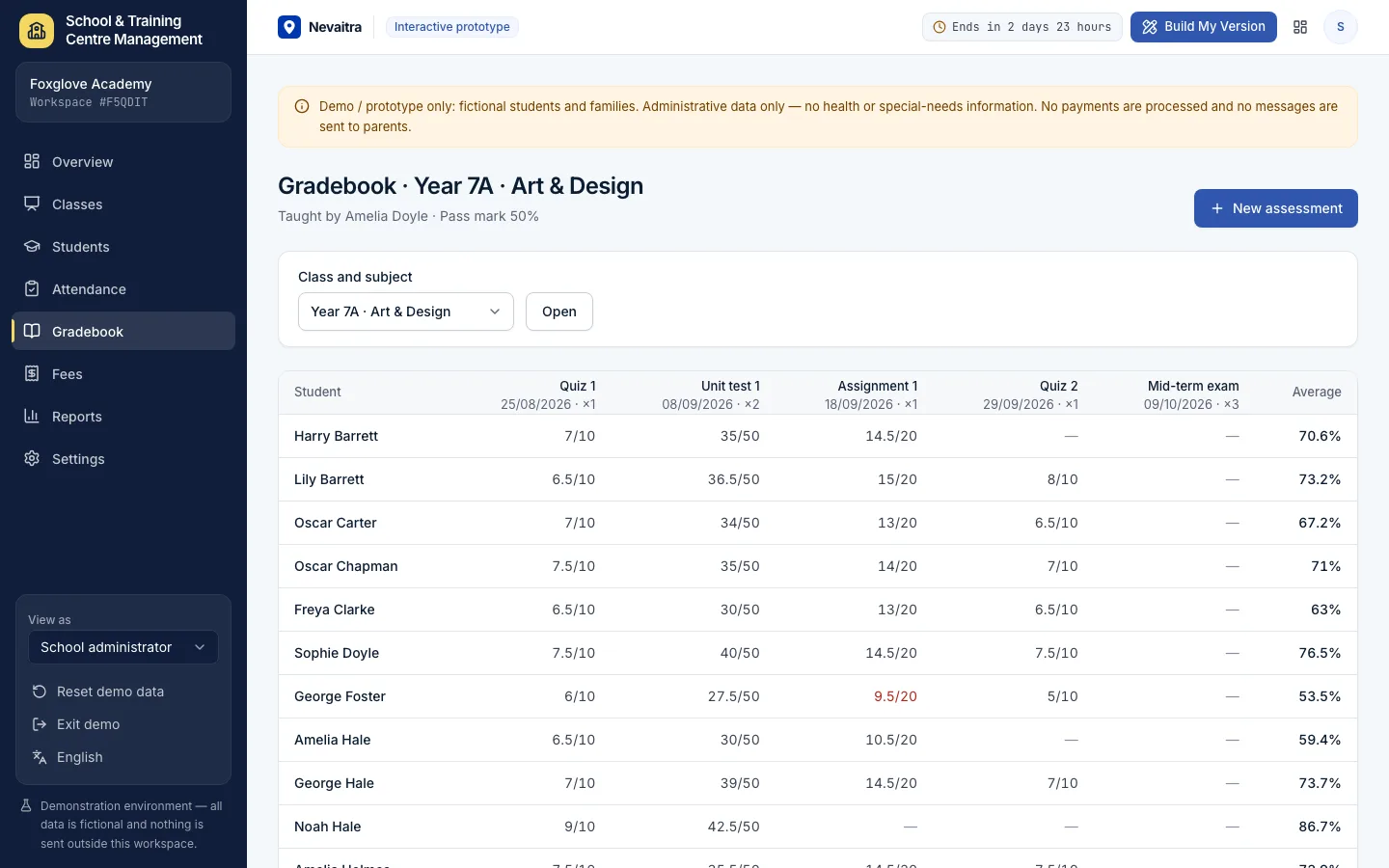
Create quizzes, tests, assignments and exams with a maximum score and a weight; averages per student and subject are weighted, and results below the pass mark stand out.
Bill a term's tuition to every student of a class in one step (already-billed students are skipped), then record full or part-payments; overpayments are refused.
Enrol a student into a class with a new guardian or the guardian of a sibling; transfer between classes or withdraw without losing records.
Homeroom teacher, room and term fee per class; assign subjects and the teachers who teach them.
Attendance by class, results and pass rates by subject, the distribution of averages and fee collection by class.
School administrator, teacher (registers and grades only for their own classes and subjects), bursar and a read-only principal view.
Open today's register for a class, mark the absences and save — the dashboard shows which classes are still missing.
Create a test for a class and subject, enter the scores and see the weighted averages update.
Enrol a new student into a class with a guardian contact; they appear in the register and gradebook straight away.
Bill a term's tuition to a whole class — students who already have that term's fee are skipped.
Record a full or part-payment against a fee; the balance and status update.
Switch to the Teacher role and see that only your own classes and subjects can be changed.
Captured from the current version of the prototype.
01Create an account or sign in with Google — no payment details needed.
02A private workspace filled with fictional sample data is created for you in seconds.
03Work through the workflows and switch the demo role in the sidebar to see what each role can do.
04Click “Build My Version” — your request includes the demo and the features you tried.
After 72 hours the workspace and every record you created are permanently deleted. Your account stays active, and you can request a customized version at any time.
A school management system keeps a school's administration in one place: students and guardians, classes, attendance, grades and fees. This demo covers enrolment, the daily register, a weighted gradebook, term tuition and payments, with role-based access.
Teachers can view students, but they can only take the register for classes they teach and only grade the subjects they teach. The check runs on the server, not just in the interface.
Each score is taken as a share of the assessment's maximum and weighted by the assessment's weight; the average is shown as a percentage and compared with the school's pass mark.
No. The demo is administrative only: names, class, guardian contact, attendance, grades and fees. There are no health, special-needs or disciplinary records.
Yes — classes can be groups or courses, terms can be course periods and the fees are per term. A custom version can add course sign-ups, timetables and online payments.
Customers, products, inventory, invoices and reports in one connected business management system.
Built with: Next.js · TypeScript · PostgreSQL · Prisma
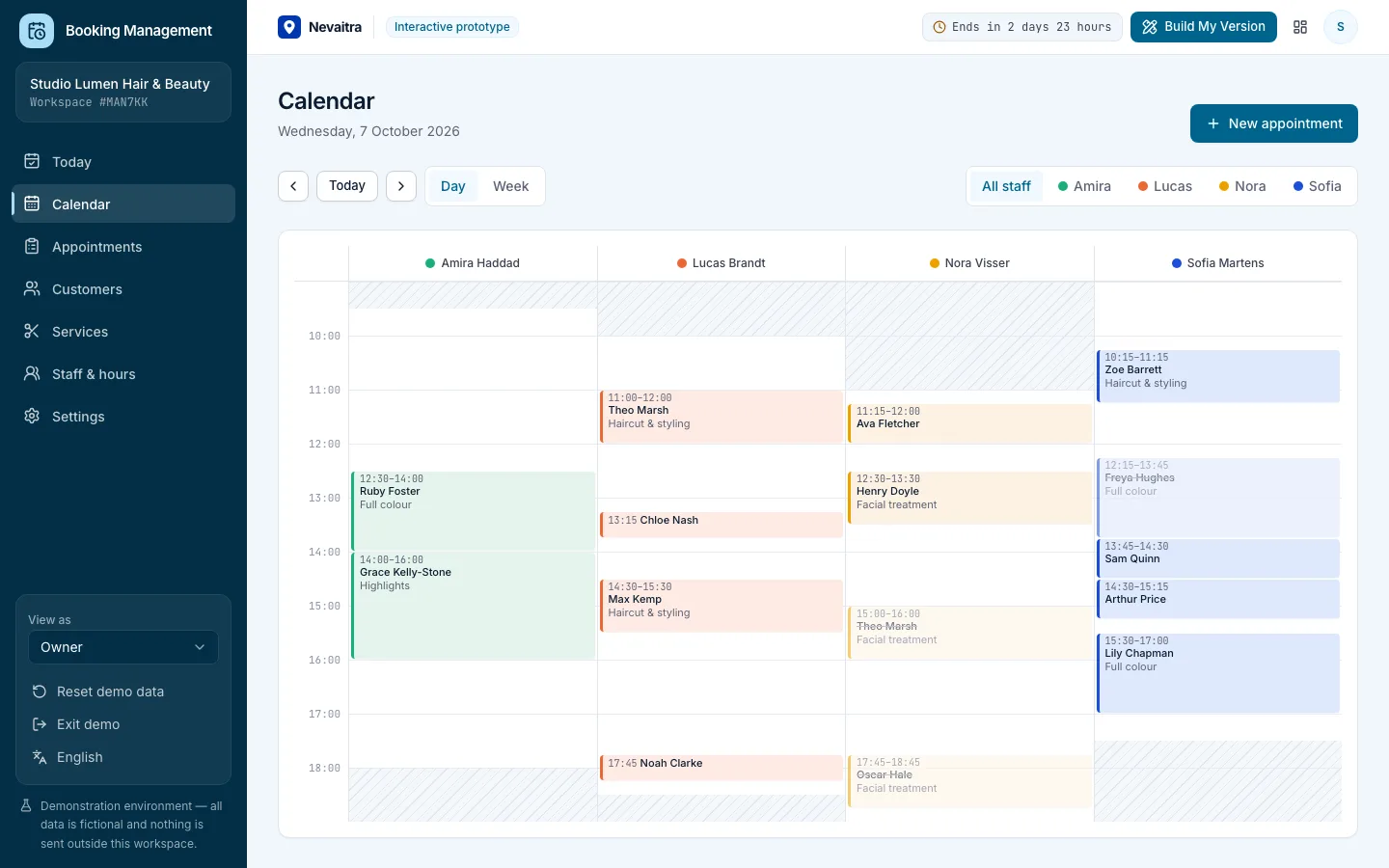
Appointments, calendar, services, staff hours and customers for service businesses.
Built with: Next.js · TypeScript · PostgreSQL · Prisma
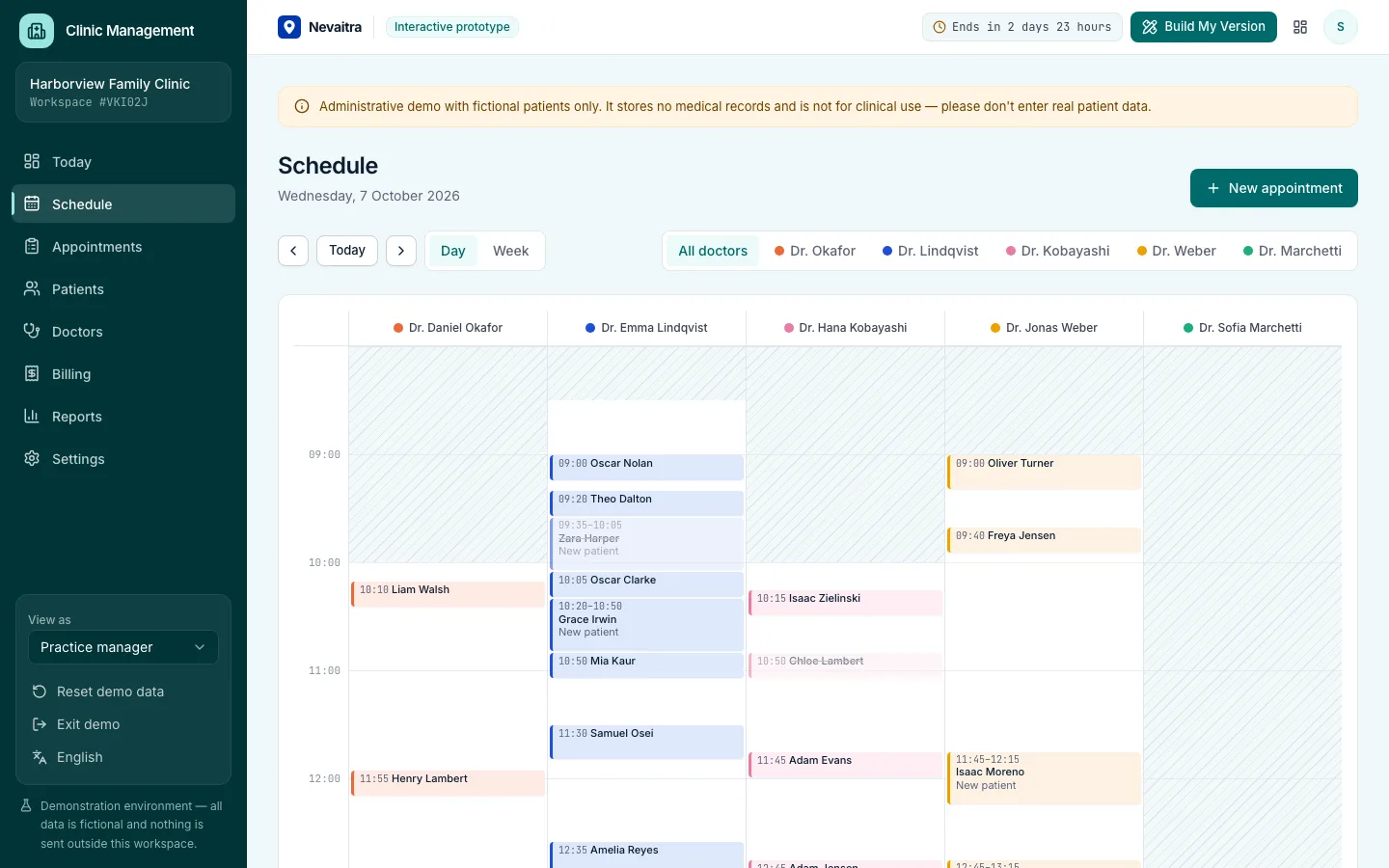
Front desk, doctor schedules, patient flow and billing for outpatient clinics — administration only.
Built with: Next.js · TypeScript · PostgreSQL · Prisma
Request a customized version. Mention what you tried in the demo and what needs to be different.