Skip to content
HospitalityInteractive prototypeVersion 1.0.0

Gym and fitness studio management software

Members, dues, check-ins and classes — without overbooking.

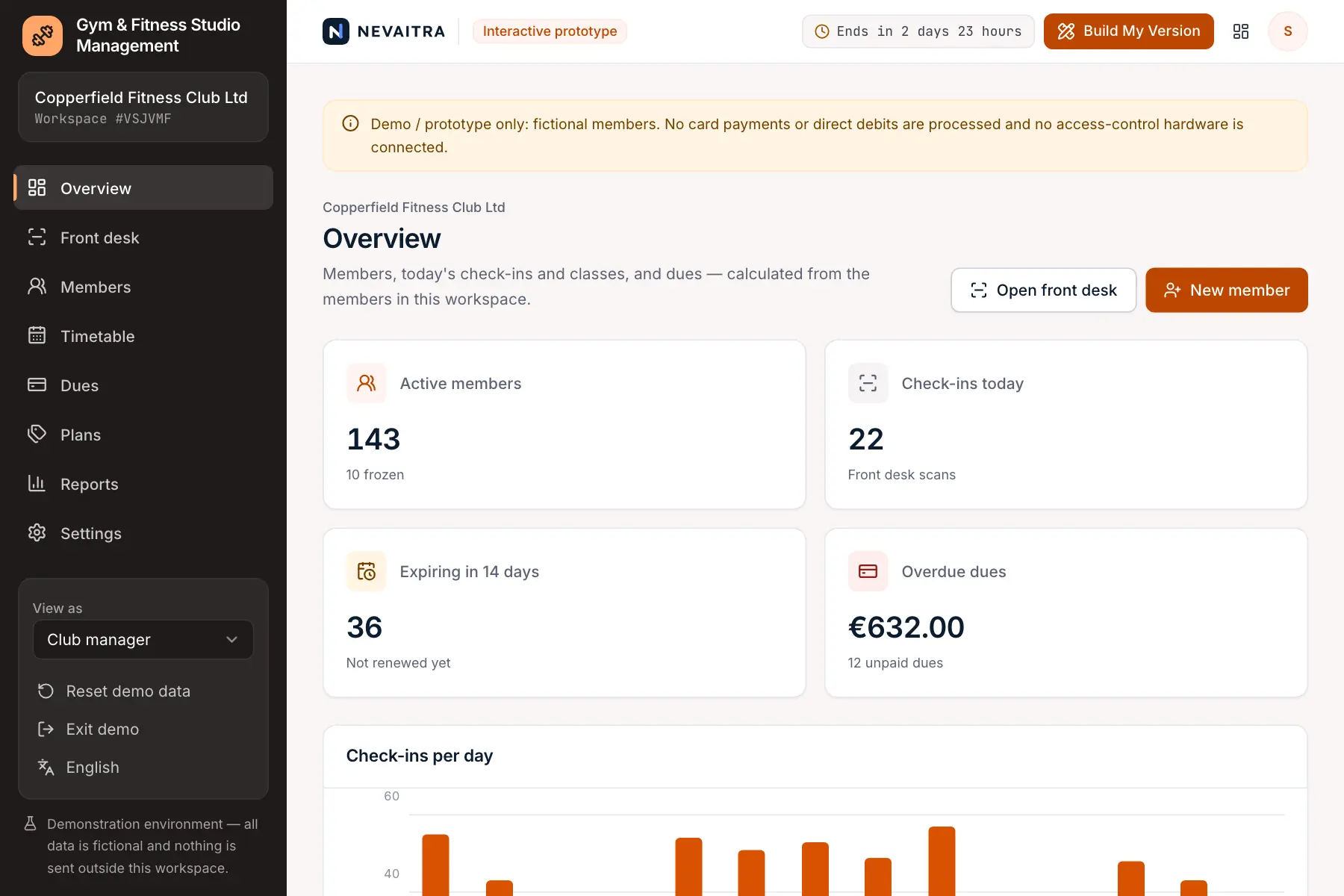
Membership plans, sign-ups and dues, front-desk check-in that refuses expired or frozen members, and a class timetable with capacity-checked bookings.

  • 72-hour private workspace
  • Pre-filled with synthetic data
  • Isolated from other users
  • No payment details required
9:41
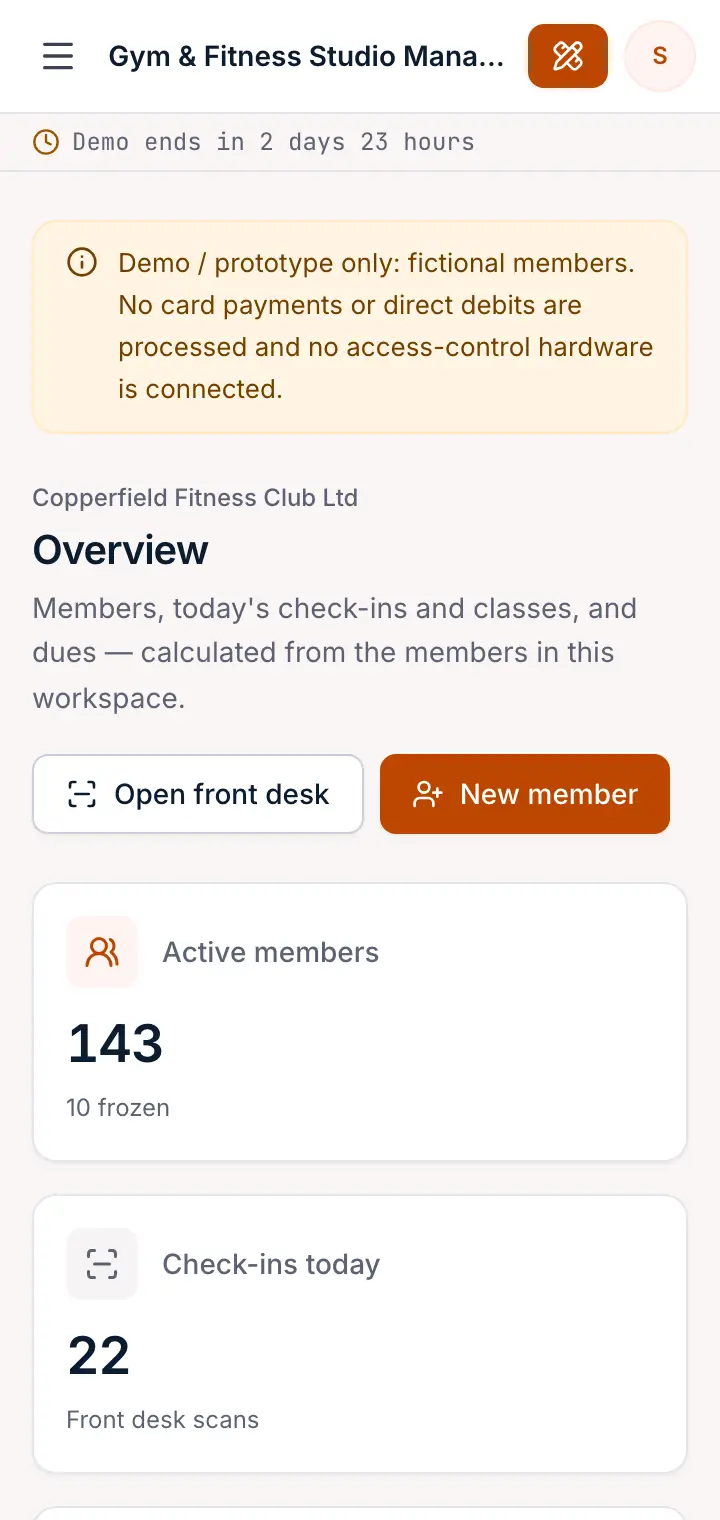
Guided preview: real screens from the live Gym & Fitness Studio Management demo, on a tablet and on a phone

What Gym & Fitness Studio Management does

A gym management prototype for fitness clubs, studios and sports clubs. Sign up members on a plan, collect dues, check members in at the front desk (expired, frozen and cancelled memberships are refused), freeze, renew or cancel memberships, run a class timetable and book members into classes without overbooking.

This is an interactive prototype for evaluation — not a hosted product you can subscribe to. A production version is built and adapted for your organization on request.

Who it is for

  • Independent gyms and fitness clubs
  • Yoga, Pilates, spin and boxing studios
  • Martial-arts schools and sports clubs with memberships
  • Club managers who track members and classes in spreadsheets

Key features

Front-desk check-in

Find a member by name or number and check them in. Expired, frozen, cancelled or not-yet-started memberships are refused with the reason; overdue dues are flagged.

Freeze, renew, cancel

Freeze for up to 90 days (the end date moves back), unfreeze early, renew after the current period or cancel — every membership keeps its history.

Classes with capacity

Book members into classes; full classes, members without an active membership that includes classes and double bookings are refused.

Class timetable

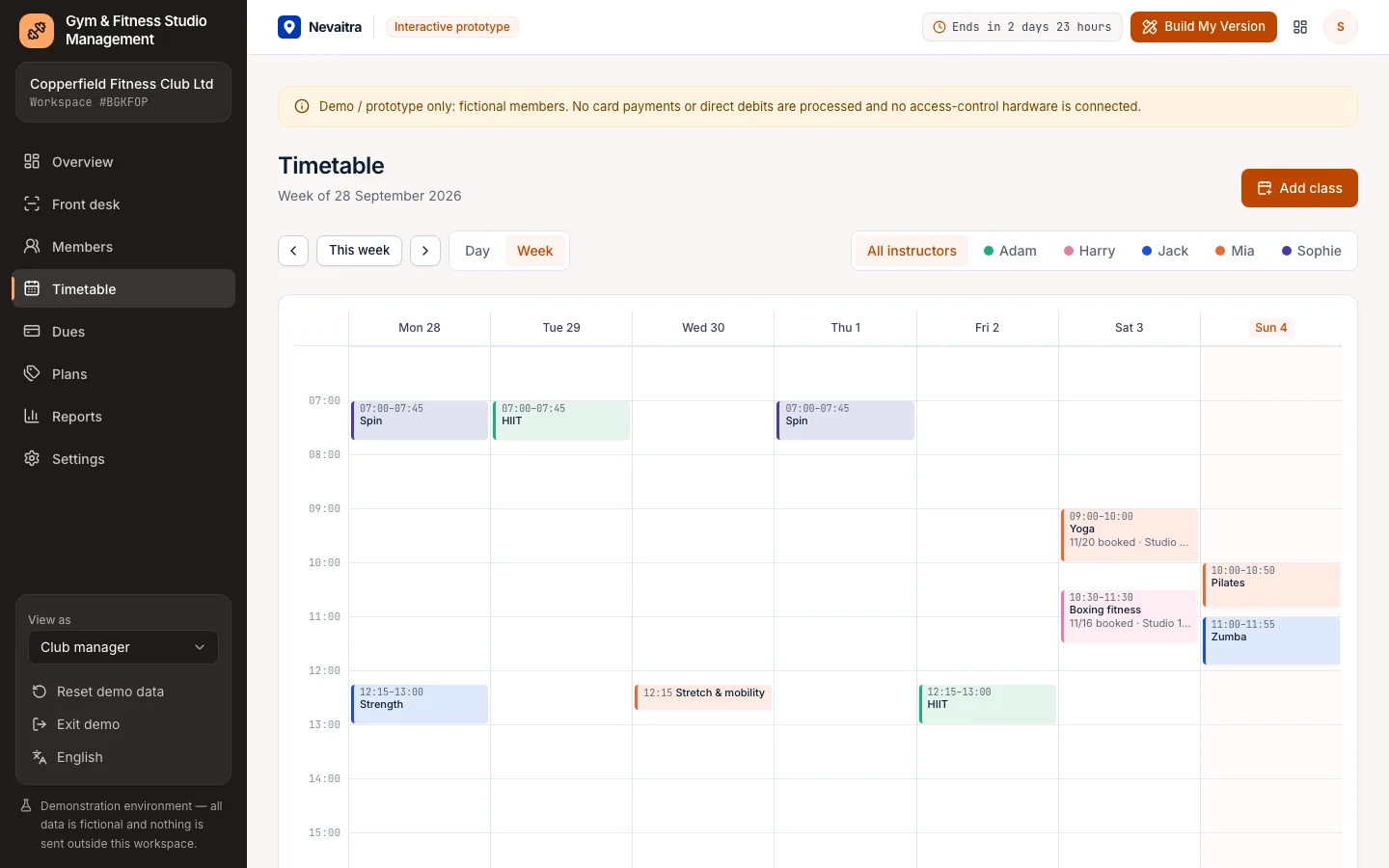
Day and week timetable per instructor; add classes without double-booking an instructor or a room.

Dues and payments

Every membership period creates a due, paid at sign-up or later; overdue dues are listed for follow-up.

Members and plans

Sign up members on monthly, quarterly, annual or off-peak plans; plans can include group classes or not.

Reports

Dues collected per month, members and cancellations, class fill and attendance rates, and check-ins by hour.

Roles

Club manager, front desk, instructor and a read-only owner view.

Workflows you can try

  1. 01

    Sign up a member

    Choose a plan and a start date, take the first payment or leave it as a due.

  2. 02

    Check members in

    At the front desk, find a member and check them in — and see a frozen or expired membership refused.

  3. 03

    Freeze a membership

    Freeze for a holiday; the end date moves back and check-ins are refused until the member is back.

  4. 04

    Book a class

    Open a class on the timetable, book a member and see the capacity fill up until the class is full.

  5. 05

    Renew or cancel

    Renew a membership that expires soon, or cancel one — future bookings are released.

  6. 06

    Chase dues

    Open the overdue dues and record payments at the desk.

Screenshots from the live demo

Captured from the current version of the prototype.

Weekly class timetable per instructor with booked places
Classes can't be overbooked — capacity is checked on every booking
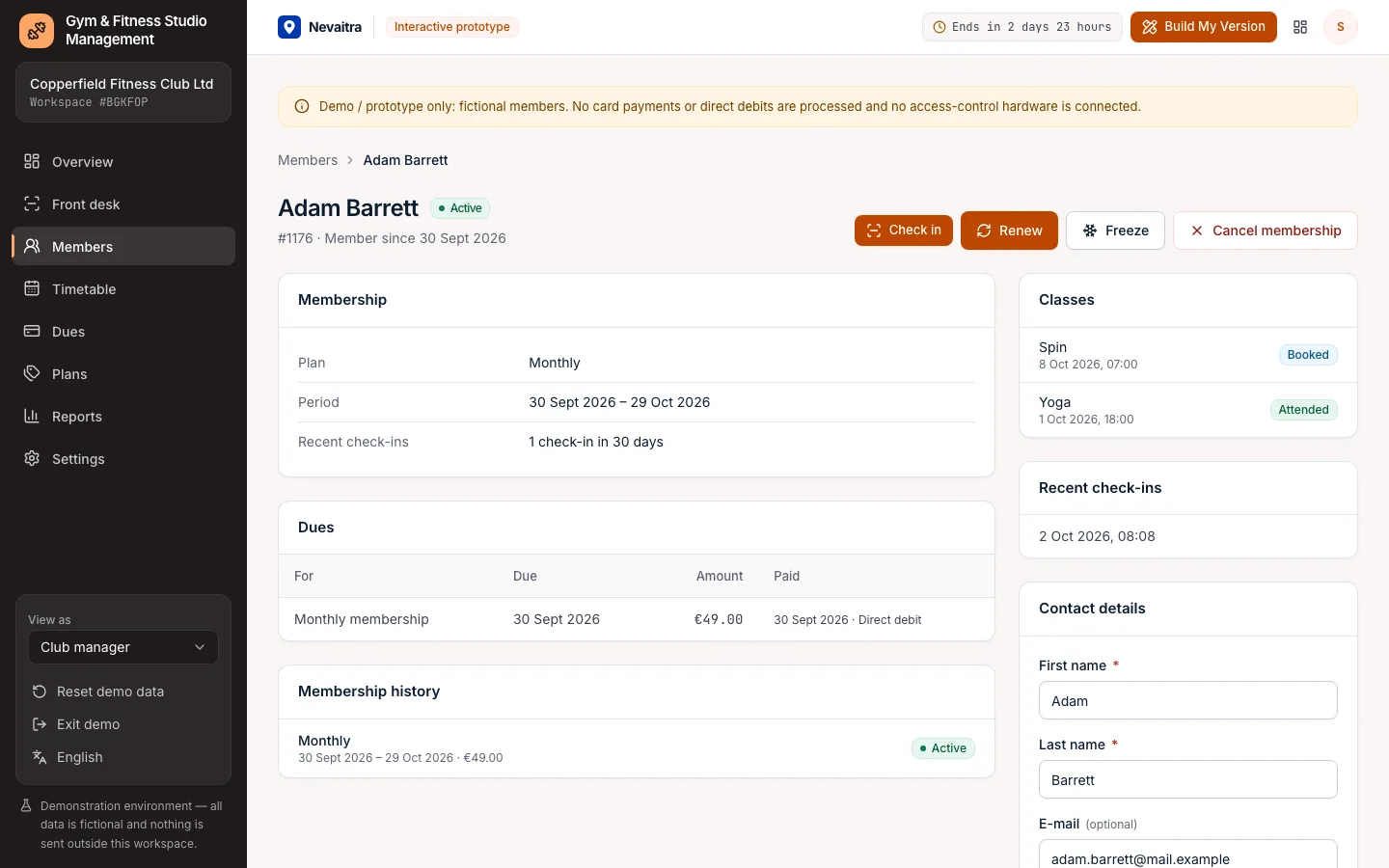
Member detail with membership, dues, class bookings and recent check-ins
Freeze, renew or cancel a membership — with its full history

How the live demo works

  1. 01Create an account or sign in with Google — no payment details needed.

  2. 02A private workspace filled with fictional sample data is created for you in seconds.

  3. 03Work through the workflows and switch the demo role in the sidebar to see what each role can do.

  4. 04Click “Build My Version” — your request includes the demo and the features you tried.

What the demo includes

  • A fictional fitness club with four plans, five instructors and eight class types
  • About 180 members with up to two years of membership history
  • A month of check-ins, three weeks of past and two weeks of upcoming classes with bookings
  • Active, frozen, expiring, lapsed and cancelled memberships, with a few overdue dues
  • Four demo roles: Club manager, Front desk, Instructor and Owner (read-only)

Demo limitations

  • Demo / prototype only — fictional members
  • No card payments, direct debits or payment-provider integration
  • No access-control gates, key fobs or QR scanners
  • No member app or online self-booking
  • No waiting lists, personal-training sessions or shop sales

What can be customized

  • Member app with online booking and waiting lists
  • Direct debit collection and payment-provider integration
  • Access-control hardware (gates, fobs, QR codes)
  • Personal training, packages and class passes
  • Multi-site clubs and franchise reporting
  • Retail and bar sales at the front desk

What happens when the demo ends

After 72 hours the workspace and every record you created are permanently deleted. Your account stays active, and you can request a customized version at any time.

Technologies

  • Next.js
  • TypeScript
  • PostgreSQL
  • Prisma
  • Tailwind CSS

Frequently asked questions

What is gym management software?

Gym management software runs a club's memberships, payments, check-ins and classes in one place. This demo covers plans and sign-ups, dues, front-desk check-in, freezes and renewals, a class timetable and capacity-checked bookings.

Can a member with an expired or frozen membership check in?

No. The check-in is refused on the server with the reason (expired, frozen, cancelled or not started yet), and nothing is recorded.

How is class capacity enforced?

Each class has a capacity; a booking is refused when the class is full, the member is already booked, or their membership isn't active on the class day or doesn't include classes. Simultaneous bookings are serialized so a class can't be overbooked.

What happens when a membership is frozen?

Check-ins and bookings are refused during the freeze, bookings in that period are released and the end date moves back by the frozen days. Unfreezing early takes the unused days off again.

How is this different from the Booking demo?

Booking schedules one-to-one appointments with staff. The gym system manages recurring memberships, dues, check-ins and group classes with capacity.

View all projects
EducationLive demo
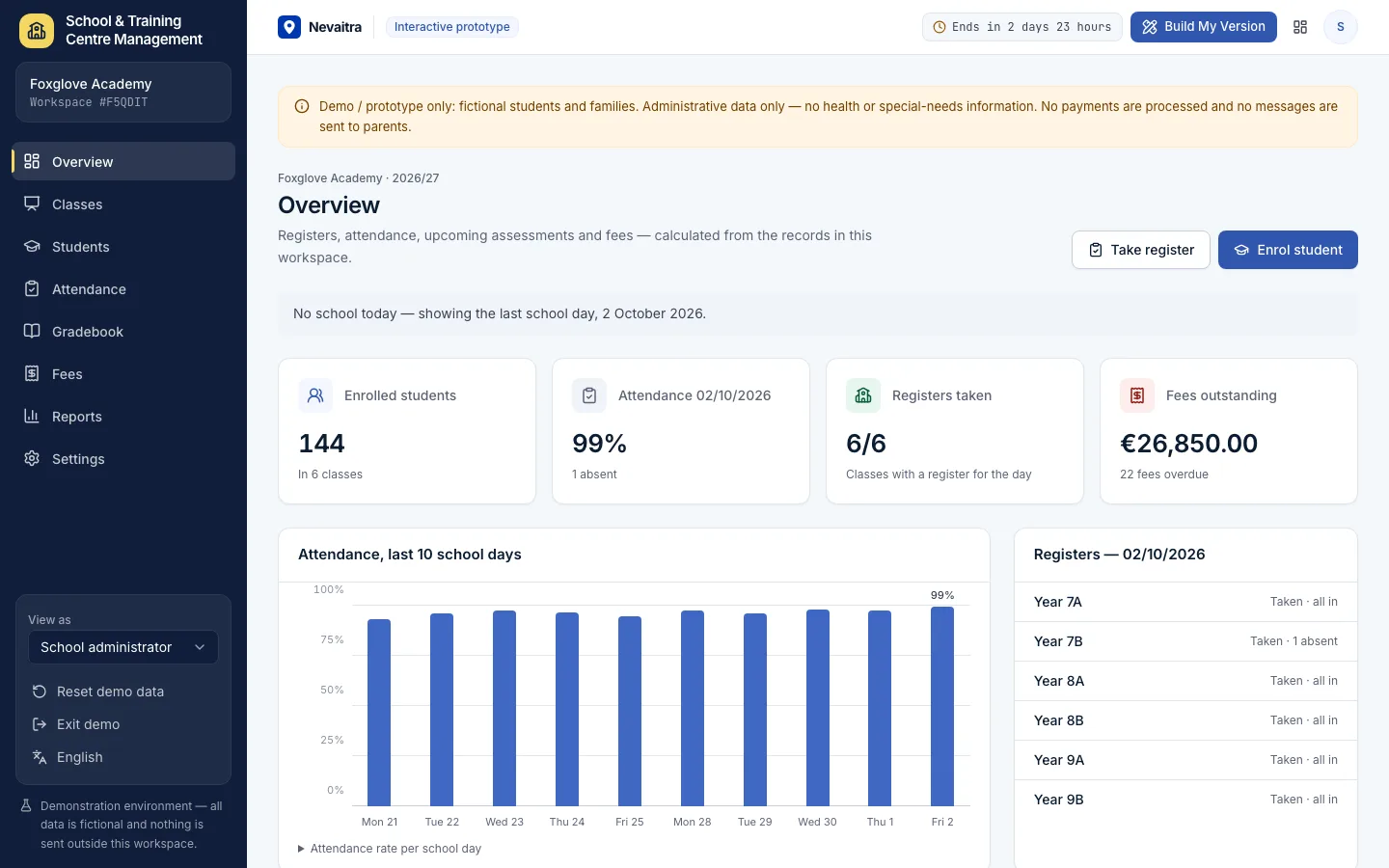
School overview with enrolled students, attendance, registers taken and fees outstanding

School & Training Centre Management

Classes and subjects, student enrolment with guardians, a daily attendance register, a weighted gradebook and tuition fees with part-payments.

  • Daily attendance register
  • Weighted gradebook
  • Term tuition and payments
  • Enrolment and guardians

Built with: Next.js · TypeScript · PostgreSQL · Prisma
BusinessLive demo
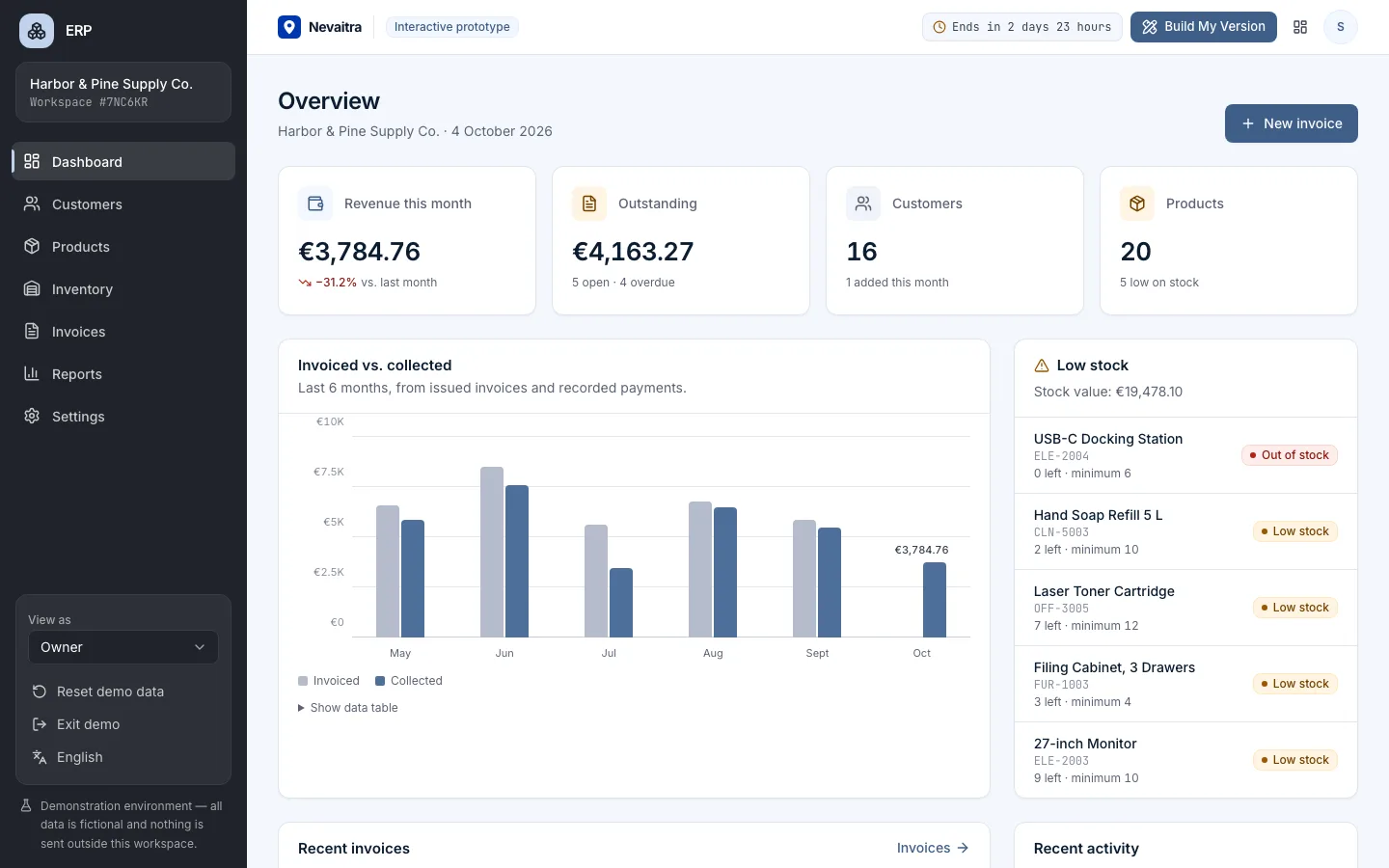
ERP demo dashboard with revenue, open invoices and stock alerts

ERP

Customers, products, inventory, invoices and reports in one connected business management system.

  • Dashboard
  • Customers
  • Products
  • Inventory

Built with: Next.js · TypeScript · PostgreSQL · Prisma
ServicesLive demo
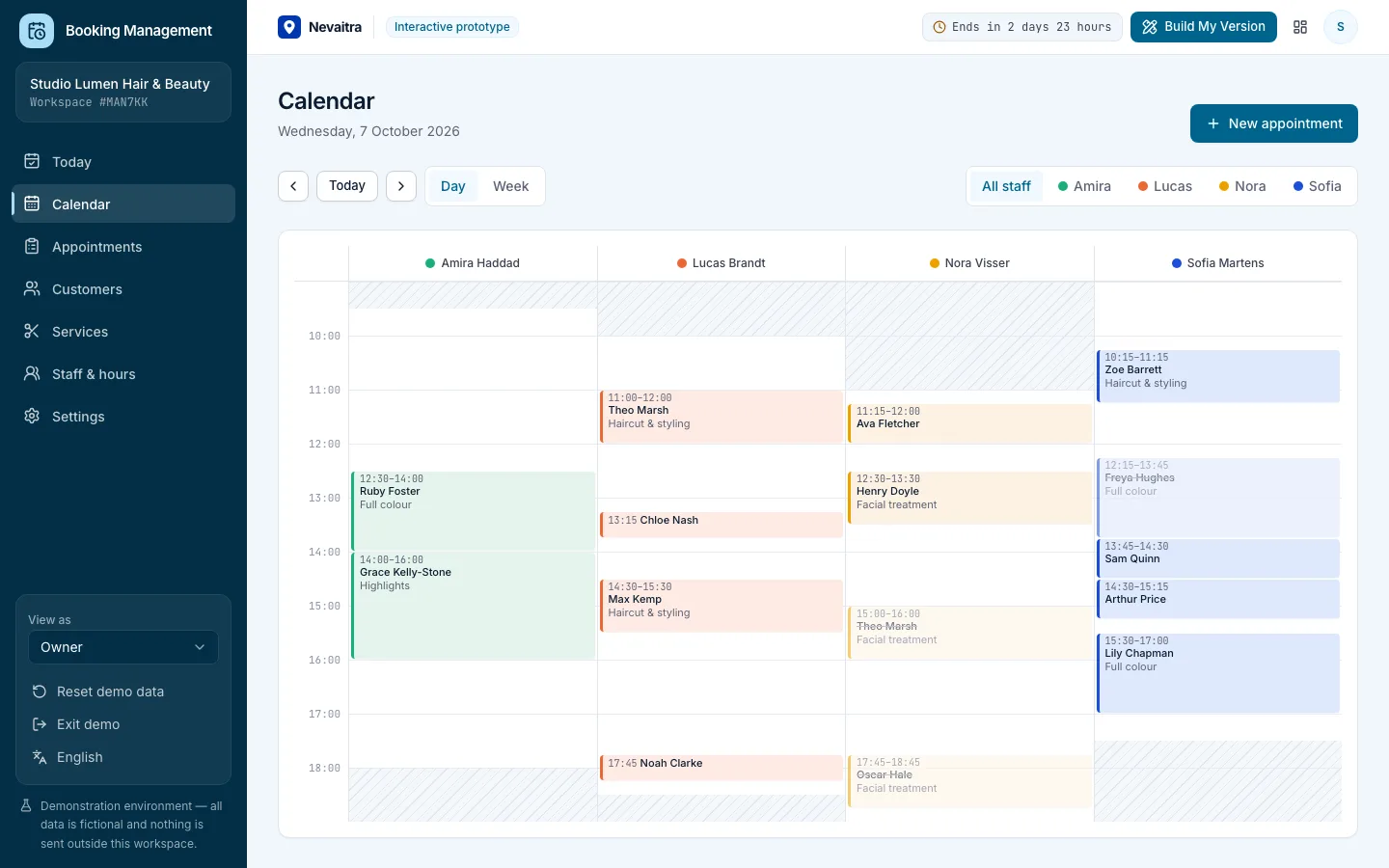
Booking calendar day view with a column per staff member

Booking Management

Appointments, calendar, services, staff hours and customers for service businesses.

  • Daily overview
  • Day and week calendar
  • Availability-aware booking
  • Appointment lifecycle

Built with: Next.js · TypeScript · PostgreSQL · Prisma

Want this system, adapted to how you work?

Request a customized version. Mention what you tried in the demo and what needs to be different.