Skip to content
OperationsInteractive prototypeVersion 1.0.0

Property and rental management software

Every unit, lease, rent payment and repair — and who is behind.

Properties, units, leases and tenants with a monthly rent roll, partial payments, arrears ageing and maintenance requests — for landlords and property managers.

  • 72-hour private workspace
  • Pre-filled with synthetic data
  • Isolated from other users
  • No payment details required
9:41
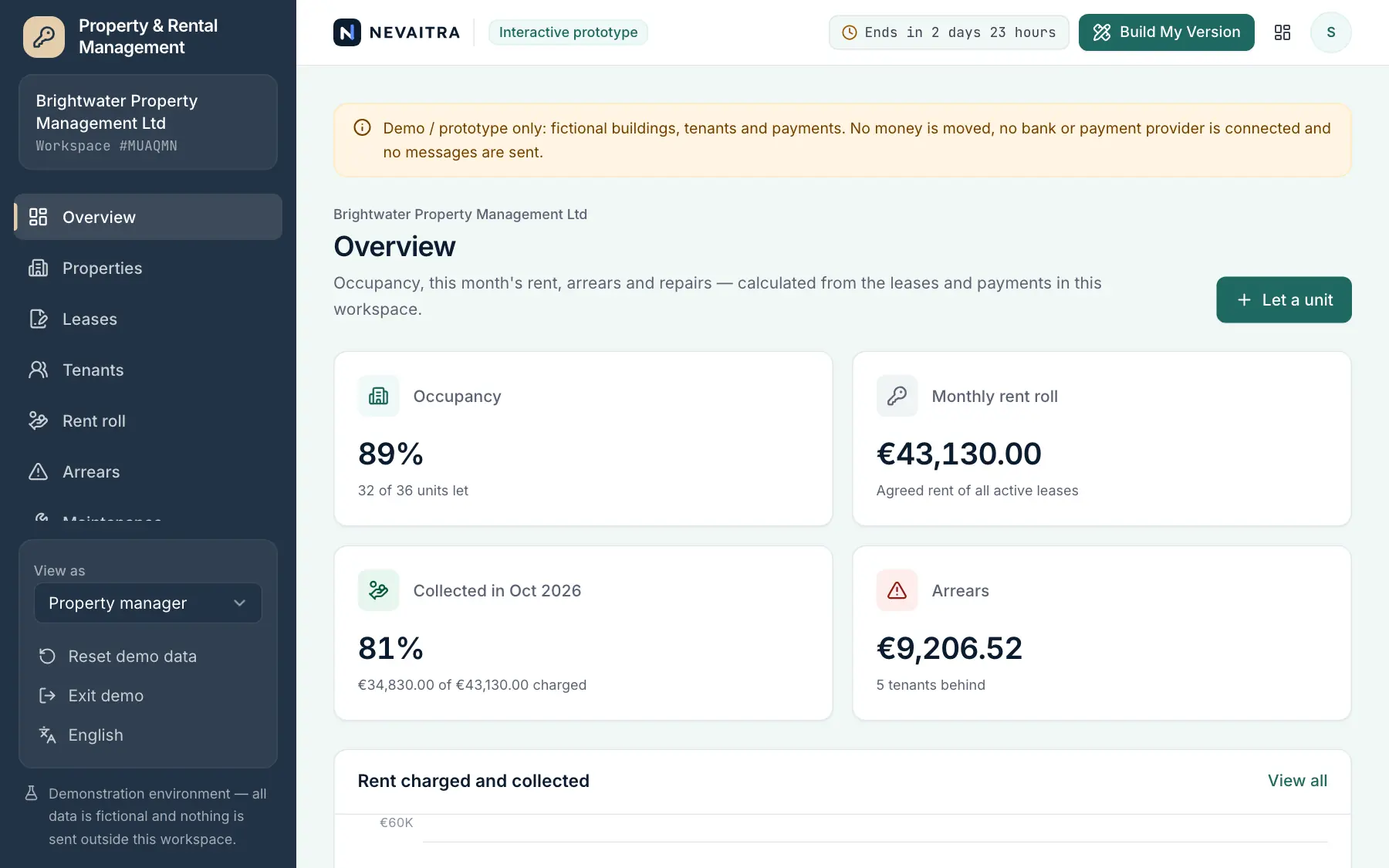
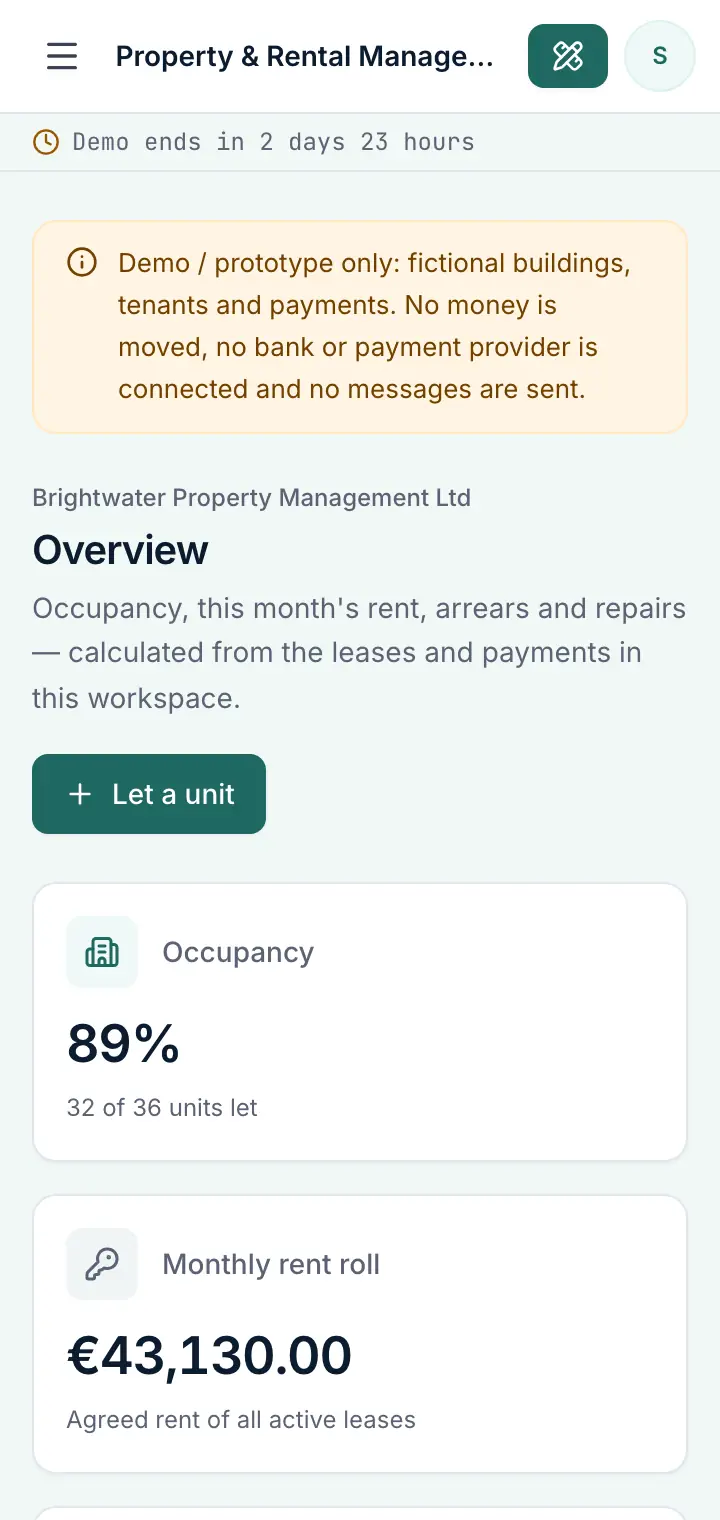
Guided preview: real screens from the live Property & Rental Management demo, on a tablet and on a phone

What Property & Rental Management does

A property management prototype for landlords, letting agents and building managers. Keep every building and unit in one place, let a vacant unit (never twice), charge the monthly rent, record full or partial payments, see who is behind and by how long, follow repair requests from report to completion with the contractor and cost, and renew or end leases without losing the history.

This is an interactive prototype for evaluation — not a hosted product you can subscribe to. A production version is built and adapted for your organization on request.

Who it is for

  • Private landlords with several flats or houses
  • Property managers and letting agents looking after buildings for owners
  • Building and site managers who collect rent and service charges
  • Owners of shops and small office buildings

Key features

Properties and units

Buildings with their flats, houses, shops or offices — size, asking rent, current tenant and lease end at a glance.

Leases without double letting

Let a vacant unit to a new or existing tenant; a unit can only have one active lease. Renew for a new term or end the lease on move-out.

Monthly rent roll

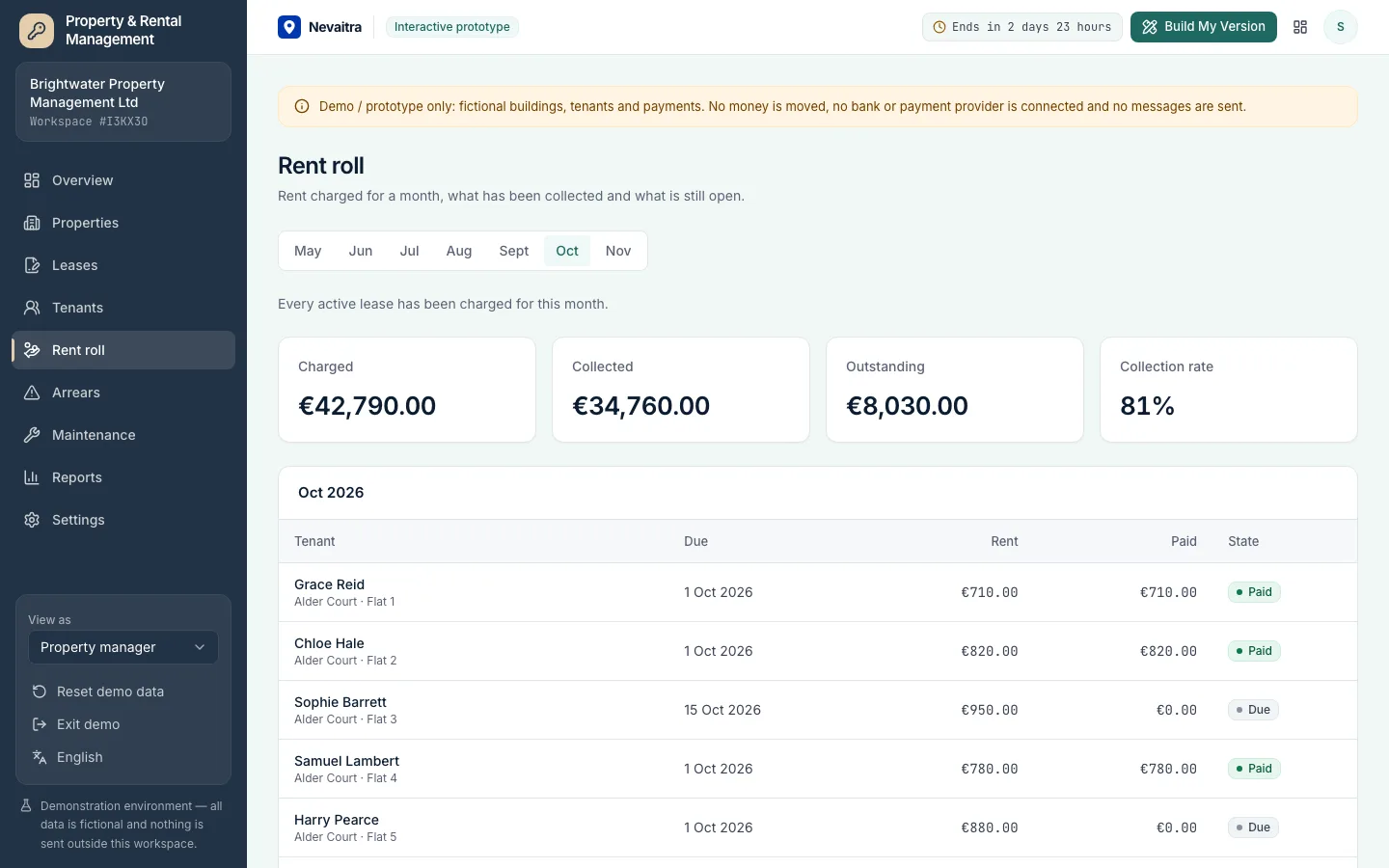
Charge the month's rent for every active lease in one step (pro-rated for mid-month starts) and see charged, collected and outstanding.

Tenants and partial payments

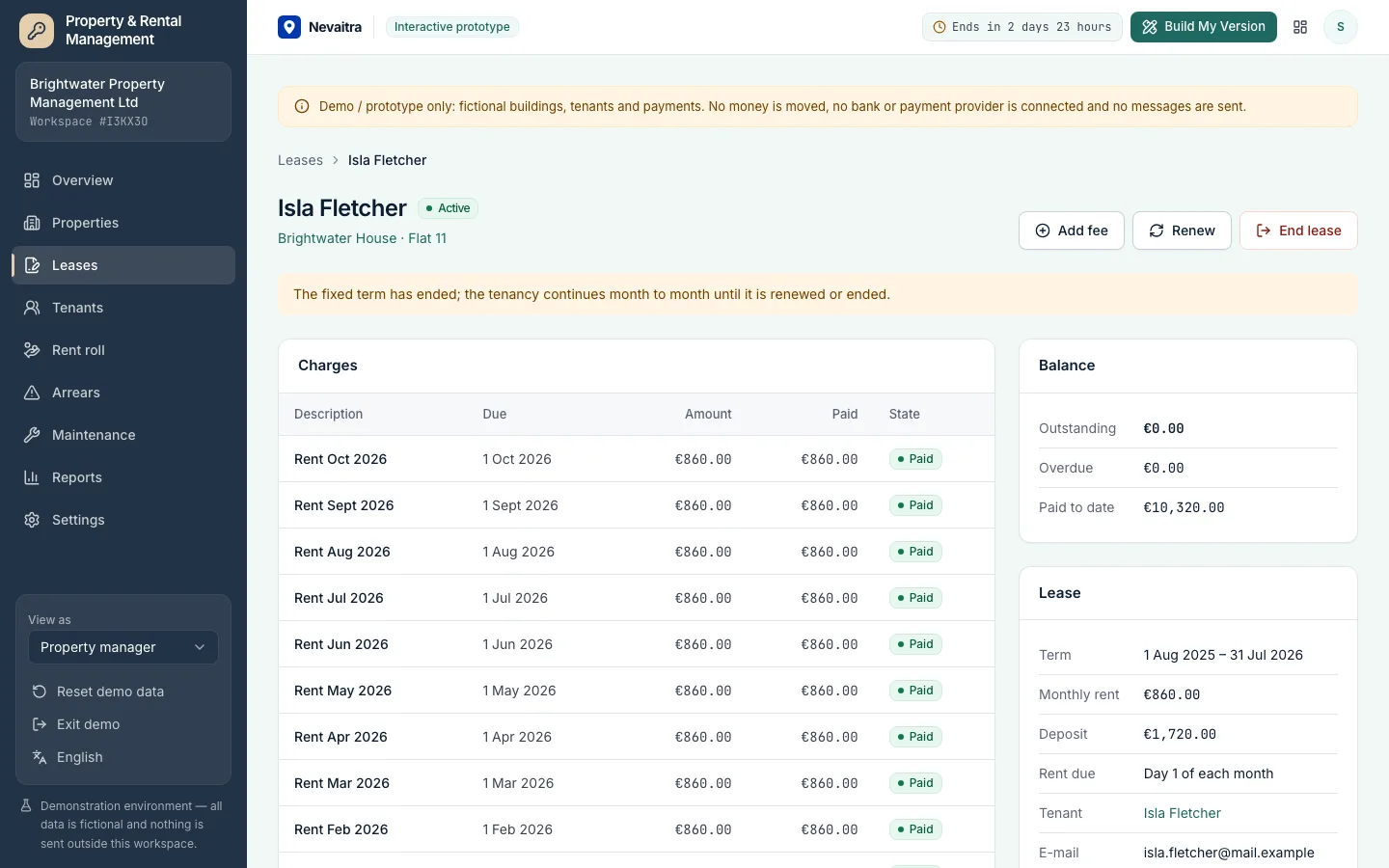
Record full or partial payments; by default they settle the oldest open charges first, and every charge shows whether it is paid, part paid, due or overdue.

Arrears and ageing

Tenants behind after the grace period, oldest first, with days late and 0–30 / 31–60 / 61–90 / 90+ day buckets.

Maintenance requests

Report an issue, schedule a contractor, start and complete the work with its cost — or cancel it — with a clear timeline.

Reports

Twelve months of collection rate, arrears ageing, occupancy per property and maintenance cost per property.

Roles and contractors

Property manager, accounts clerk, maintenance coordinator and a read-only owner view; your own contractors and arrears grace period.

Workflows you can try

  1. 01

    Let a vacant unit

    Pick a vacant unit, add the tenant, term, rent and deposit — the deposit and first month's rent are charged immediately.

  2. 02

    Run the monthly rent

    Open the rent roll for the new month and charge rent to every active lease in one step.

  3. 03

    Record a partial payment

    A tenant pays part of what they owe: record it and see the balance and arrears update.

  4. 04

    Chase arrears

    Open the arrears list to see who is behind, by how much and for how long.

  5. 05

    Handle a repair

    Report a leaking tap, schedule the plumber, then complete it with the cost.

  6. 06

    Renew or end a lease

    Renew a lease that ends soon with a new rent, or end it on move-out; the unit becomes vacant.

Screenshots from the live demo

Captured from the current version of the prototype.

Monthly rent roll with charged, collected and outstanding rent per lease
The month's rent for every active lease, charged in one step
Lease detail with rent charges, payments and the outstanding balance
Full or partial payments settle the oldest charges first

How the live demo works

  1. 01Create an account or sign in with Google — no payment details needed.

  2. 02A private workspace filled with fictional sample data is created for you in seconds.

  3. 03Work through the workflows and switch the demo role in the sidebar to see what each role can do.

  4. 04Click “Build My Version” — your request includes the demo and the features you tried.

What the demo includes

  • A fictional management company with five buildings and 36 flats, houses, shops and offices
  • About 32 active leases, earlier tenancies and some leases ending soon or past their term
  • Twelve months of rent charges and payments, including partial payments and tenants in arrears
  • Contractors and about 25 repair requests in every state
  • Four demo roles: Property manager, Accounts clerk, Maintenance coordinator and Owner (read-only)

Demo limitations

  • Demo / prototype only — fictional buildings, tenants and payments
  • No bank feeds, direct debits or online payments
  • No tenant portal, e-signatures or e-mail/SMS reminders
  • No service-charge reconciliation, owner statements or accounting ledger
  • No local tax, deposit-protection or rent-control rules

What can be customized

  • Owner statements and payouts per building
  • Tenant portal for payments and repair requests
  • Bank import and automatic matching of rent payments
  • Service charges, utility recharges and annual reconciliation
  • Your country's lease templates, indexation and deposit rules
  • Integration with your accounting software

What happens when the demo ends

After 72 hours the workspace and every record you created are permanently deleted. Your account stays active, and you can request a customized version at any time.

Technologies

  • Next.js
  • TypeScript
  • PostgreSQL
  • Prisma
  • Tailwind CSS

Frequently asked questions

What is property management software?

Property management software keeps your buildings, units, tenants and leases in one place and tracks the rent owed and paid, arrears and repairs. This demo covers units and leases, a monthly rent roll with full and partial payments, arrears ageing, maintenance requests and reports.

Can a unit be let twice by mistake?

No. A unit can only have one active lease; letting it again is refused until the current lease has ended, and concurrent attempts are serialized on the server.

How are partial payments handled?

You record the amount received. It settles the oldest outstanding charges first (or a charge you choose), and each charge shows paid, part paid, due or overdue. Payments larger than the balance are refused.

When does unpaid rent count as arrears?

After a grace period you set (five days by default) past the due date. The arrears list groups overdue charges by tenant with the days late and an ageing breakdown.

What happens when a lease is renewed?

The current lease ends and a new fixed term starts the next day with the new rent; the deposit carries over and both leases stay in the history.

Can it be adapted to my country's rules?

Yes — as a custom version. The demo is deliberately neutral; lease terms, indexation, deposits, service charges and tax are built to your requirements.

View all projects
OperationsLive demo
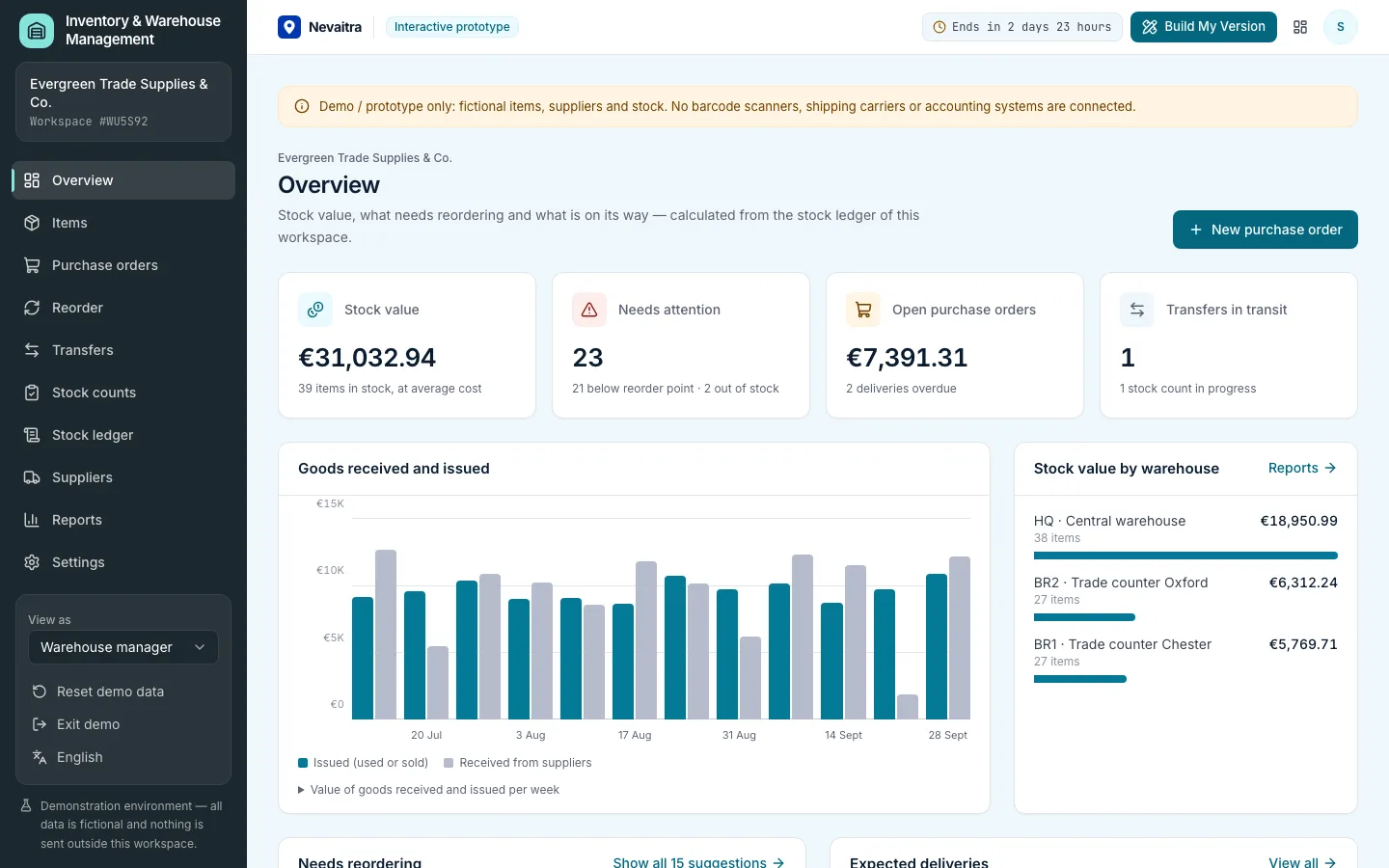
Inventory overview with stock value, items below their reorder level and incoming purchase orders

Inventory & Warehouse Management

Stock in several warehouses, a complete stock ledger, purchase orders with partial receipts, transfers, stock counts, reorder suggestions and average-cost valuation.

  • Items and stock levels
  • Stock ledger
  • Purchase orders
  • Partial receiving

Built with: Next.js · TypeScript · PostgreSQL · Prisma
ServicesLive demo
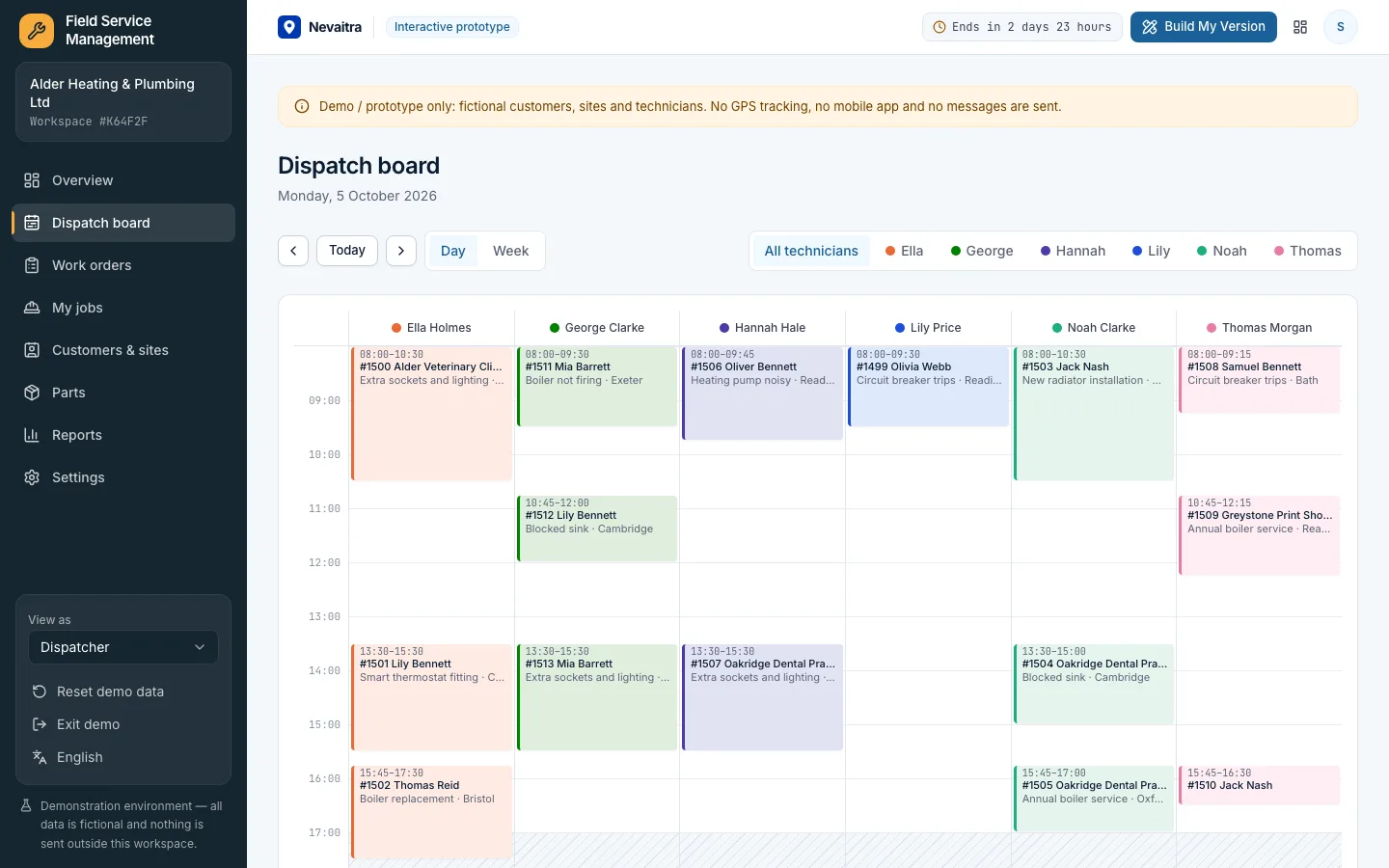
Dispatch board with a column per technician and scheduled work orders

Field Service Management

Work orders, a dispatch board without double-booked technicians, parts and labour on every job, customer sign-off and a printable job report.

  • Dispatch board
  • Work orders with a clear status
  • The technician's day
  • Parts and labour

Built with: Next.js · TypeScript · PostgreSQL · Prisma
ServicesLive demo
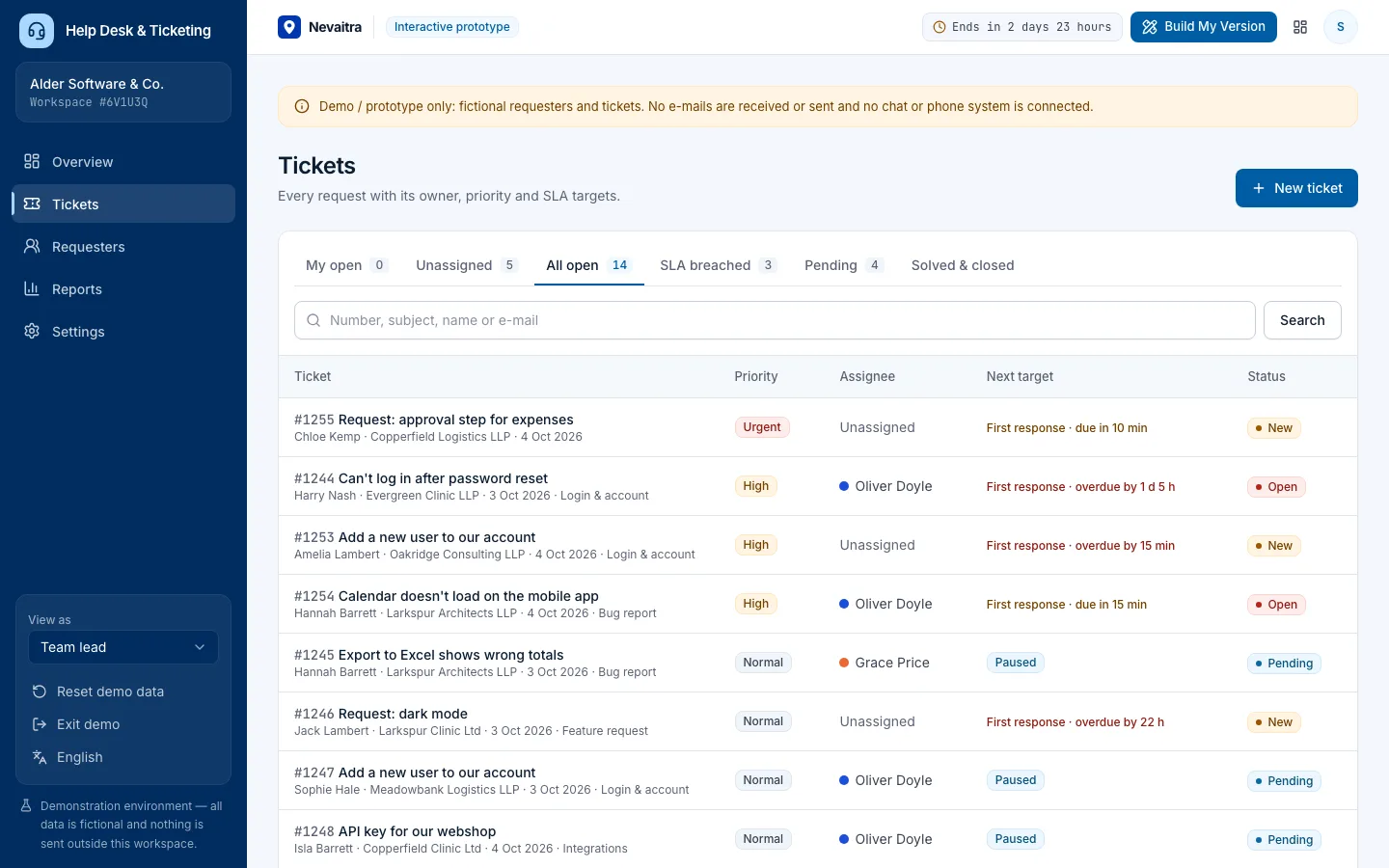
Ticket queue with priority, assignee and the next SLA target of each ticket

Help Desk & Ticketing

Tickets with owners, priorities and categories, public replies and internal notes, SLA targets that pause while waiting on the customer, and support reports.

  • Tickets and conversations
  • Triage and ownership
  • SLA targets
  • Ticket intake

Built with: Next.js · TypeScript · PostgreSQL · Prisma

Want this system, adapted to how you work?

Request a customized version. Mention what you tried in the demo and what needs to be different.