Skip to content
HealthcareInteractive prototypeVersion 1.0.0

Clinic management software for the front desk

A calm front desk: every patient, doctor and invoice in one place.

Front desk, doctor schedules, patient flow and billing for outpatient clinics — administration only.

  • 72-hour private workspace
  • Pre-filled with synthetic data
  • Isolated from other users
  • No payment details required
9:41
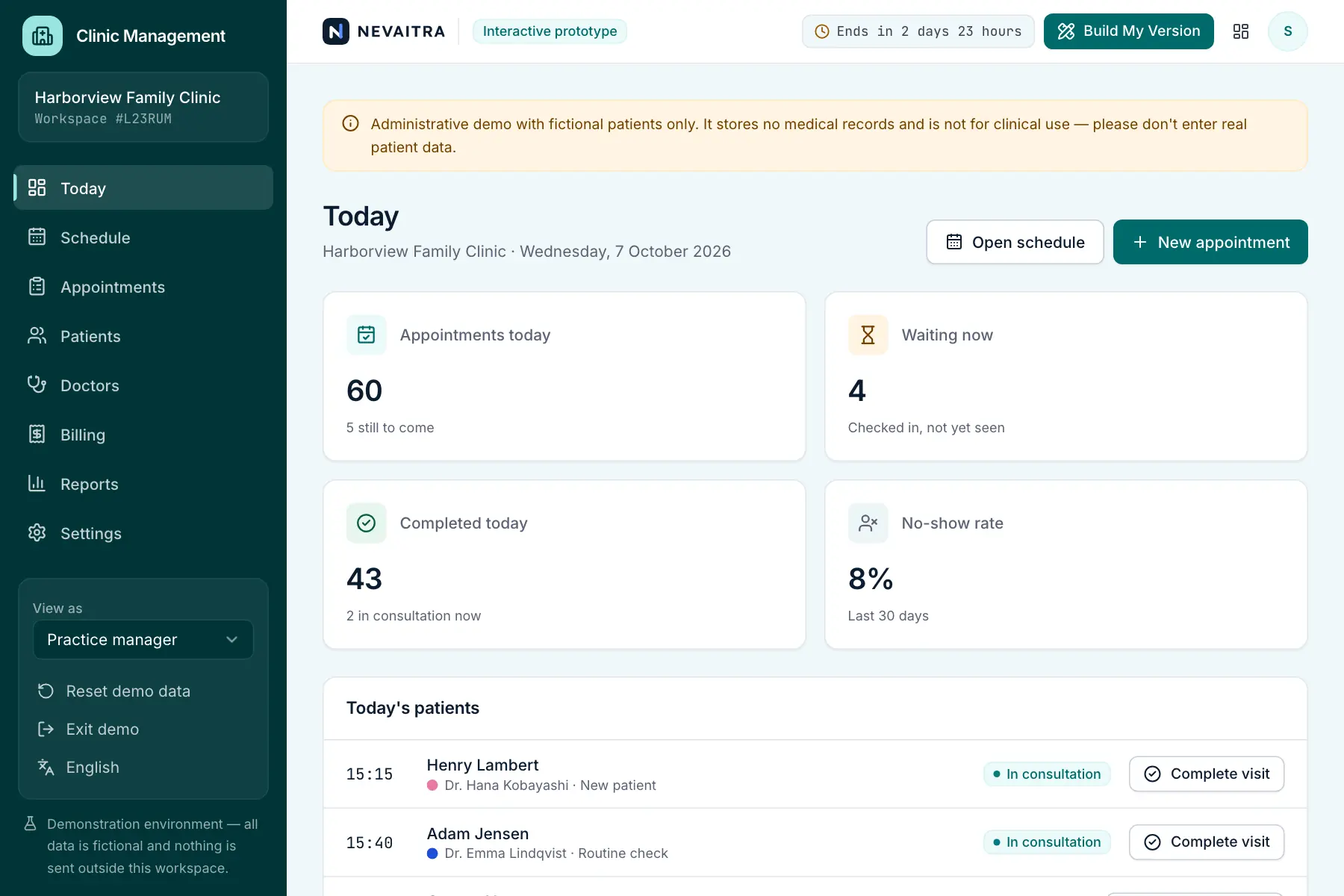
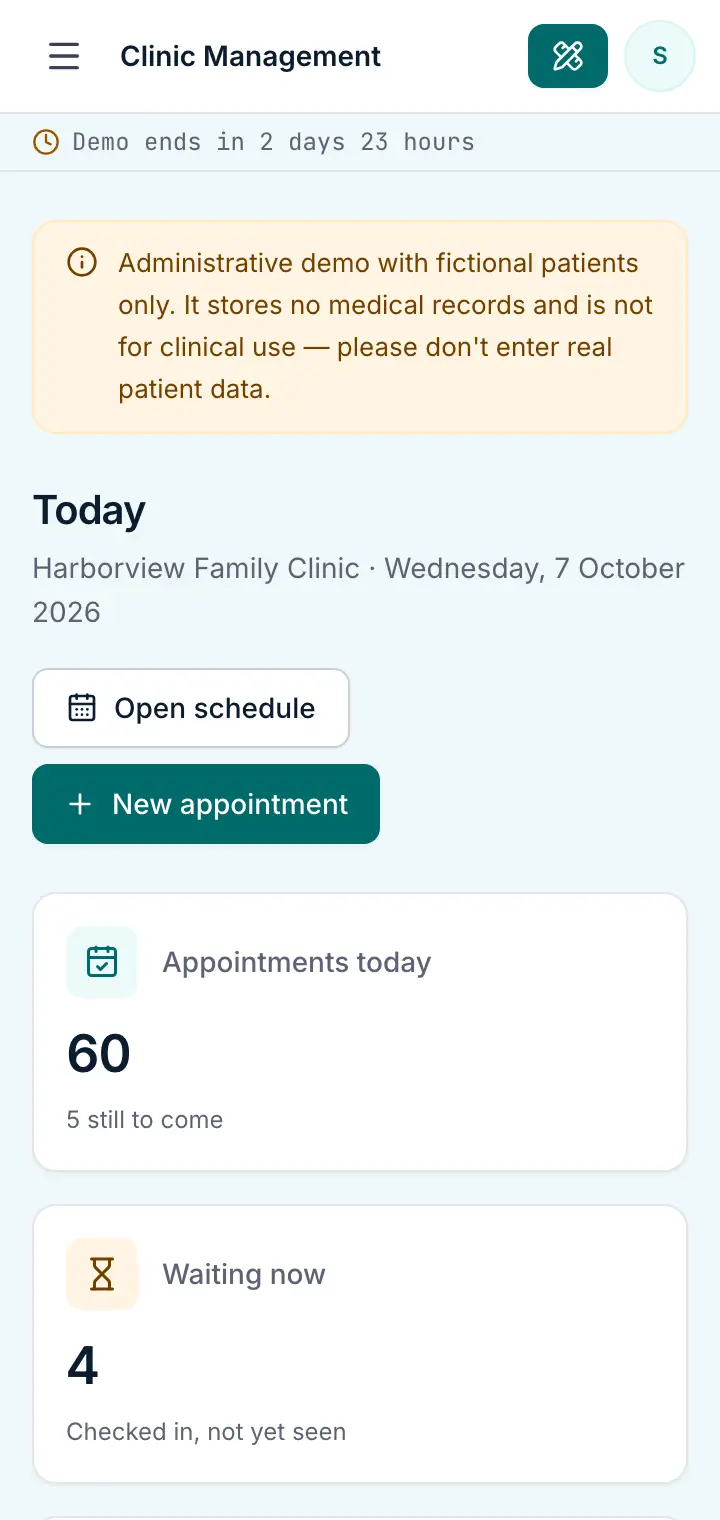
Guided preview: real screens from the live Clinic Management demo, on a tablet and on a phone

What Clinic Management does

An administrative prototype for outpatient clinics and medical practices. Book appointments into doctors' consulting hours, follow each patient from arrival to checkout, keep patient contact and insurance details, and invoice visits. It deliberately contains no medical records, diagnoses or prescriptions.

This is an interactive prototype for evaluation — not a hosted product you can subscribe to. A production version is built and adapted for your organization on request.

Who it is for

  • Outpatient clinics and medical centres with several doctors
  • General, dental, paediatric and specialist practices
  • Physiotherapy and therapy practices that work by appointment
  • Practice managers who need a clear view of the day

Key features

Front-desk overview

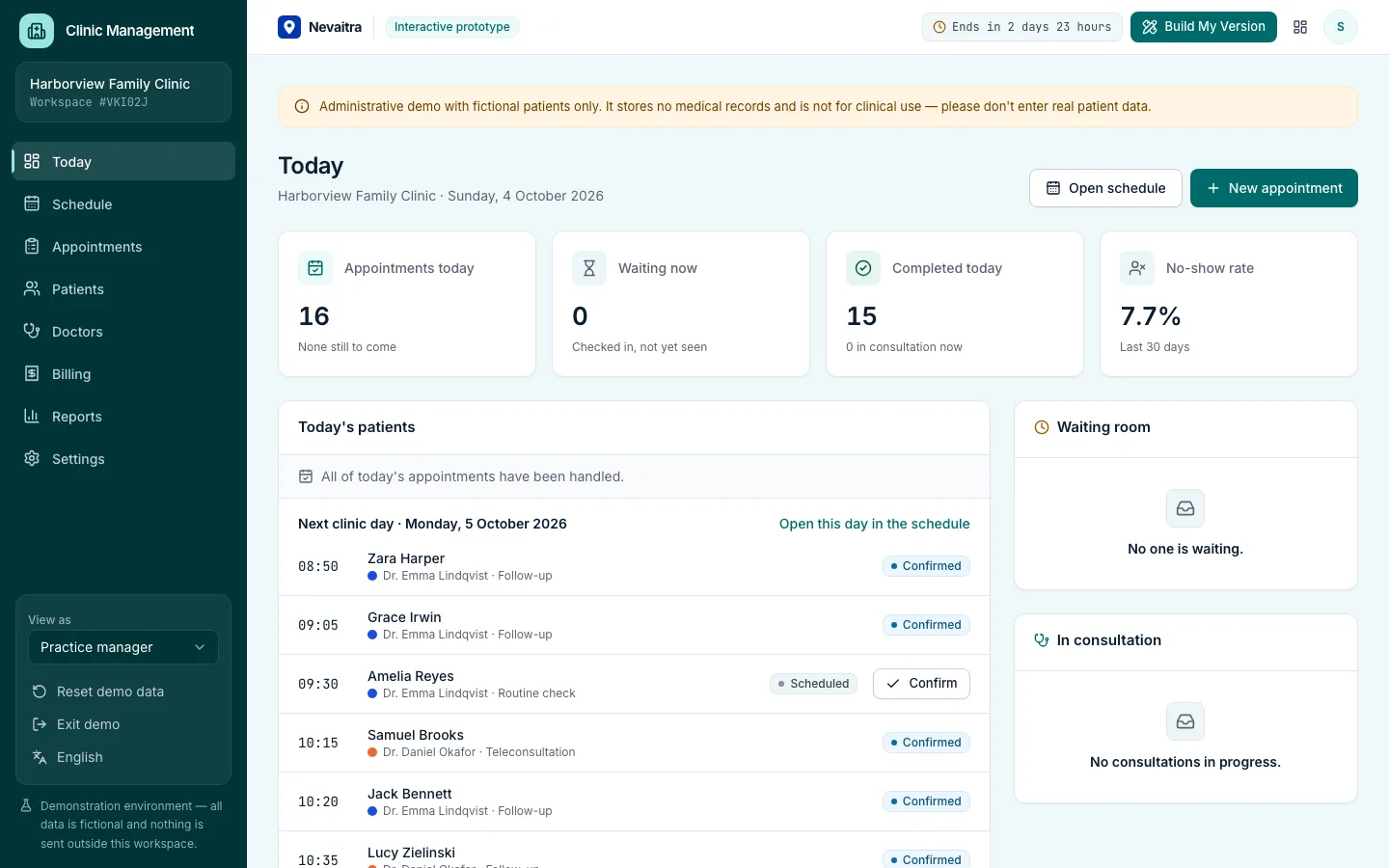
Today's patients per status, the waiting room, and appointments still to come.

Doctor schedules

A day view with a column per doctor and a week view per doctor, with consulting hours shaded.

Booking into real availability

Free times follow each doctor's consulting hours and the visit type's length; overlaps are rejected.

Patient flow

Scheduled → confirmed → checked in → in consultation → completed, with a timestamp for every step.

Patient registry

Contact, insurance and emergency-contact details, visit history and invoices — administrative data only.

Doctors & consulting hours

Specialty, consultation fee, room and weekly hours per doctor.

Invoices & payments

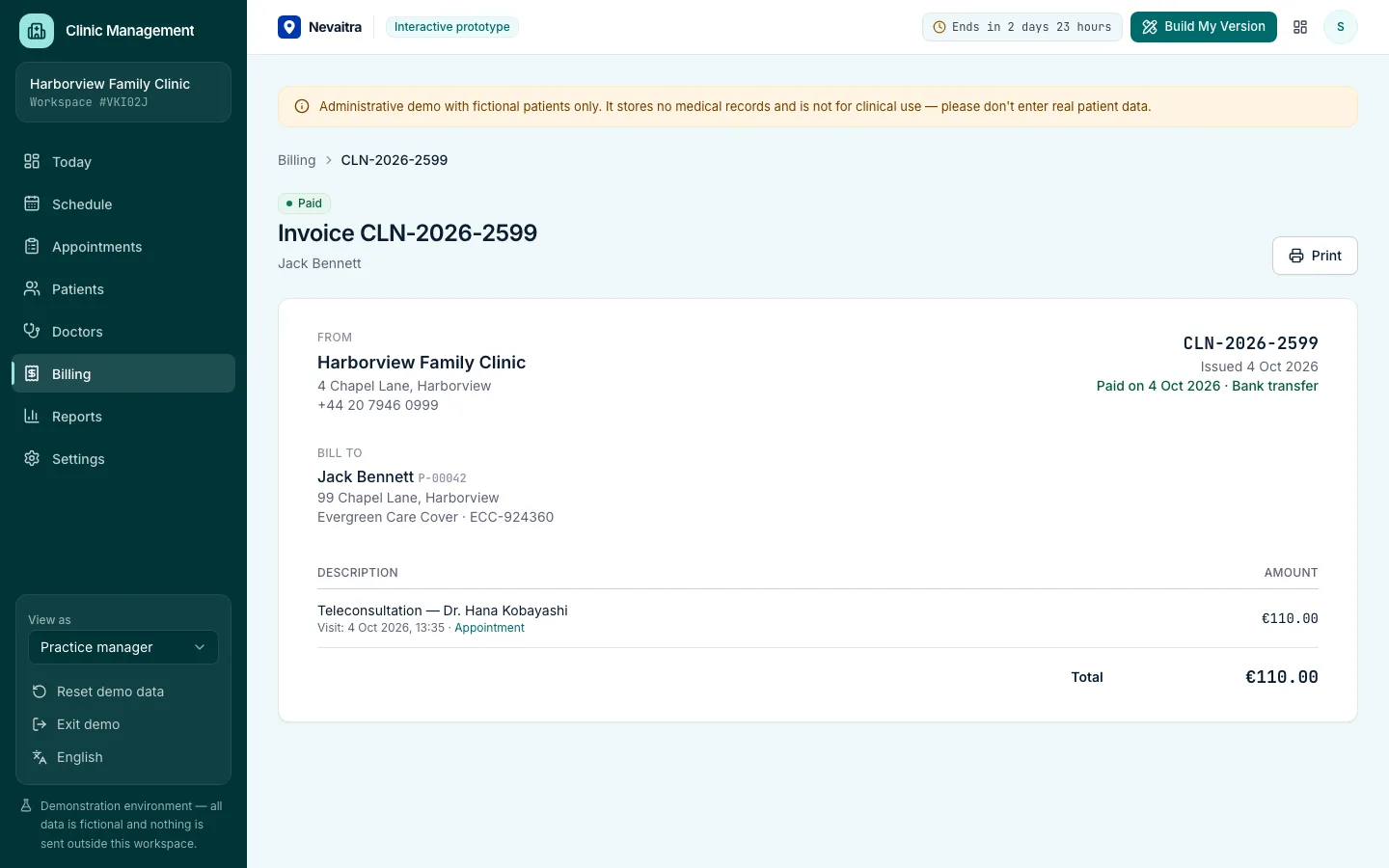
Invoice a completed visit in one click, issue it, and record card, cash, insurance or bank payments.

Reports

Visits per month, no-show rates, doctor utilization and revenue by doctor.

Roles

Practice manager, reception and doctor views with different permissions.

Workflows you can try

  1. 01

    Book a visit

    Choose a doctor, visit type and day, pick a free time and select an existing patient or register a new one.

  2. 02

    Check patients in

    Reception checks arriving patients in; they appear in the waiting room with their waiting time.

  3. 03

    Run consultations

    The doctor starts and completes consultations from the day list — no clinical notes involved.

  4. 04

    Invoice and get paid

    Create an invoice from a completed visit, issue it and record the payment method.

  5. 05

    Plan consulting hours

    Change a doctor's weekly hours and see the bookable times change immediately.

  6. 06

    Review the practice

    Follow visit volumes, no-shows and revenue in the reports.

Screenshots from the live demo

Captured from the current version of the prototype.

Clinic front-desk overview with today's patients and the waiting room
Front desk: the day's patients, the waiting room and billing
Clinic invoice for a completed visit
Billing: invoice a visit and record the payment

How the live demo works

  1. 01Create an account or sign in with Google — no payment details needed.

  2. 02A private workspace filled with fictional sample data is created for you in seconds.

  3. 03Work through the workflows and switch the demo role in the sidebar to see what each role can do.

  4. 04Click “Build My Version” — your request includes the demo and the features you tried.

What the demo includes

  • A fictional clinic with 5 doctors in different specialties
  • Around 60 fictional patients with synthetic contact and insurance details
  • Several weeks of past visits and two weeks of upcoming appointments
  • Invoices in every status, from draft to paid
  • Three demo roles: Practice manager, Reception and Doctor

Demo limitations

  • Administration only: no medical records, diagnoses, prescriptions or clinical notes
  • All patients are fictional; the demo must not be used with real patient data
  • No insurance claims, lab or e-prescription integrations
  • No SMS or email reminders are sent
  • One location; rooms are simple labels

What can be customized

  • Online booking for patients
  • Appointment reminders by SMS or email
  • Integration with an existing medical records system
  • Insurance claim workflows for your market
  • Multiple locations, rooms and equipment scheduling
  • Data protection measures for handling real health data

What happens when the demo ends

After 72 hours the workspace and every record you created are permanently deleted. Your account stays active, and you can request a customized version at any time.

Technologies

  • Next.js
  • TypeScript
  • PostgreSQL
  • Prisma
  • Tailwind CSS

Frequently asked questions

What is clinic management software?

Clinic management software runs the administrative side of a practice: booking appointments into each doctor's consulting hours, checking patients in at reception, keeping patient contact and insurance details, and invoicing visits. This demo covers exactly that. It deliberately stores no medical records, diagnoses or prescriptions and is not a certified medical system.

Can I keep medical records in this demo?

No. The prototype covers clinic administration only. Clinical data needs a production system designed with the safeguards your jurisdiction requires.

Is any of the patient data real?

No. Every patient, doctor and invoice is generated fictional data and is deleted when the demo ends.

Can it be adapted for a dental or physiotherapy practice?

Yes. Visit types, lengths, rooms and billing rules are the typical parts adapted when a production version is built for a practice.

View all projects
Sales & CRMLive demo
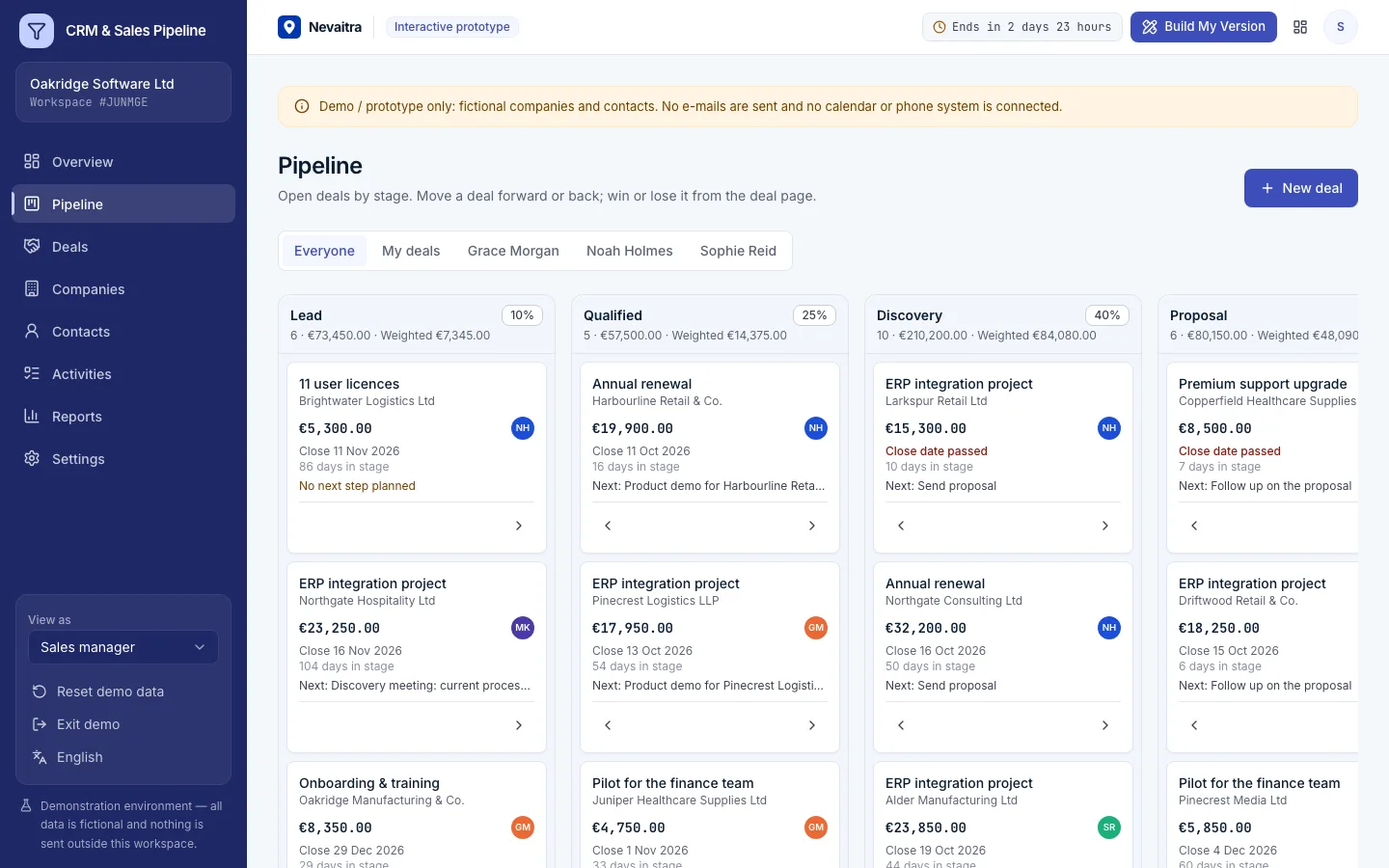
Sales pipeline board with deals in each stage and stage totals

CRM & Sales Pipeline

Companies, contacts and deals on a pipeline board — with activities, a weighted forecast and win/loss analysis for small sales teams.

  • Pipeline board
  • Deals with full history
  • Activities that keep deals moving
  • Weighted forecast

Built with: Next.js · TypeScript · PostgreSQL · Prisma
FinanceLive demo
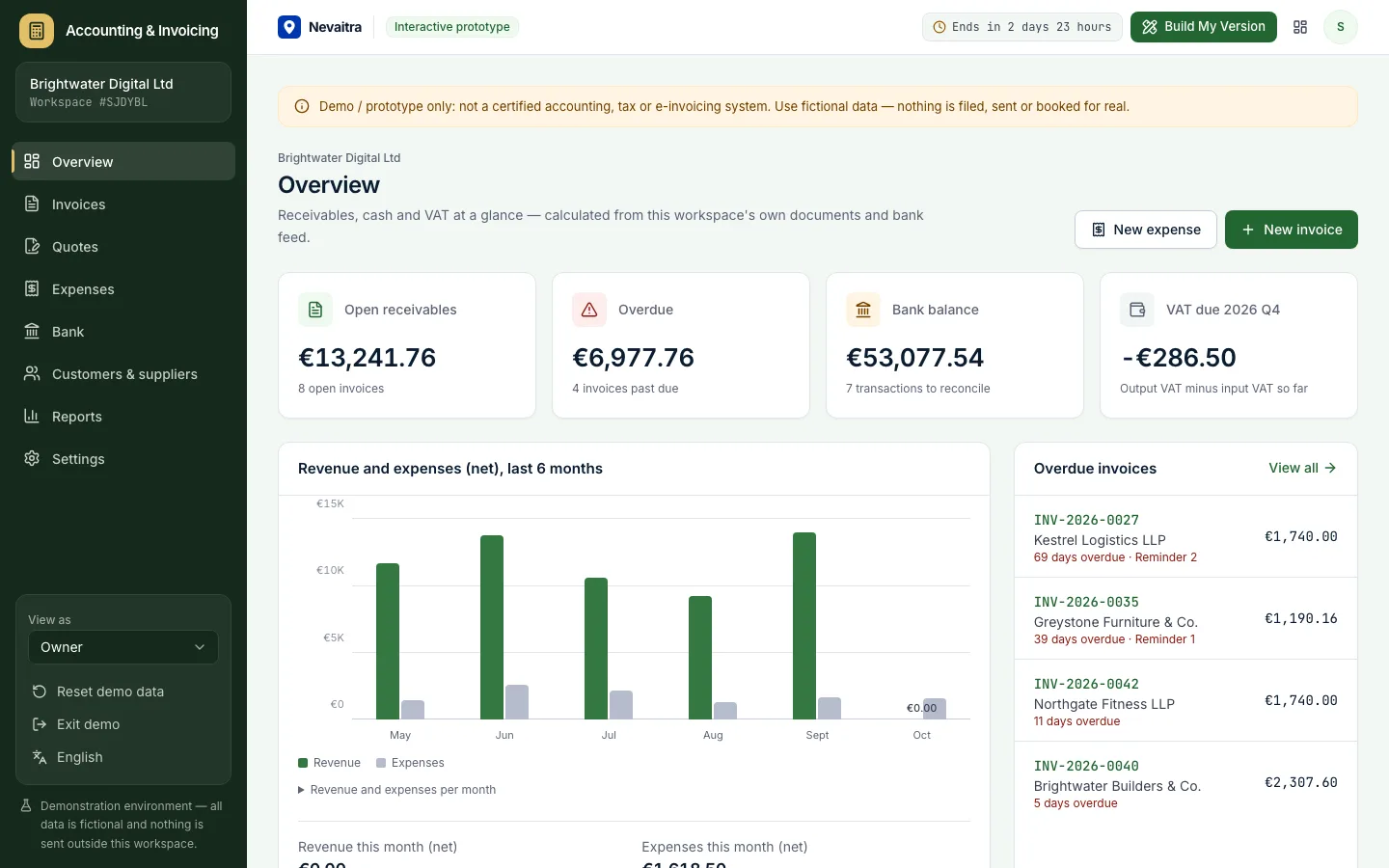
Accounting dashboard with open receivables, overdue invoices, bank balance and VAT due

Accounting & Invoicing

Quotes, VAT invoices, expenses and bank reconciliation for small businesses — with VAT, P&L and aging reports.

  • Invoices with VAT per line
  • Quotes to invoices
  • Expenses with VAT
  • Bank reconciliation

Built with: Next.js · TypeScript · PostgreSQL · Prisma
RetailLive demo
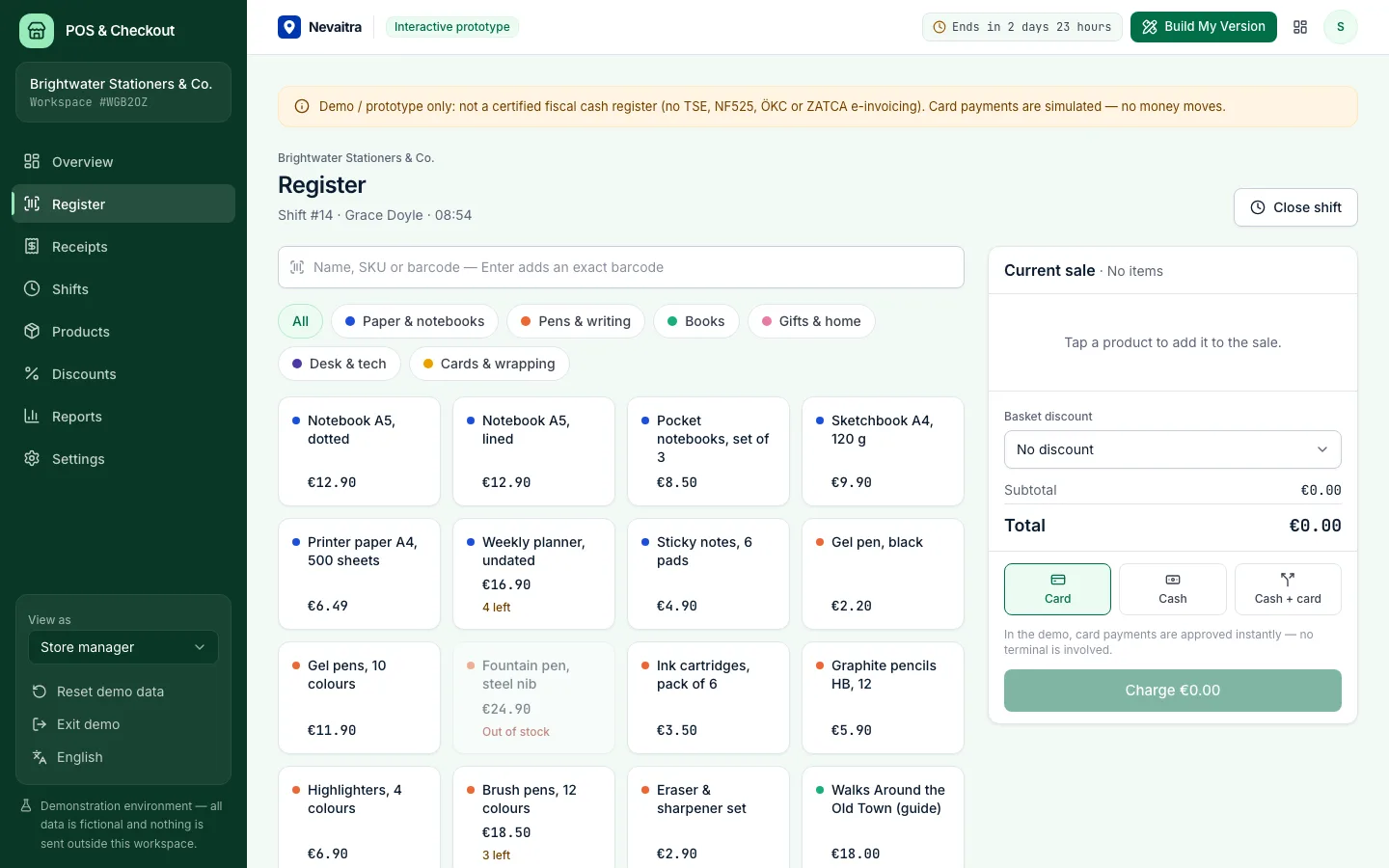
Point of sale register with the product grid, categories and the sale panel

POS & Checkout

A browser-based register for small shops: fast checkout, cash, card and split payments, receipts, refunds and shift closing with a Z report.

  • Fast register
  • Cash, card or both
  • Discount presets
  • Receipts and refunds

Built with: Next.js · TypeScript · PostgreSQL · Prisma

Want this system, adapted to how you work?

Request a customized version. Mention what you tried in the demo and what needs to be different.