BusinessLive demo
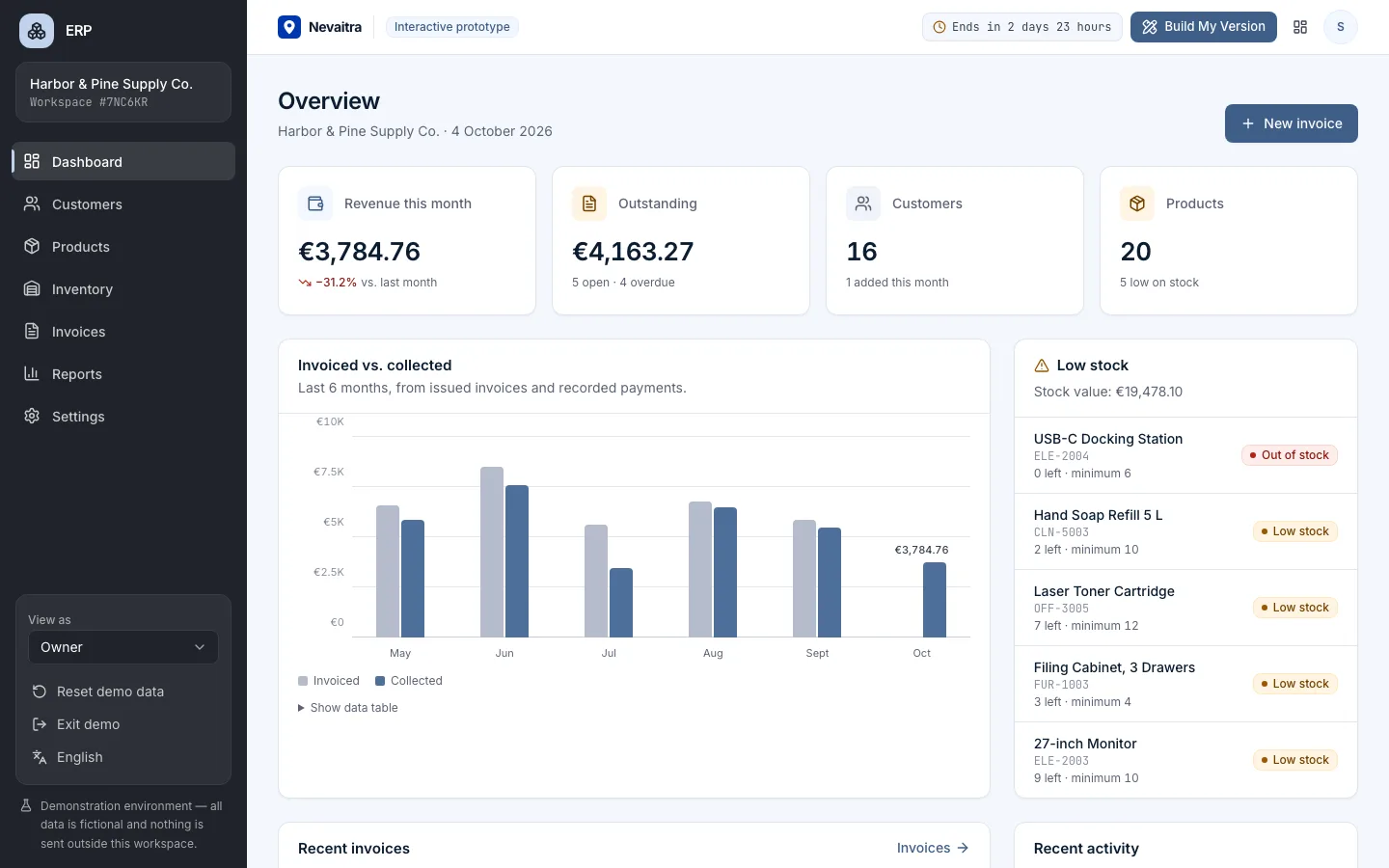
ERP
Customers, products, inventory, invoices and reports in one connected business management system.
- Dashboard
- Customers
- Products
- Inventory
Built with: Next.js · TypeScript · PostgreSQL · Prisma
Custom business software · Live demos
ERPOverview
NEVAITRA builds business management systems — ERP, CRM, booking and other business platforms — customized around the way your business actually works. Try a working demo of each first.
Project library
Each project opens a private workspace with realistic sample data, so you can test complete workflows — not a click-through mockup.
Customers, products, inventory, invoices and reports in one connected business management system.
Built with: Next.js · TypeScript · PostgreSQL · Prisma
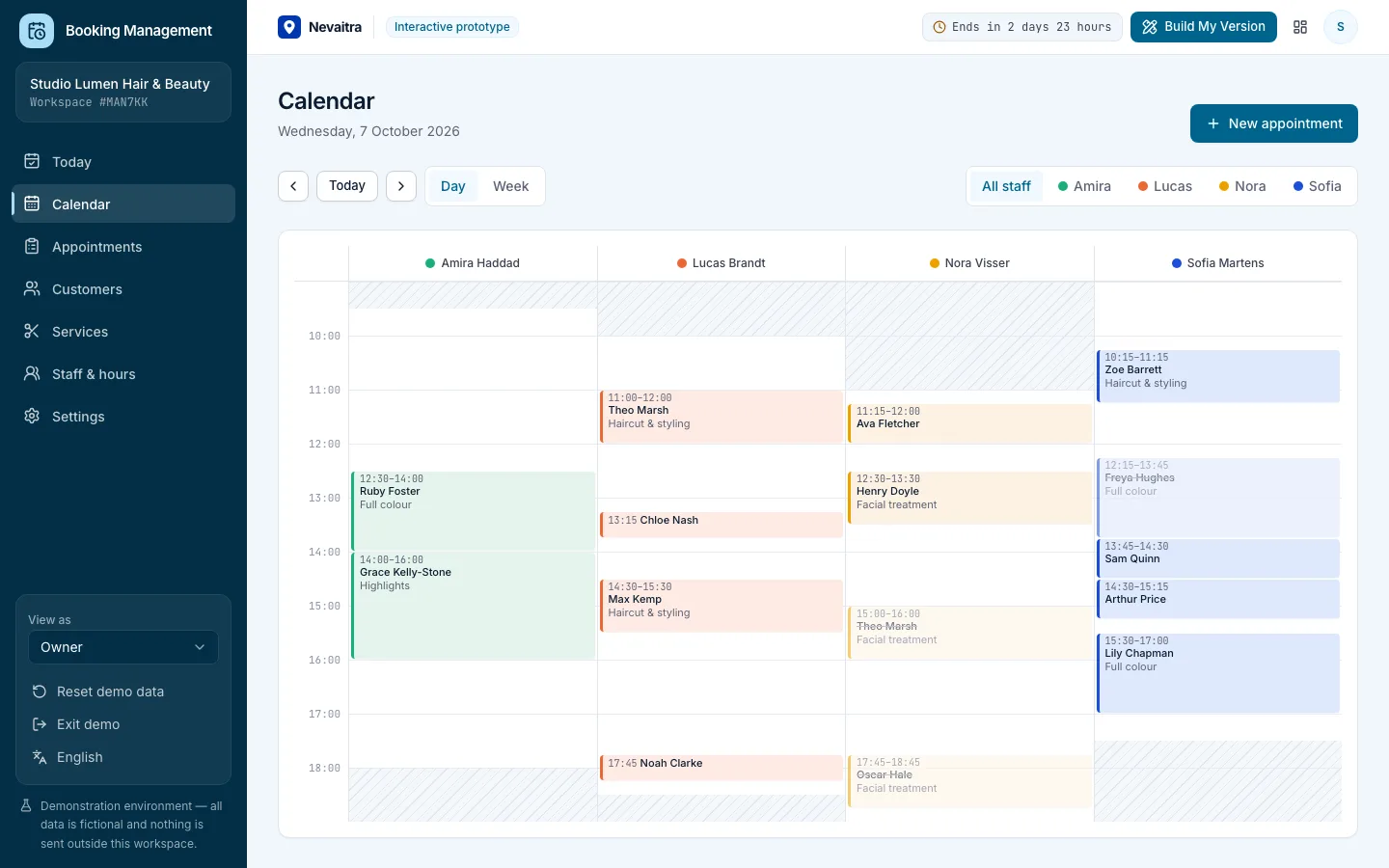
Appointments, calendar, services, staff hours and customers for service businesses.
Built with: Next.js · TypeScript · PostgreSQL · Prisma
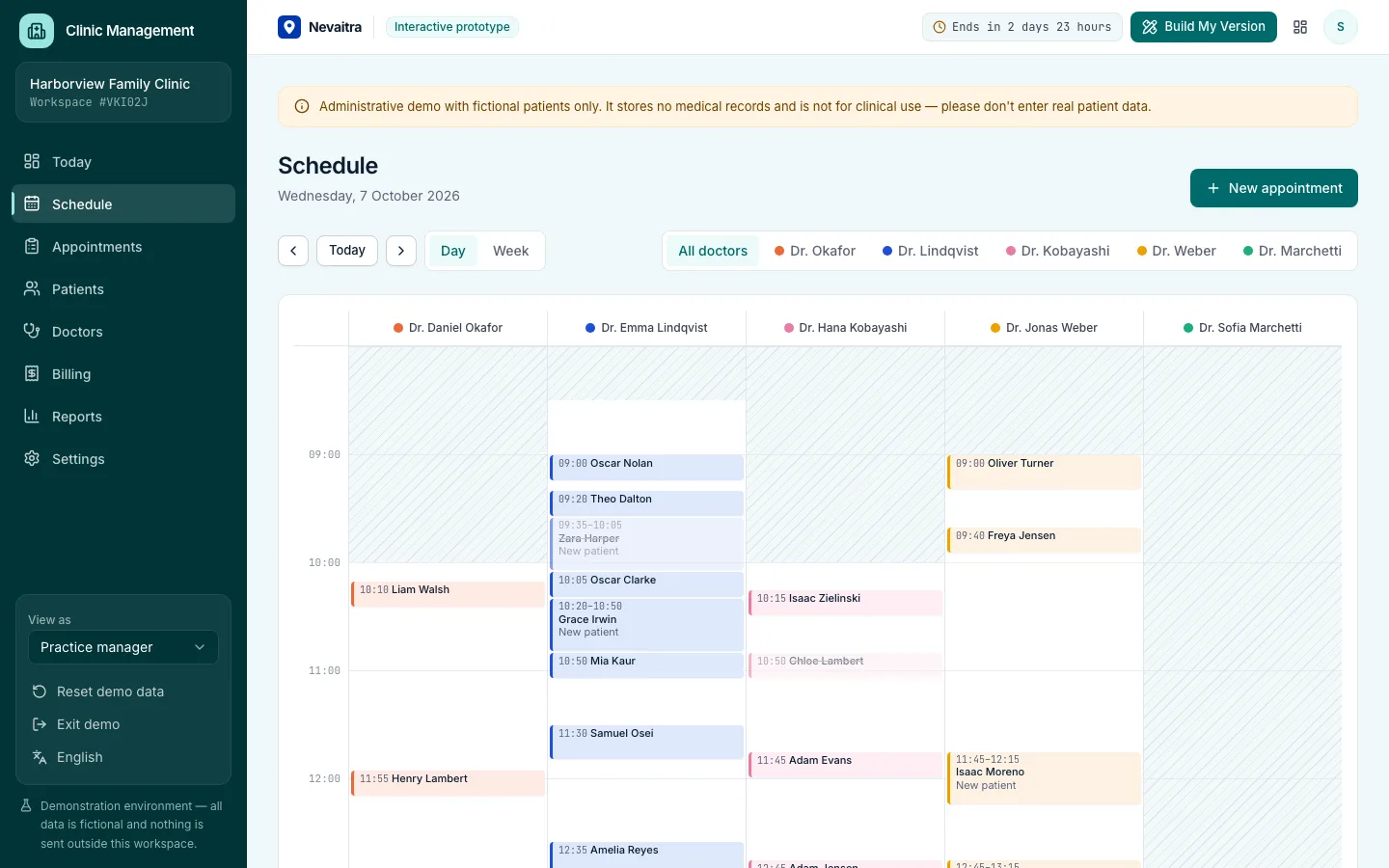
Front desk, doctor schedules, patient flow and billing for outpatient clinics — administration only.
Built with: Next.js · TypeScript · PostgreSQL · Prisma
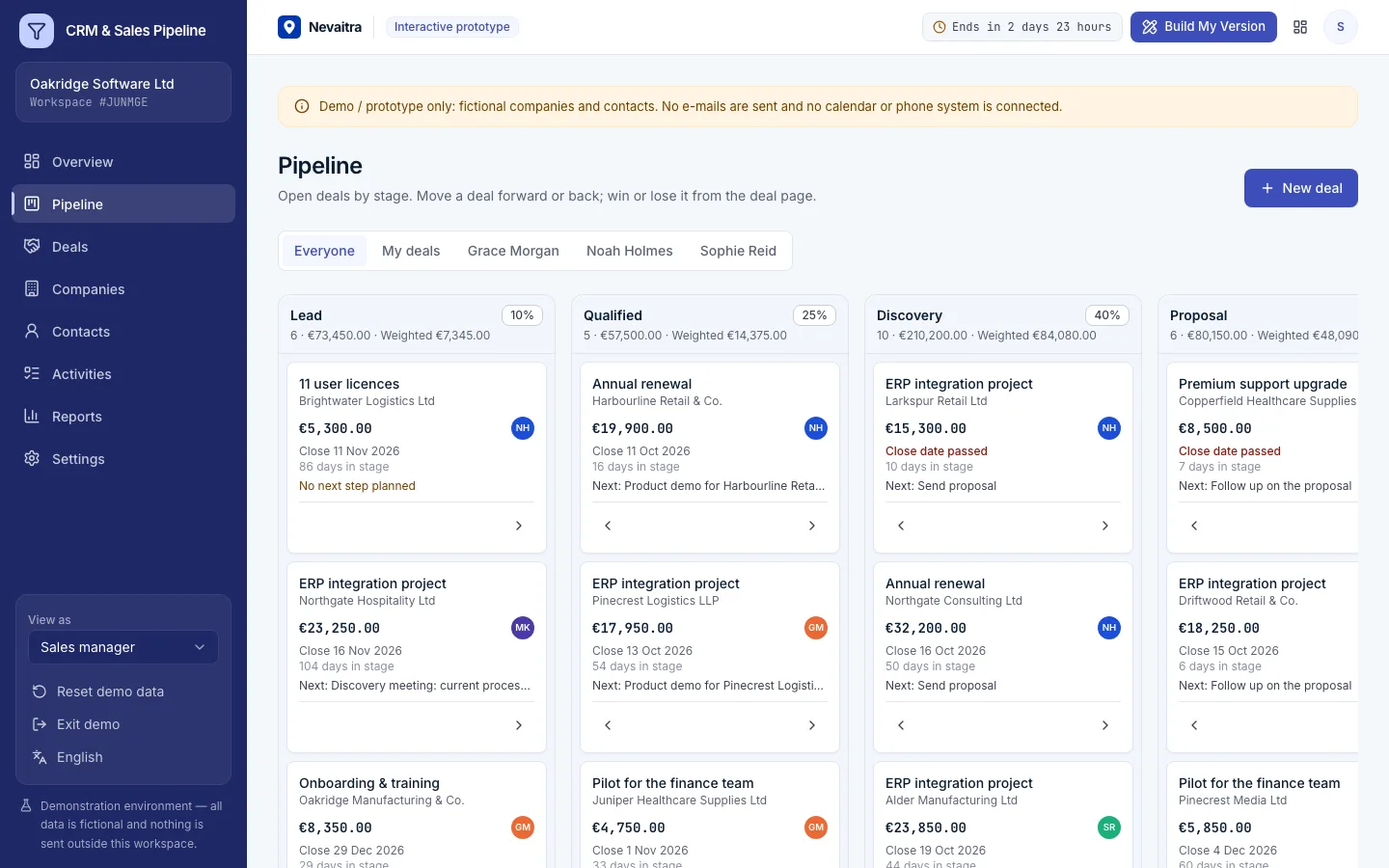
Companies, contacts and deals on a pipeline board — with activities, a weighted forecast and win/loss analysis for small sales teams.
Built with: Next.js · TypeScript · PostgreSQL · Prisma
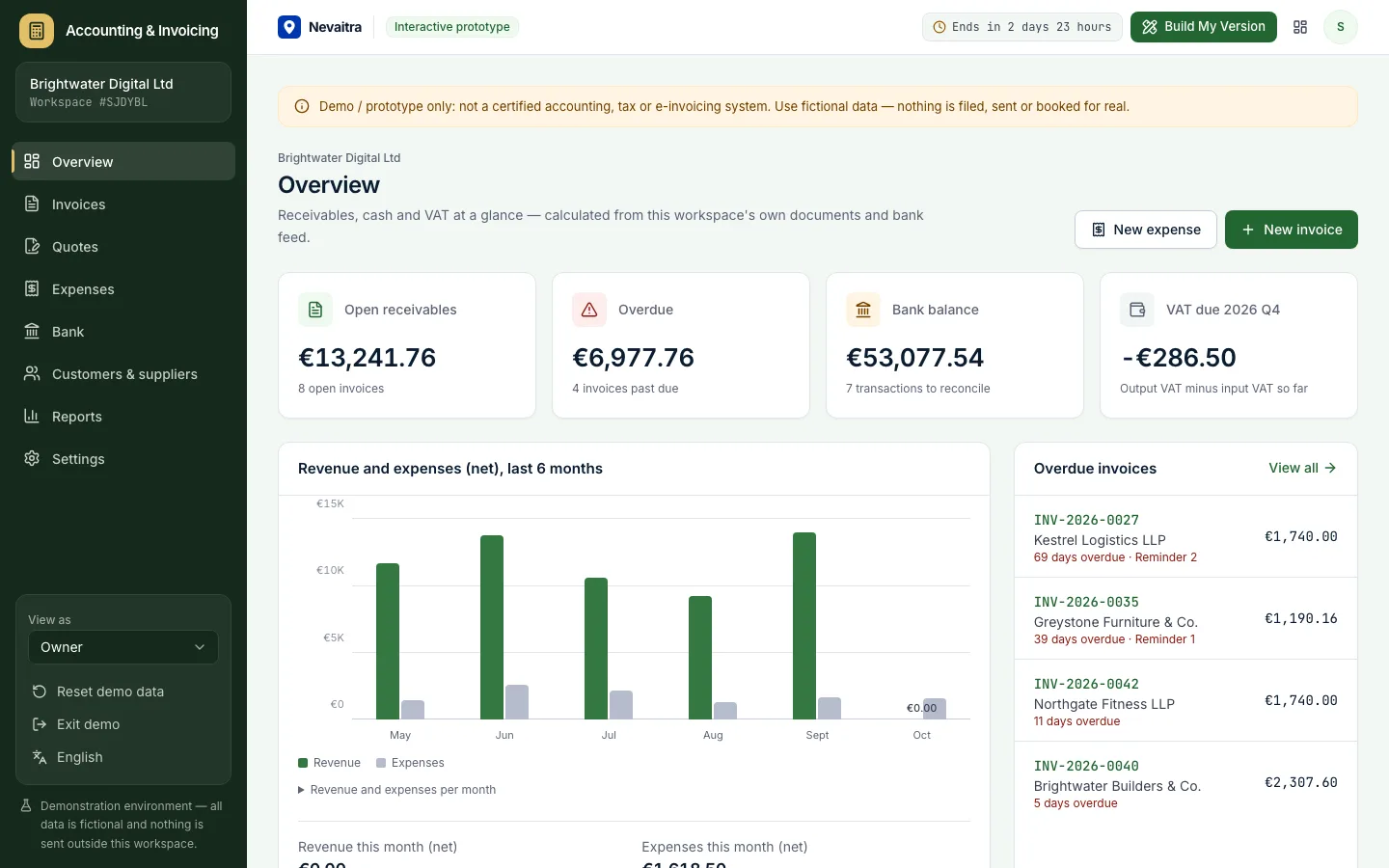
Quotes, VAT invoices, expenses and bank reconciliation for small businesses — with VAT, P&L and aging reports.
Built with: Next.js · TypeScript · PostgreSQL · Prisma
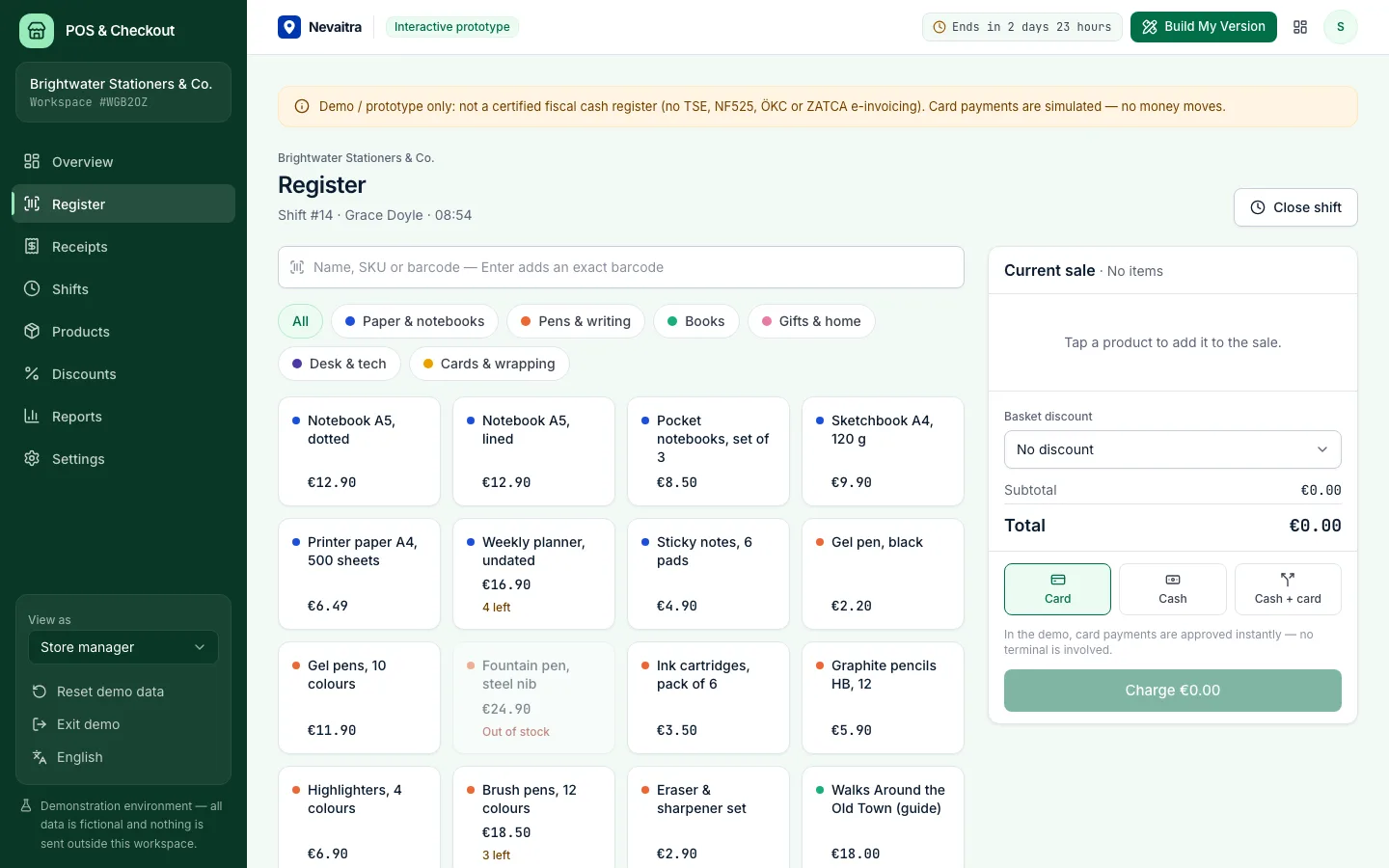
A browser-based register for small shops: fast checkout, cash, card and split payments, receipts, refunds and shift closing with a Z report.
Built with: Next.js · TypeScript · PostgreSQL · Prisma
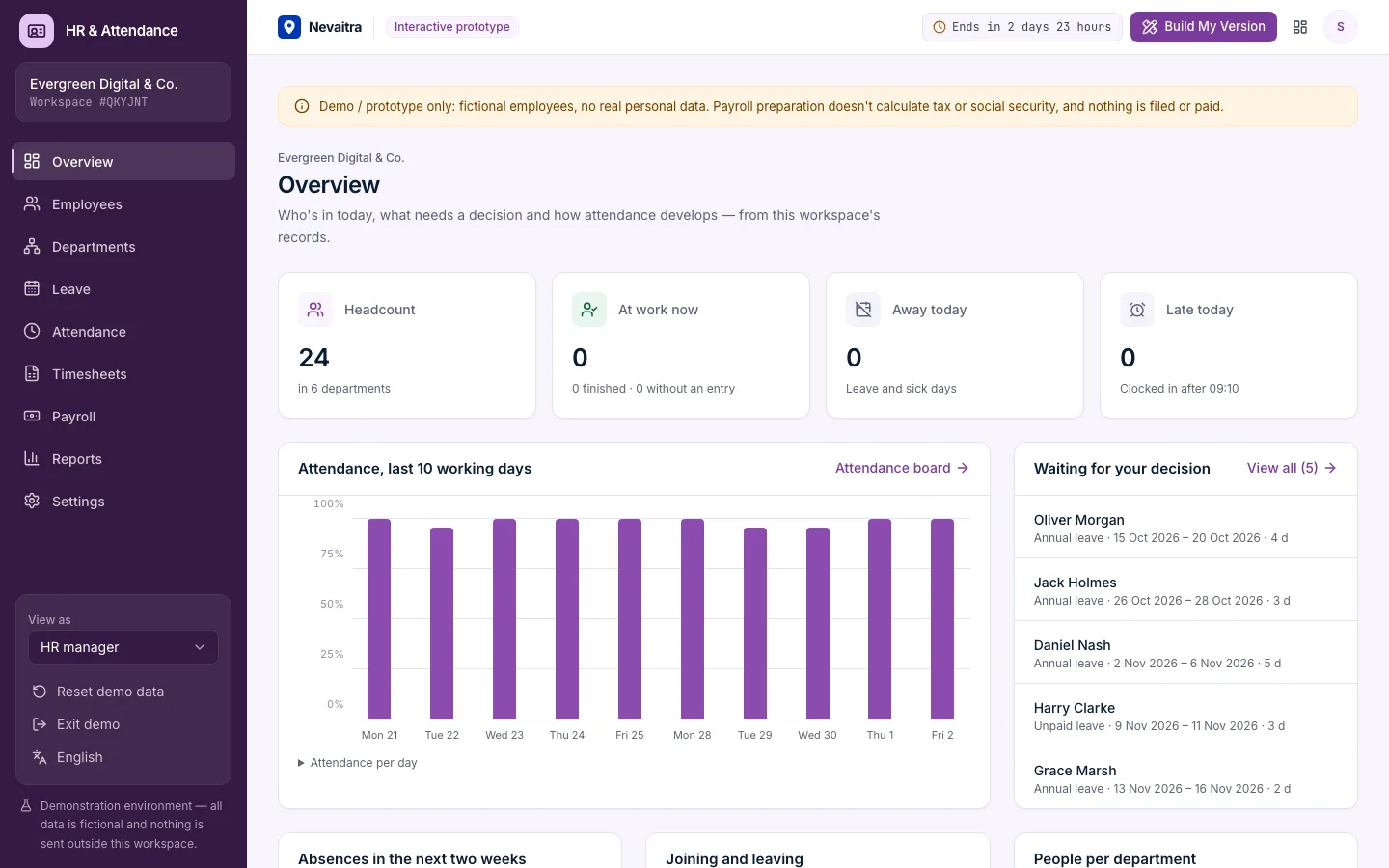
Employee records, leave requests with approvals and balances, clock-in/clock-out, monthly timesheets and payroll preparation for small teams.
Built with: Next.js · TypeScript · PostgreSQL · Prisma
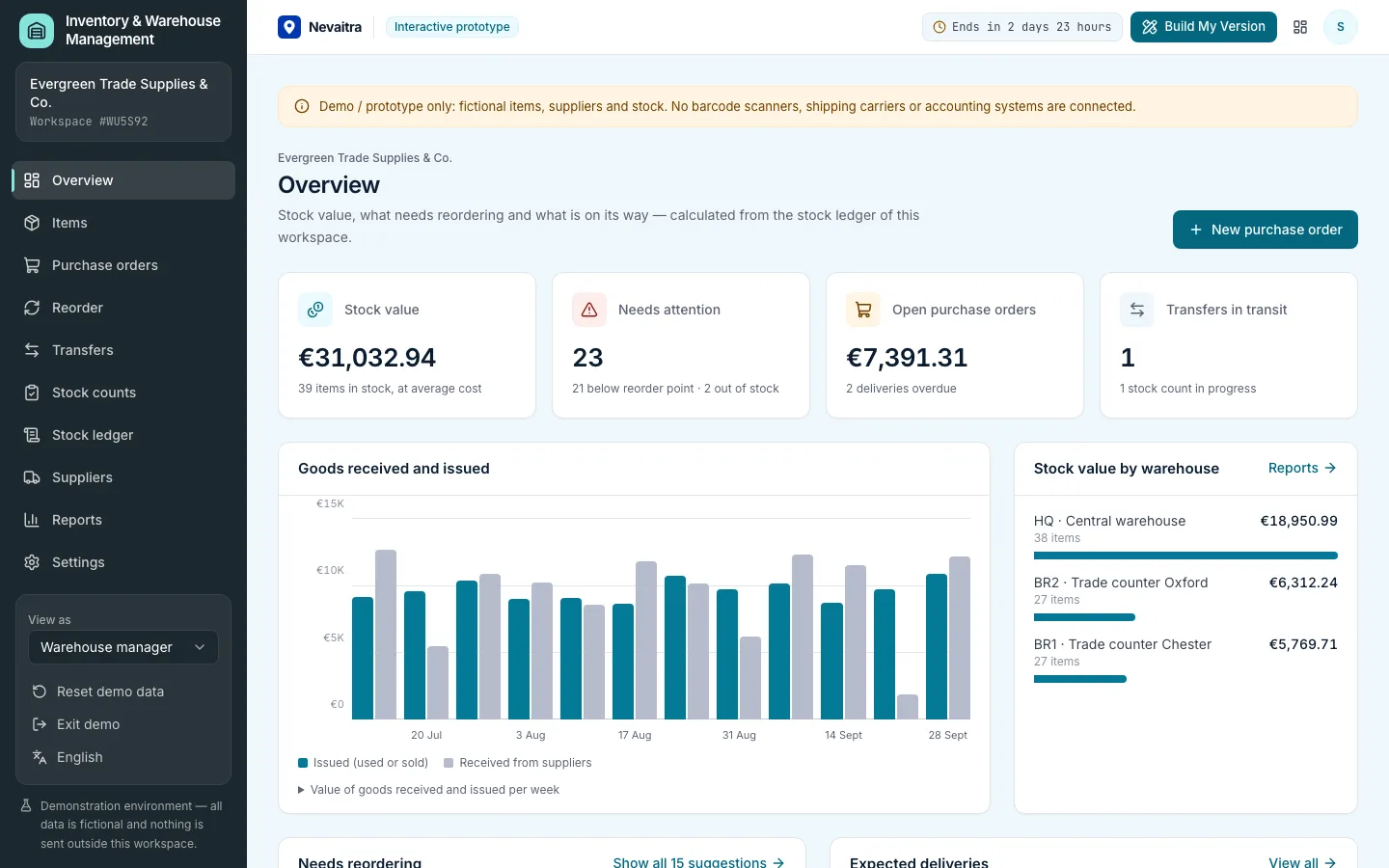
Stock in several warehouses, a complete stock ledger, purchase orders with partial receipts, transfers, stock counts, reorder suggestions and average-cost valuation.
Built with: Next.js · TypeScript · PostgreSQL · Prisma
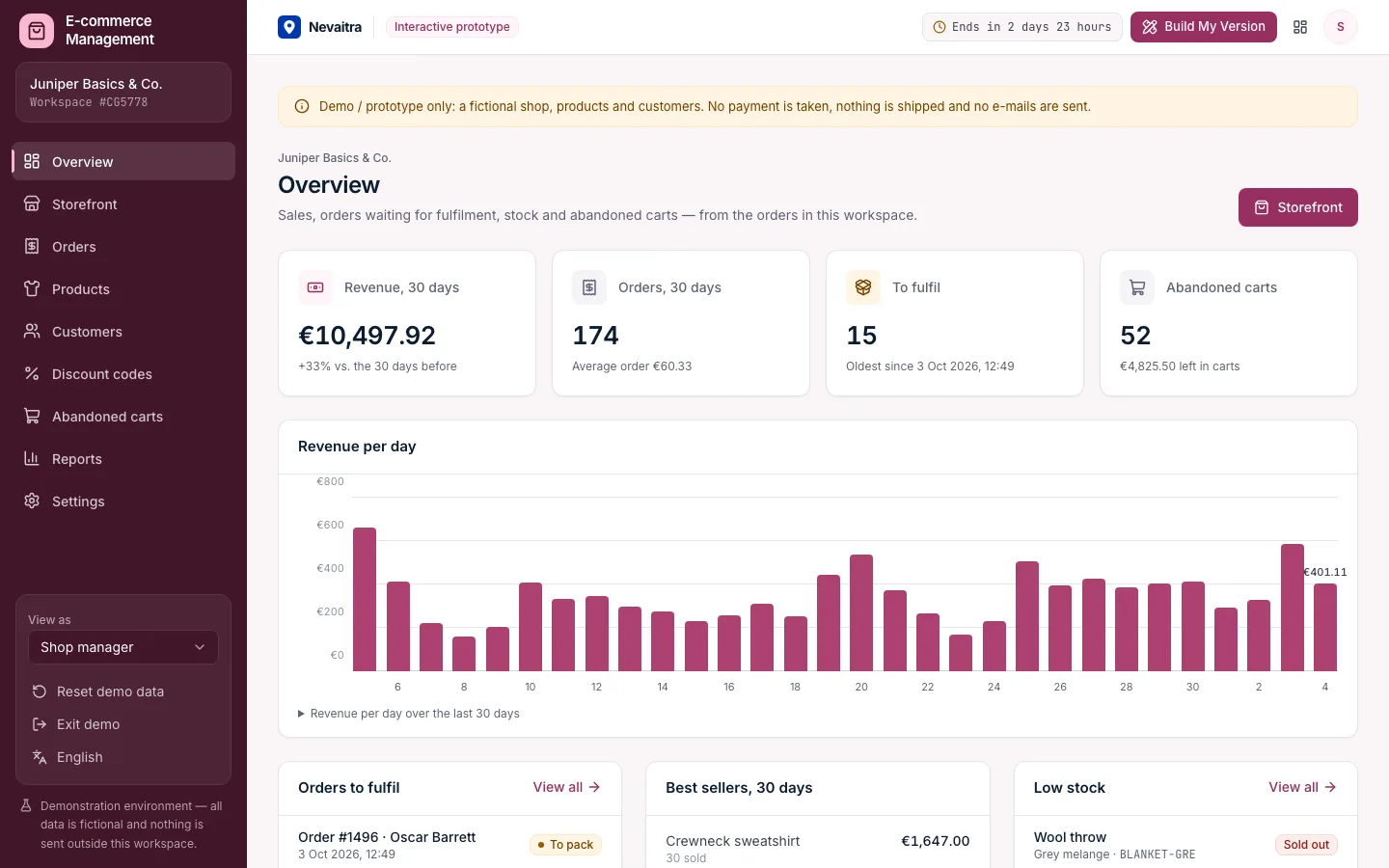
A shop back office with a working storefront: products in sizes and colours, checkout with discount codes, fulfilment with tracking, returns, customers and abandoned carts.
Built with: Next.js · TypeScript · PostgreSQL · Prisma
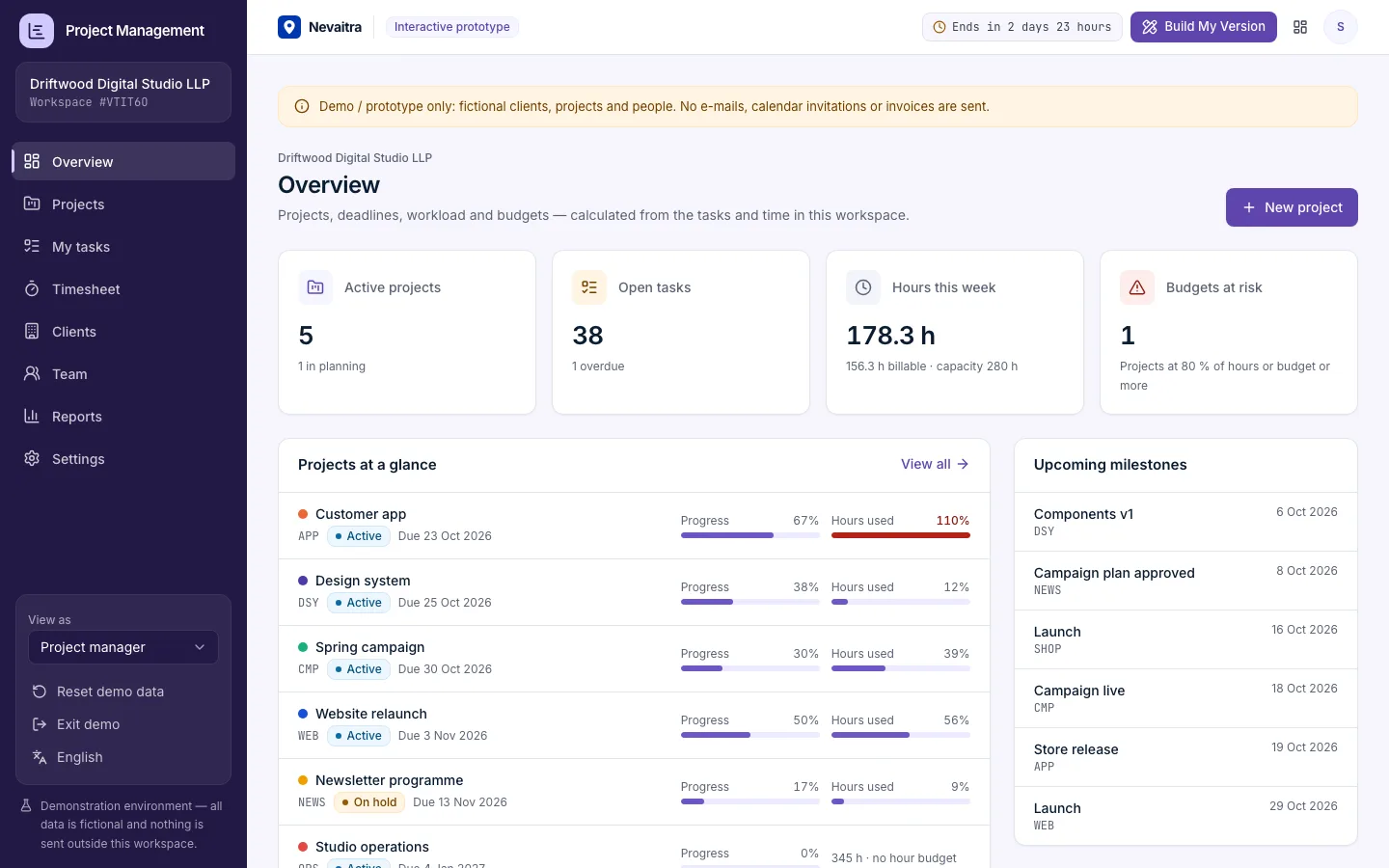
Projects with milestones, a Kanban board, task comments, time tracking against tasks, budget vs. actual in hours and money, and a read-only client view.
Built with: Next.js · TypeScript · PostgreSQL · Prisma
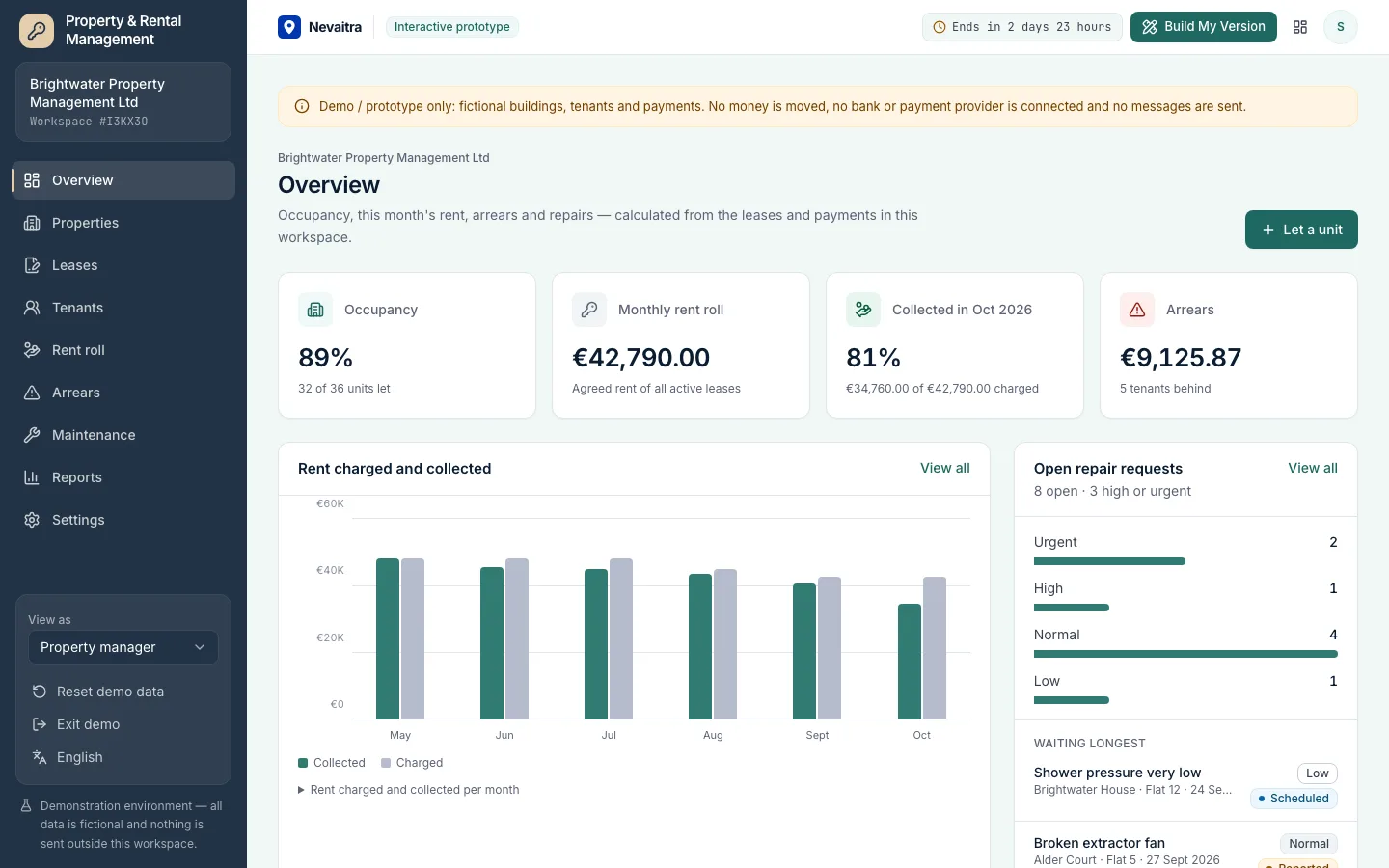
Properties, units, leases and tenants with a monthly rent roll, partial payments, arrears ageing and maintenance requests — for landlords and property managers.
Built with: Next.js · TypeScript · PostgreSQL · Prisma
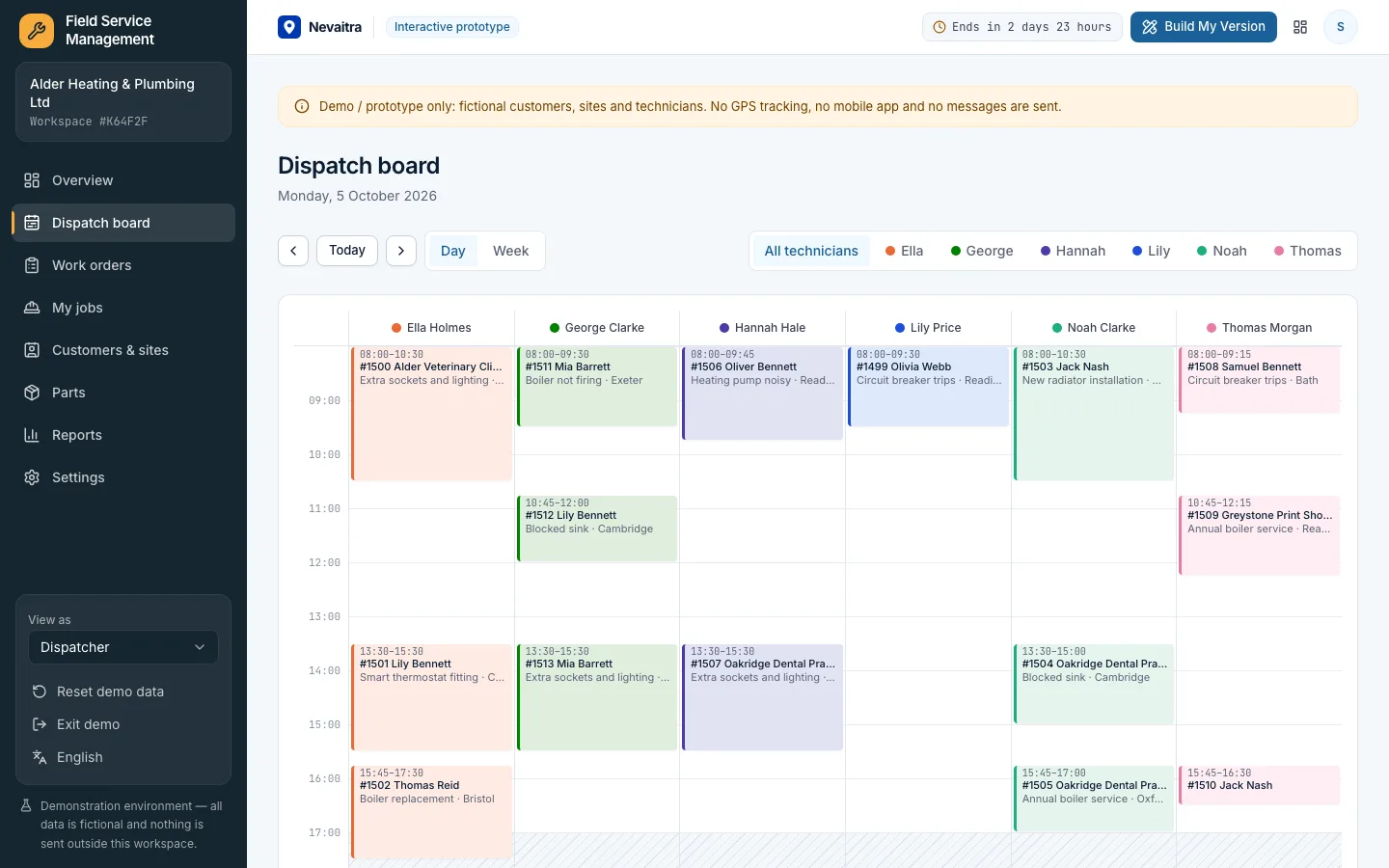
Work orders, a dispatch board without double-booked technicians, parts and labour on every job, customer sign-off and a printable job report.
Built with: Next.js · TypeScript · PostgreSQL · Prisma
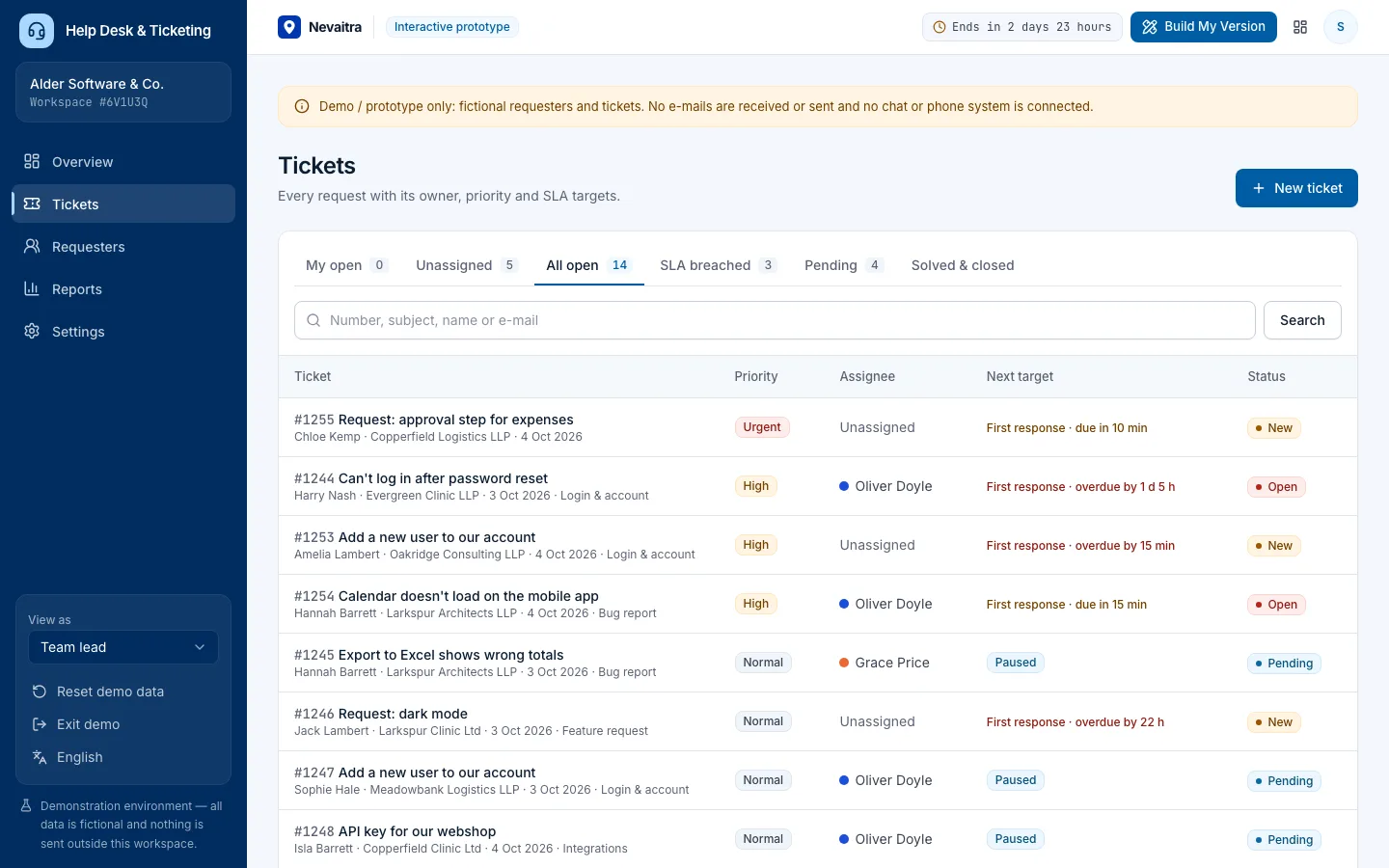
Tickets with owners, priorities and categories, public replies and internal notes, SLA targets that pause while waiting on the customer, and support reports.
Built with: Next.js · TypeScript · PostgreSQL · Prisma
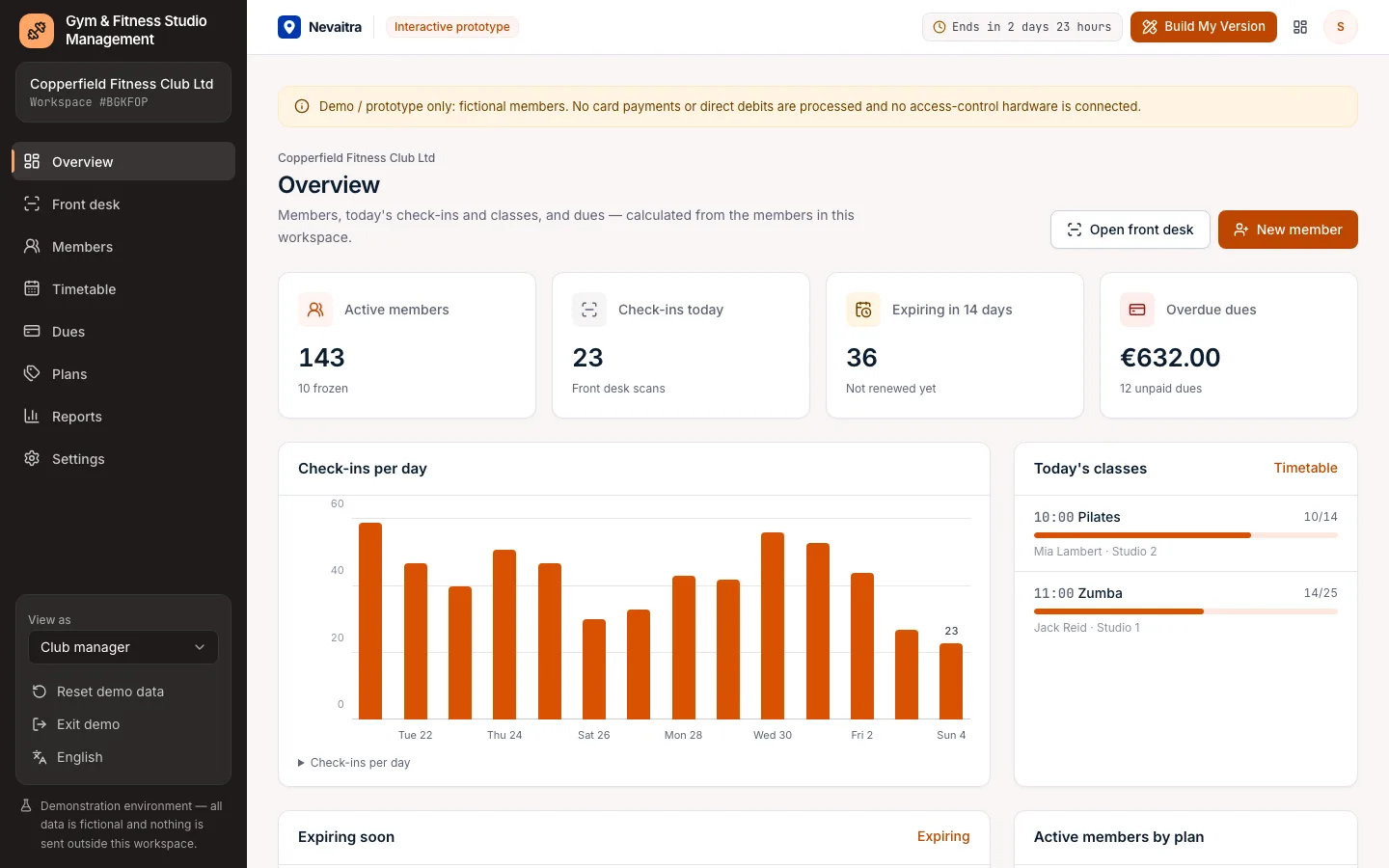
Membership plans, sign-ups and dues, front-desk check-in that refuses expired or frozen members, and a class timetable with capacity-checked bookings.
Built with: Next.js · TypeScript · PostgreSQL · Prisma
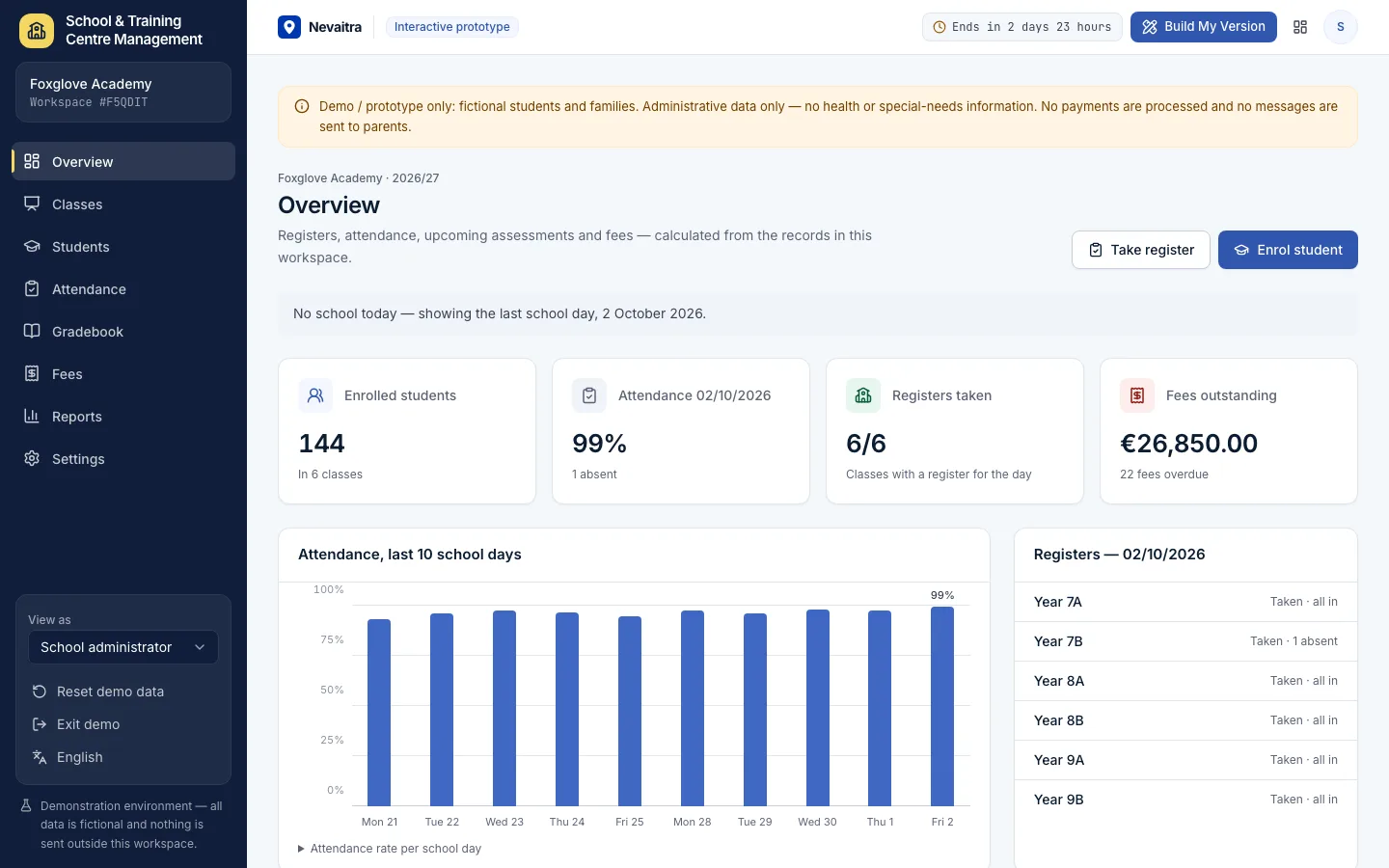
Classes and subjects, student enrolment with guardians, a daily attendance register, a weighted gradebook and tuition fees with part-payments.
Built with: Next.js · TypeScript · PostgreSQL · Prisma
Inside the demos
Every screen here is captured from the live demos, with the kind of synthetic sample data your own workspace starts with.
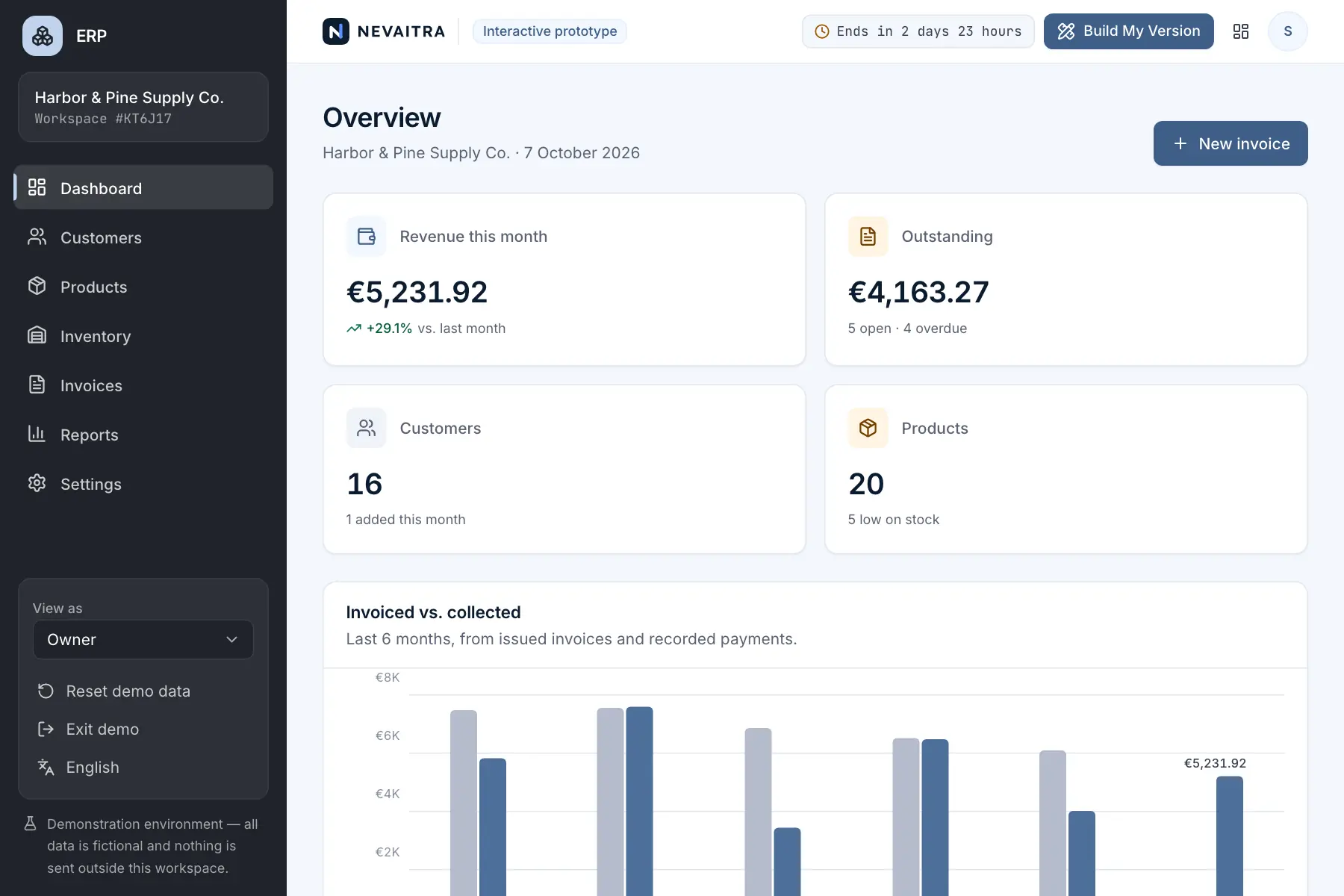
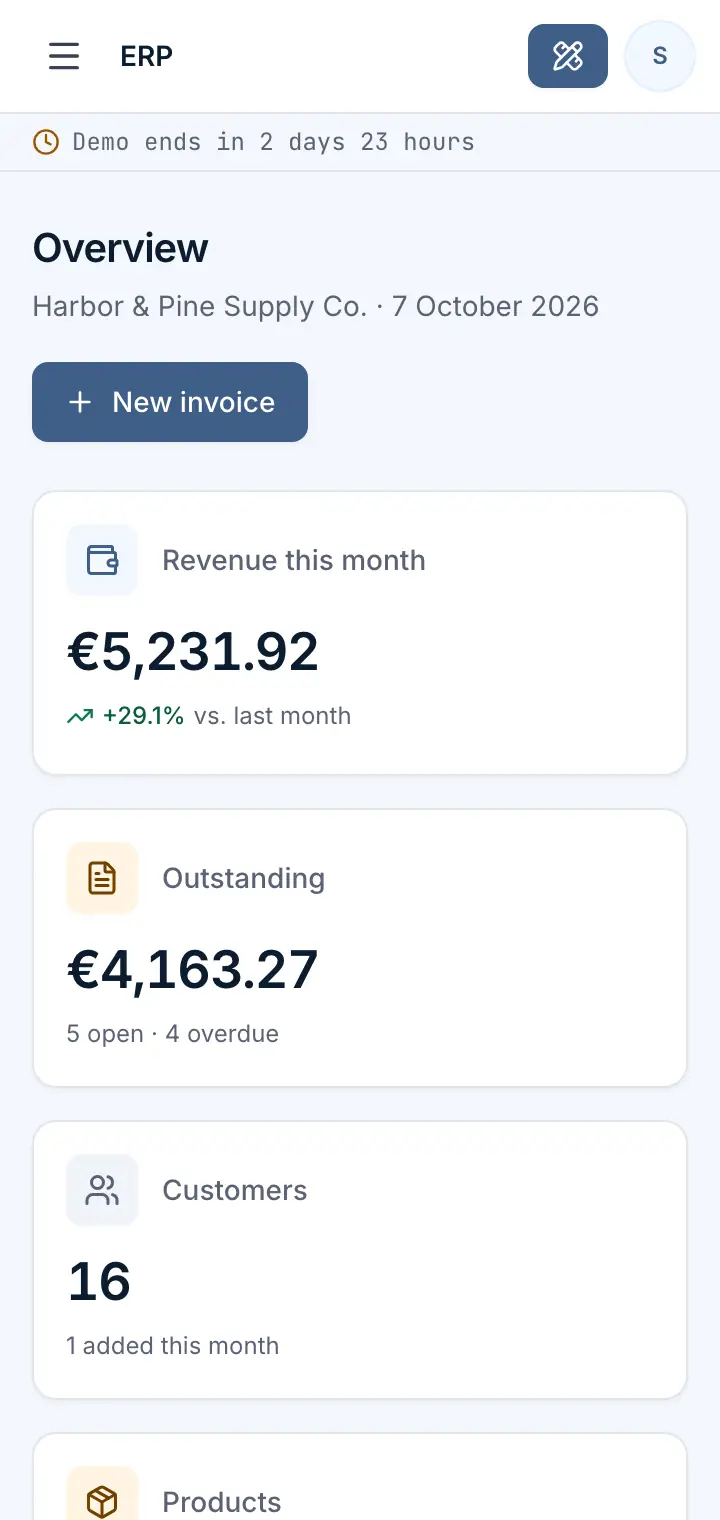
Overview — captured from the live ERP demo
Business
Run sales, stock and invoicing for a small business from one place.
How it works
The demos are free to use. They exist to show what can be built — the commercial step is a version adapted to your organization.
Search the library for the kind of software your organization needs and read what each prototype covers.
Search by feature or business area
Start a private demo workspace. Create records, run the workflows and see how the system behaves with real-looking data.
Change anything, reset any time
Tell us what should change. Your request includes the demo you tried, so the conversation starts from something concrete.
Adapted to your organization
Why interactive demos
A feature list tells you what a system claims to do. A working demo shows you how it behaves — which makes it much easier to decide what you actually need.
Using a working system makes it easier to say what you need, what you don't, and what is missing.
You judge actual screens and workflows instead of a feature list or a slide deck.
Your request references the prototype you tested, which makes the first conversations shorter and more specific.
Real software
Each demo is the application itself, running in a workspace of its own: forms validate, records are saved and reports recalculate.
Issue invoices, book into real availability, check patients in. Every action is validated and saved, and the dashboards recalculate from your workspace's own data.
Realistic, synthetic sample data
Every demo runs in its own isolated workspace and is deleted automatically when it expires.
Private workspace for 72 hours
The demos are free because they exist to show what can be built. There is no plan to buy — when a prototype is close to what you need, you request a version made for you.
No payment details required
Who builds it
All projects share one platform core: authentication, isolated demo workspaces, automatic expiry, security controls and analytics. Each prototype focuses on its own business workflows, which keeps quality consistent across the library.
Custom software
Describe the system you need. You'll get an honest assessment of scope, approach and next steps — whether or not it matches an existing prototype.
Find it. Try it. Build your own.