Skip to content
ProductivityInteractive prototypeVersion 1.0.0

Project management software with Kanban, time tracking and budgets

Every task, hour and deadline — and whether the budget still holds.

Projects with milestones, a Kanban board, task comments, time tracking against tasks, budget vs. actual in hours and money, and a read-only client view.

  • 72-hour private workspace
  • Pre-filled with synthetic data
  • Isolated from other users
  • No payment details required
9:41
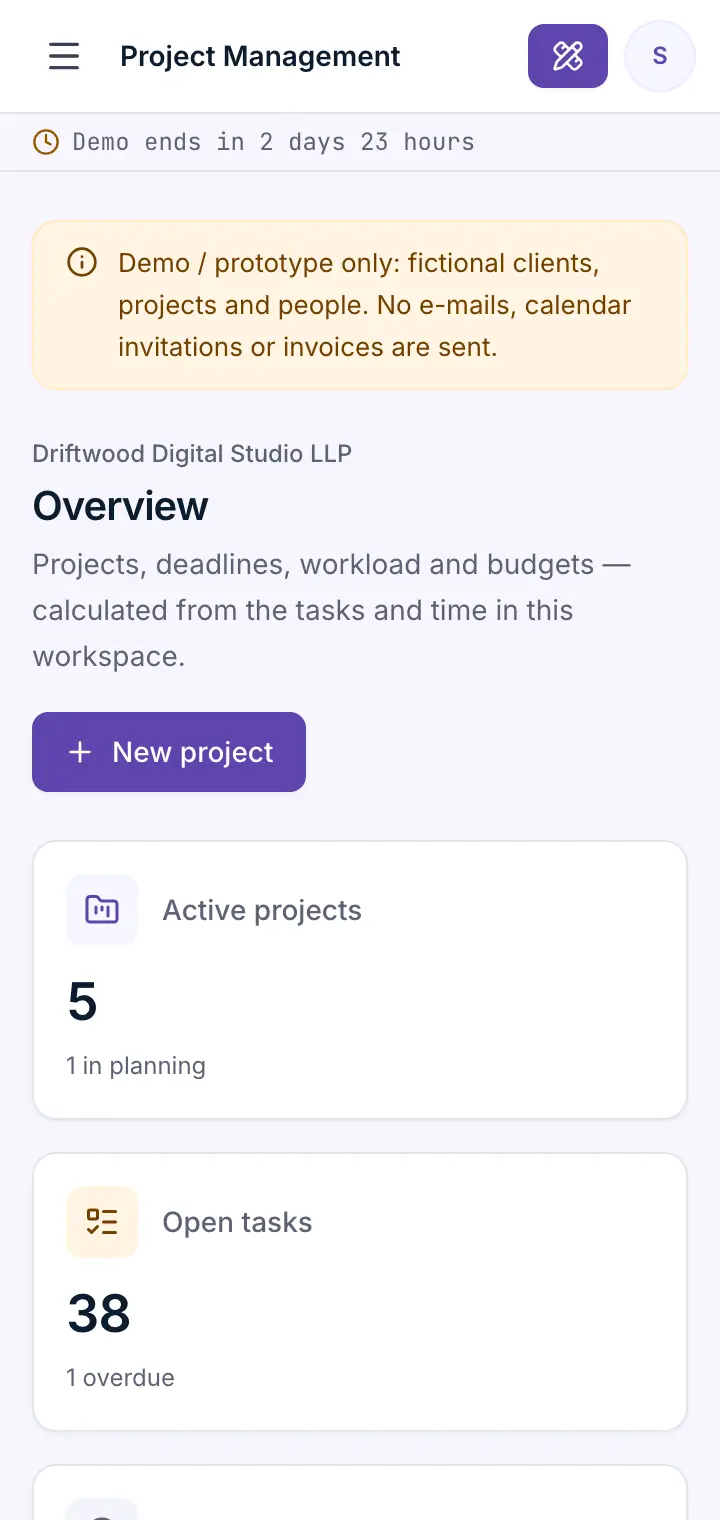
Guided preview: real screens from the live Project Management demo, on a tablet and on a phone

What Project Management does

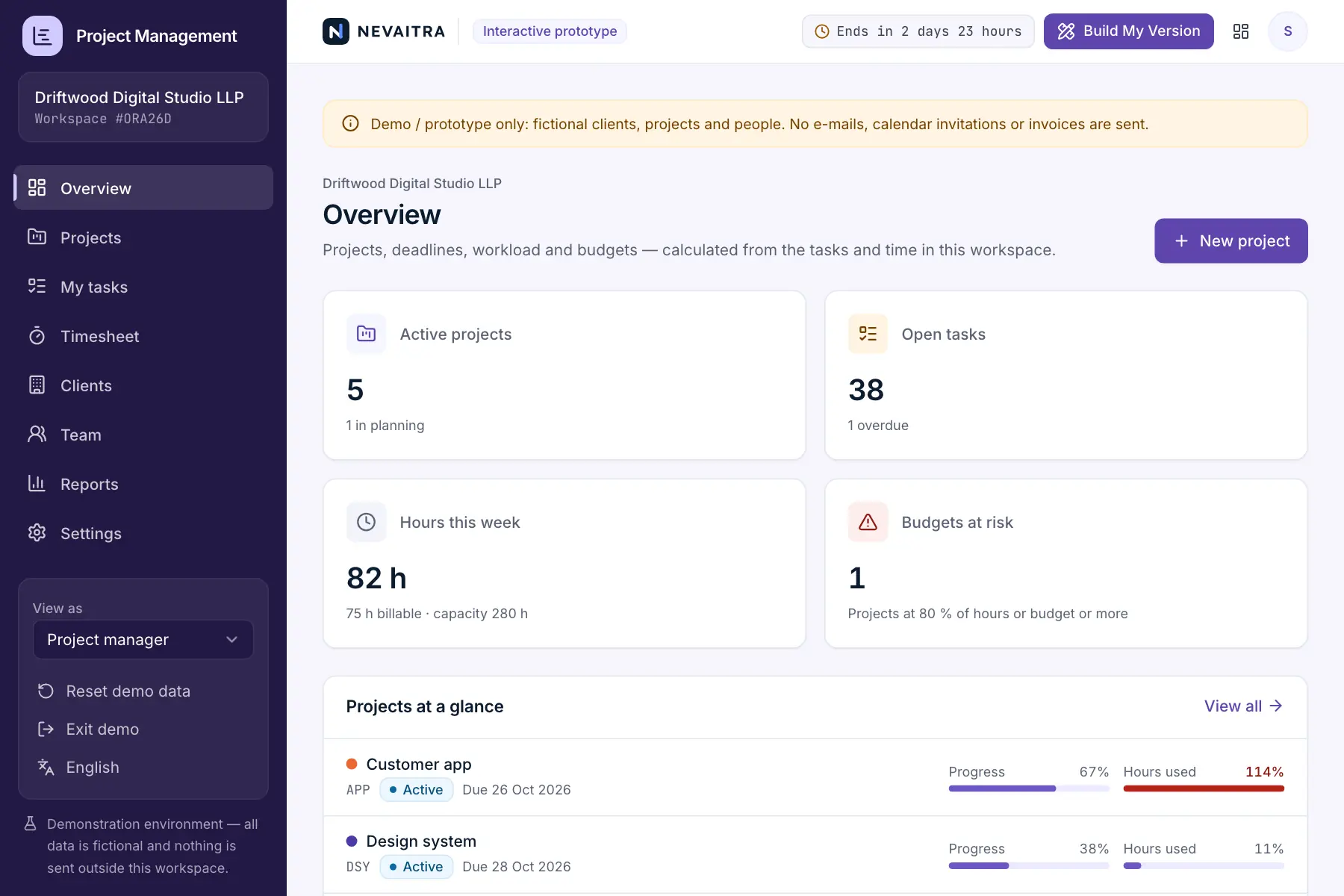
A project management prototype for agencies, consultancies and project teams. Plan projects with milestones and a team, move tasks across a Kanban board, discuss them in comments, log time against tasks and see at any moment how much of the hour budget and the fee has been used — while clients follow progress in a read-only view without internal rates.

This is an interactive prototype for evaluation — not a hosted product you can subscribe to. A production version is built and adapted for your organization on request.

Who it is for

  • Digital, design and marketing agencies
  • Consultancies and engineering offices billing by the hour
  • Internal IT and product teams
  • Studios that want to show clients progress without sharing internals

Key features

Kanban board

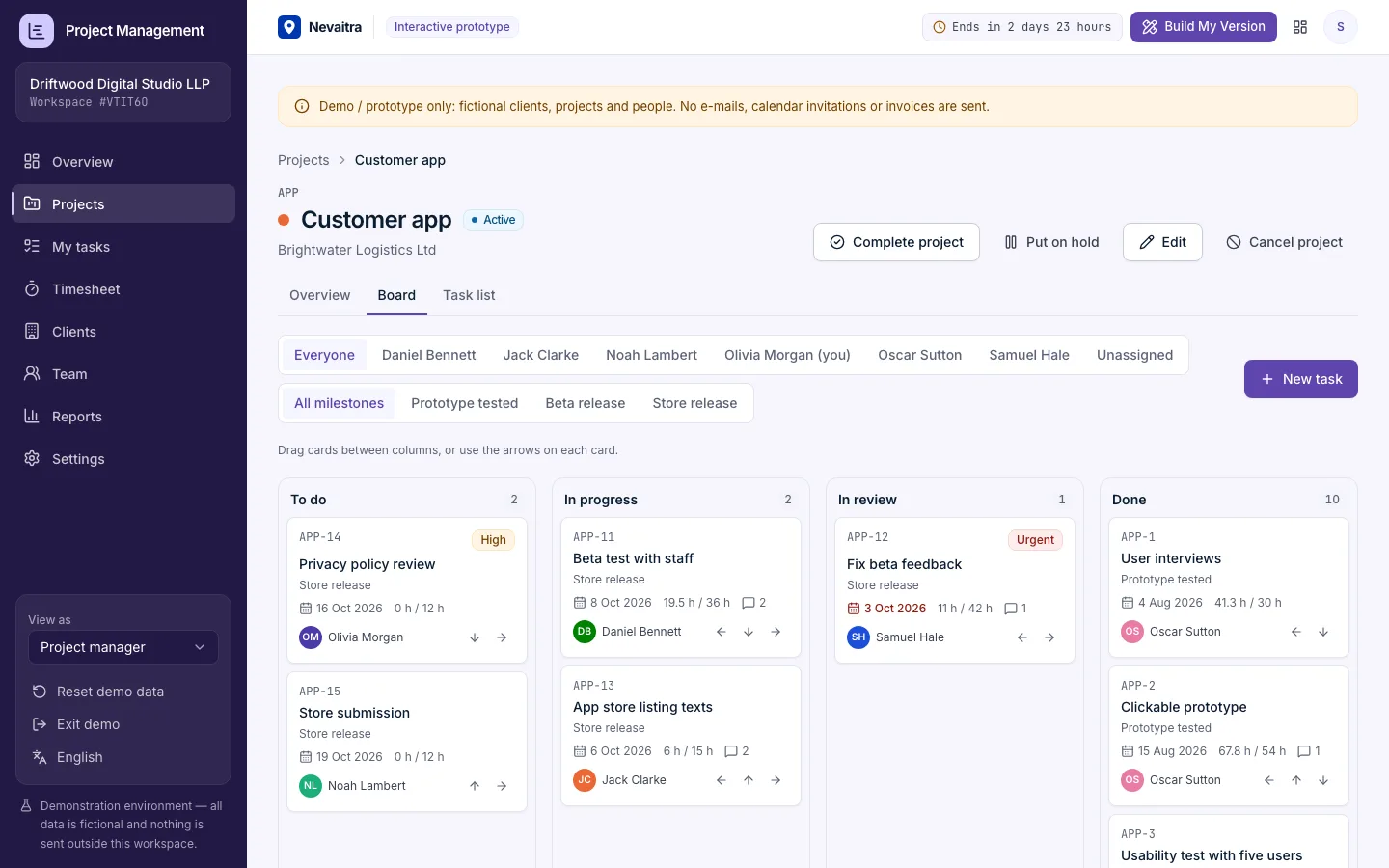
To do, in progress, in review and done: drag cards between columns or move them with the keyboard. Moving to Done records the completion date.

Tasks

Numbered tasks per project with assignee, priority, milestone, due date and estimate; 'My tasks' shows everyone their open and overdue work.

Milestones

Milestones are reached when all of their tasks are done; reopening a task reopens its milestone.

Time tracking

A weekly timesheet per person. Entries keep the cost rate that applied, can't be in the future and are capped at a working day.

Budget vs. actual

Hours against the hour budget, cost at the logged rates against the fee, billable value and margin — with warnings from 80 %.

Comments and activity

Discuss a task in comments; the activity feed shows who moved, assigned or finished what.

Read-only client view

Client contacts see only their company's projects — progress, milestones and the board — without costs, rates or internal comments.

Reports

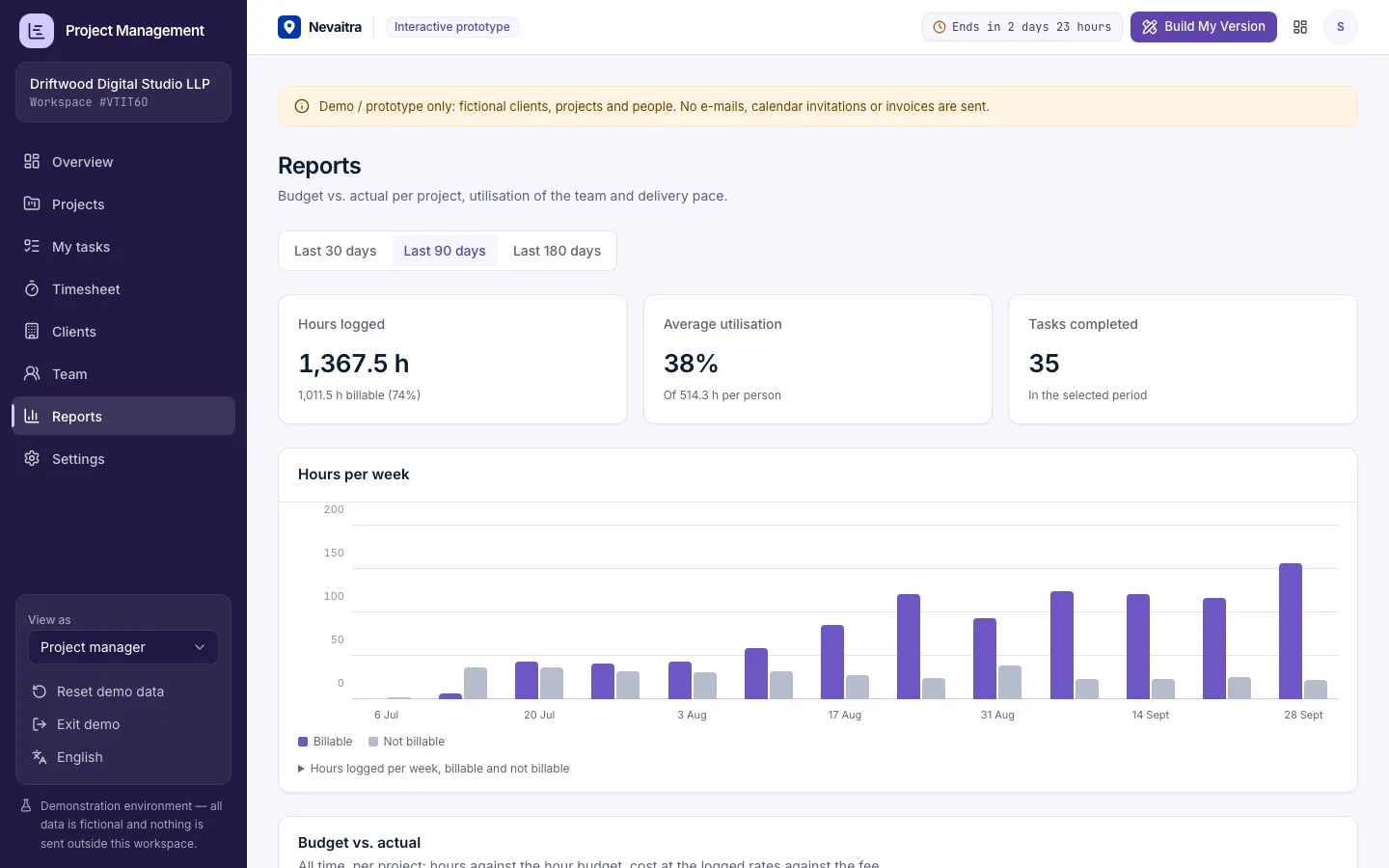
Budget vs. actual for every project, utilisation per person against capacity, hours by project and tasks completed per week.

Workflows you can try

  1. 01

    Plan a project

    Create a project with code, team, budget and dates, then add its milestones.

  2. 02

    Run the board

    Add a task, assign it and drag it from To do to Done — the milestone updates.

  3. 03

    Log time

    Book hours on a task in the timesheet and watch the project's budget use change.

  4. 04

    Spot a budget problem

    Open the customer app project: it is over its hour budget — see where the time went.

  5. 05

    See it as the client

    Switch to the client role and open the website project read-only.

  6. 06

    Check utilisation

    Compare each person's logged hours with their capacity and billable share.

Screenshots from the live demo

Captured from the current version of the prototype.

Kanban board of a project with To do, In progress, In review and Done columns
Drag cards between columns or move them with the keyboard
Project reports with budget vs. actual in hours and money and utilisation per person
Budget vs. actual for every project, with warnings from 80 %

How the live demo works

  1. 01Create an account or sign in with Google — no payment details needed.

  2. 02A private workspace filled with fictional sample data is created for you in seconds.

  3. 03Work through the workflows and switch the demo role in the sidebar to see what each role can do.

  4. 04Click “Build My Version” — your request includes the demo and the features you tried.

What the demo includes

  • A fictional digital studio with a team of seven and four clients
  • Eight projects in every state: active, planning, on hold and completed
  • About 70 tasks with milestones, comments and four months of logged time
  • One project over its hour budget and two internal, non-billable projects
  • Three demo roles: Project manager, Team member and Client (read-only)

Demo limitations

  • Demo / prototype only — fictional clients, projects and people
  • No Gantt chart, task dependencies or resource levelling
  • No invoicing; billable value is calculated but not invoiced
  • No file attachments, e-mail notifications or calendar sync
  • One task board per project with four fixed columns

What can be customized

  • Gantt timeline with dependencies
  • Invoicing of billable hours or milestones
  • Custom workflows and columns per project
  • File attachments and e-mail notifications
  • Client portal with approvals and comments
  • Integration with accounting, calendar or chat tools

What happens when the demo ends

After 72 hours the workspace and every record you created are permanently deleted. Your account stays active, and you can request a customized version at any time.

Technologies

  • Next.js
  • TypeScript
  • PostgreSQL
  • Prisma
  • Tailwind CSS

Frequently asked questions

What does project management software do?

It keeps a project's tasks, deadlines, people and hours in one place, so everyone knows what to do next and the project manager sees progress and budget at a glance. This demo covers projects with milestones, a Kanban board, comments, time tracking, budget vs. actual and a client view.

How is budget vs. actual calculated?

Hours: all time logged on the project against its hour budget. Money: every time entry valued at the person's cost rate when it was logged, against the agreed fee — so later rate changes don't rewrite history. Billable value is billable hours × the project's hourly rate.

What can a client see?

A client contact sees only their own company's projects: progress, milestones, the board and task details. Costs, rates, logged time and internal comments stay hidden.

Can team members log time for others?

No. Team members log and delete their own time; the project manager can view and book time for anyone on a project team.

How is this different from the help desk or CRM demos?

The CRM follows a sale until the deal is won; the help desk handles incoming support requests. Project management plans and delivers the work afterwards — tasks, milestones, hours and budget.

View all projects
OperationsLive demo
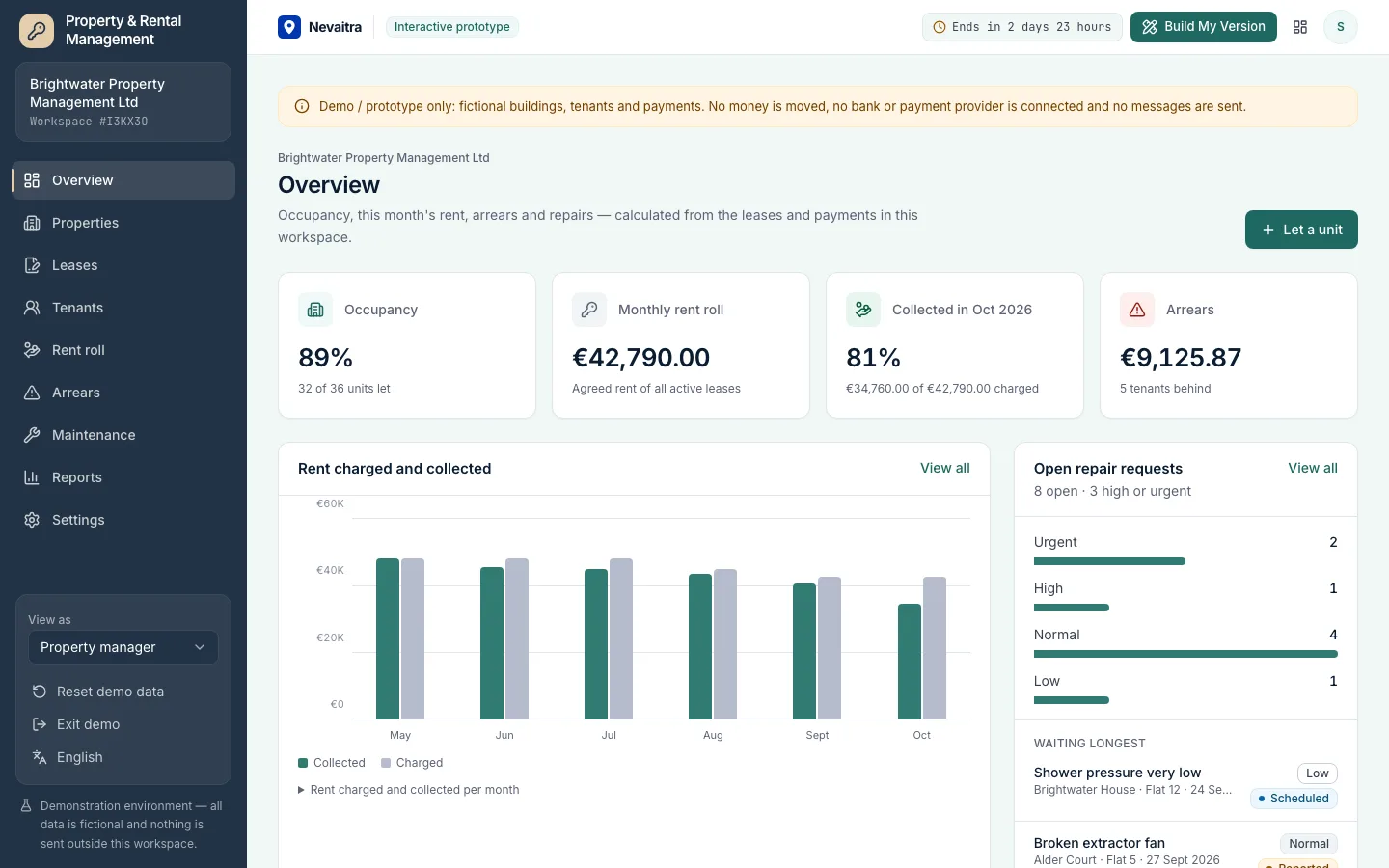
Property management dashboard with occupancy, rent collected, arrears and open repair requests

Property & Rental Management

Properties, units, leases and tenants with a monthly rent roll, partial payments, arrears ageing and maintenance requests — for landlords and property managers.

  • Properties and units
  • Leases without double letting
  • Monthly rent roll
  • Tenants and partial payments

Built with: Next.js · TypeScript · PostgreSQL · Prisma
ServicesLive demo
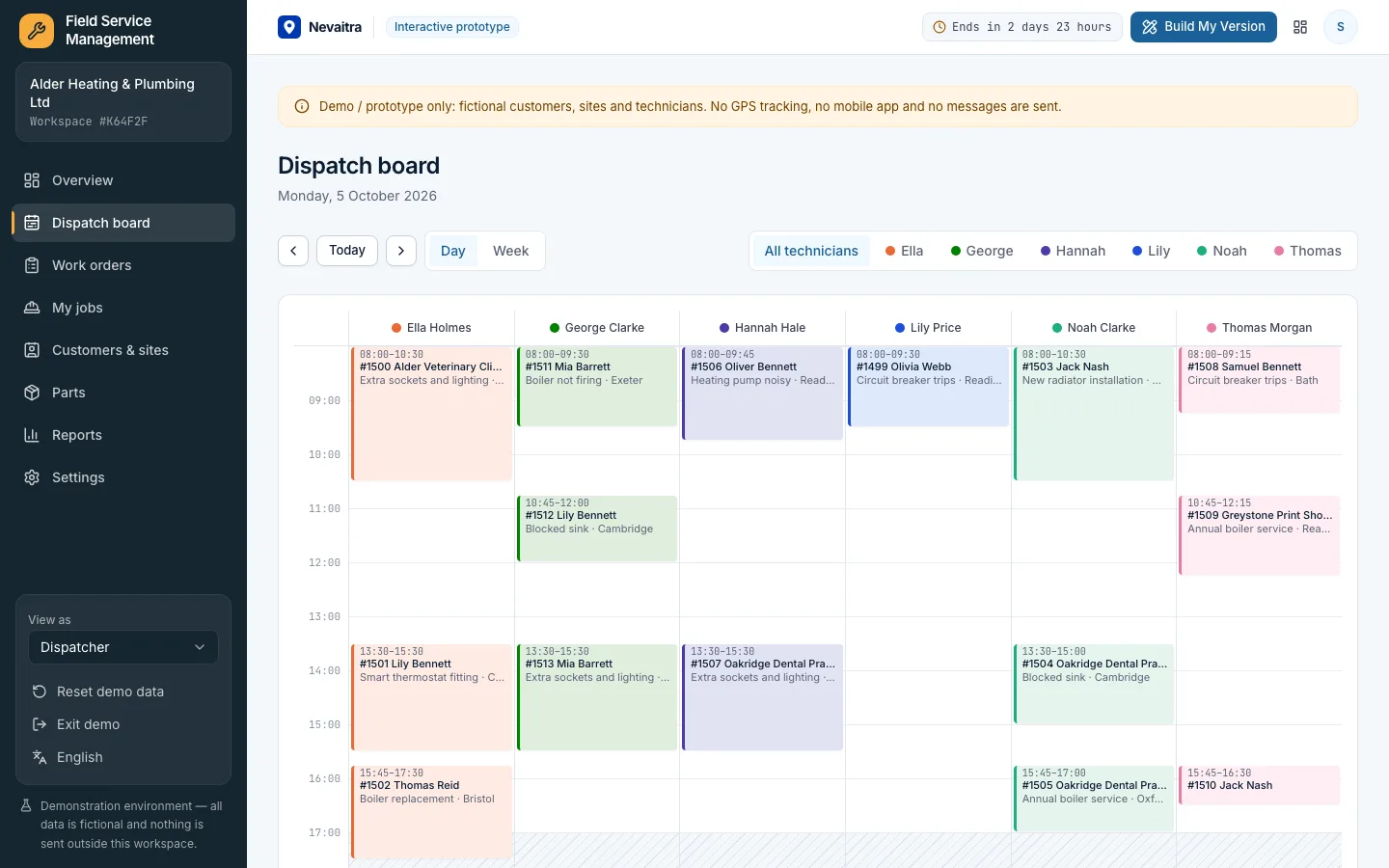
Dispatch board with a column per technician and scheduled work orders

Field Service Management

Work orders, a dispatch board without double-booked technicians, parts and labour on every job, customer sign-off and a printable job report.

  • Dispatch board
  • Work orders with a clear status
  • The technician's day
  • Parts and labour

Built with: Next.js · TypeScript · PostgreSQL · Prisma
ServicesLive demo
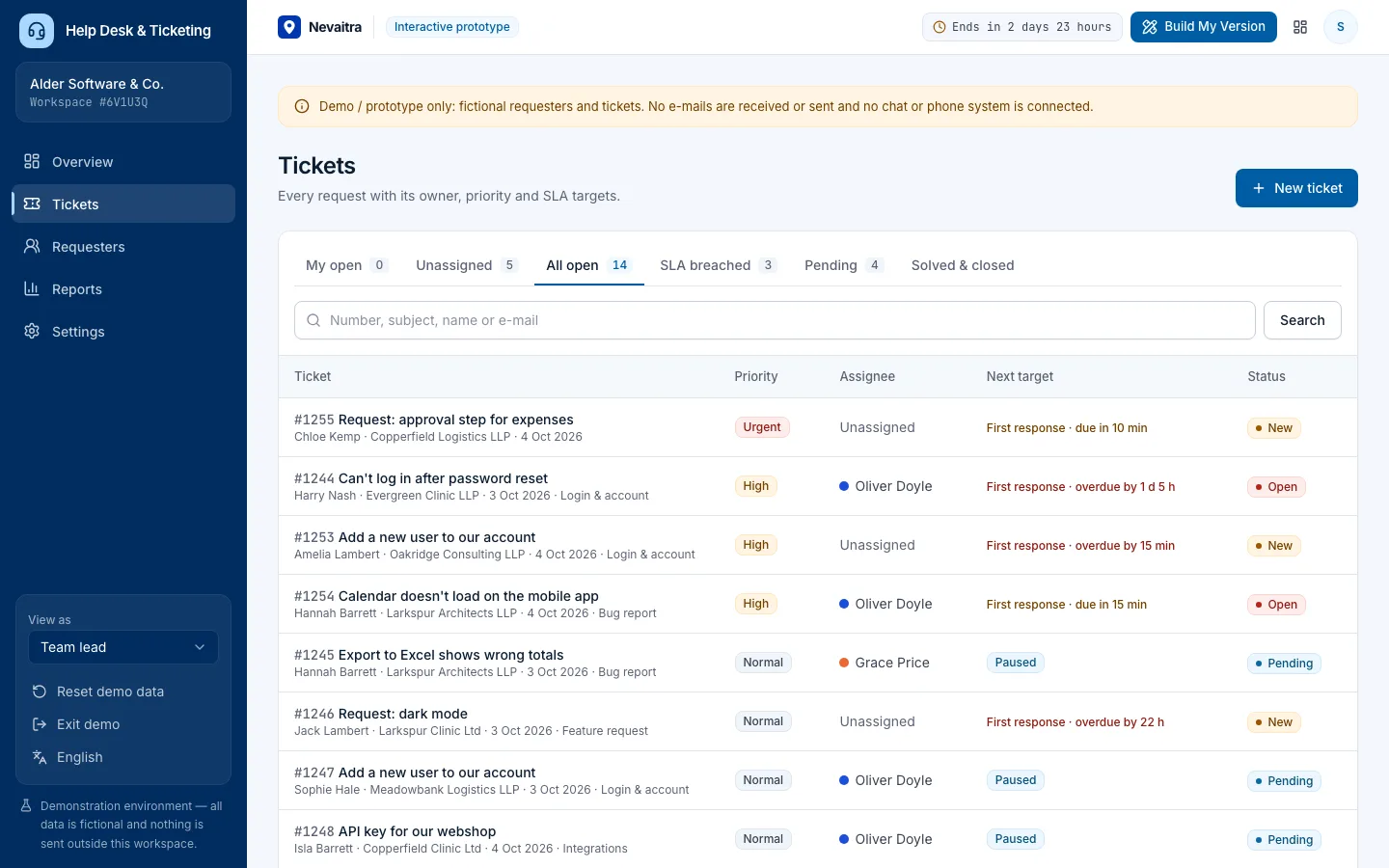
Ticket queue with priority, assignee and the next SLA target of each ticket

Help Desk & Ticketing

Tickets with owners, priorities and categories, public replies and internal notes, SLA targets that pause while waiting on the customer, and support reports.

  • Tickets and conversations
  • Triage and ownership
  • SLA targets
  • Ticket intake

Built with: Next.js · TypeScript · PostgreSQL · Prisma

Want this system, adapted to how you work?

Request a customized version. Mention what you tried in the demo and what needs to be different.